Is WordPress MCP Integration Safe & Secure?
Connecting your WordPress site to the AI assistant looks simple until you ask what that assistant can actually do. WordPress MCP integration is safe when it’s set...
Connecting your WordPress site to the AI assistant looks simple until you ask what that assistant can actually do. WordPress MCP integration is safe when it’s set up with proper controls and risky when it isn’t. The gap between those two outcomes is entirely your setup.
Most of the site owners installed a plugin or connected a server that lets an AI agent read posts, publish content, or update products. That access is useful, but it is also connected with an external tool and holds keys to your site. The concern is how much power you gave, which tokens you issue, and whether you can see what the agent did after the actual event.
This guide breaks down where the actual risks sit, how to keep your WordPress MCP integration safe, and what changes to make when a WooCommerce store is involved.
Quick Summary
WordPress MCP integration is safe when you scope access tokens tightly, force AI-created content to draft status, disable delete tools you don’t need, and keep an audit log of every agent action. It becomes risky with unscoped master keys, unvetted MCP servers, and no review step. The protocol is secure by design, but the responsibility for securing it sits with you.
WordPress MCP Integration Connects Your Site to AI Tools Like Claude
WordPress MCP Integration turns your site into an AI agent that can read and write. MCP (Model Context Protocol) is an open standard that lets AI applications connect to outside systems in a consistent way.
There are many ways to set this up, but these two are the most common and easiest to use. One uses a WordPress plugin like WPVibe that turns your site into an MCP server. And the other connects through a hosted MCP server that exists between your site and the AI. Whichever way, once the connection is live, an agent can do the work you would normally handle by manually in the WordPress Dashboard.
That work is broad. A connected agent can draft and publish posts, update pages, upload media, and manage categories. By using MCP to update WooCommerce products, an agent bulk-edits prices, stock, and descriptions through conversation instead of doing it manually.
The reason this matters most for security is very simple. Every one of those actions used to require a human logged into the dashboard. Publishing content through the WP Vibe MCP plugin is one example. This means you need to be careful about what permissions you give an MCP tool and which actions it can perform on your WordPress site.
WordPress MCP Integration Is Safe When It’s Set Up Right
Quick answer
WordPress MCP integration is safe when you control what the AI agent can access, and it turns risky the moment you hand over broad, unchecked permissions. Your configuration is the weak point, not the protocol itself.
Think of it like giving someone a key to your office. Giving them a key to one room is fine. Giving them a master key to every room is a much bigger risk. MCP works the same way. Its security depends on what access you give it and how carefully you control that access.
This is also why the same setup can be perfectly safe on one site and a liability on another. A blog where an agent only drafts posts for human review carries almost no risk. A store where an agent can delete products, change prices, and export customer data with a single unscoped token is a much bigger exposure. The variable is always the setup, not the technology.
It helps to understand how AI tools affect WordPress security before you connect anything. The rest of this guide covers where the risk sits and how to keep your WordPress MCP integration safe by closing each gap.
Where WordPress MCP Security Risks Actually Come From
Most of the risk in a WordPress MCP setup doesn’t come from the protocol itself. It comes from decisions made during setup, the same category as the common WordPress security mistakes that catch site owners out with any plugin. The protocol’s own maintainers are direct about this. Their MCP security best practices note that MCP doesn’t enforce security at the protocol level, which puts the responsibility on whoever deploys it.
Here are the five places things actually go wrong.
API Keys and Tokens Without Proper Scoping
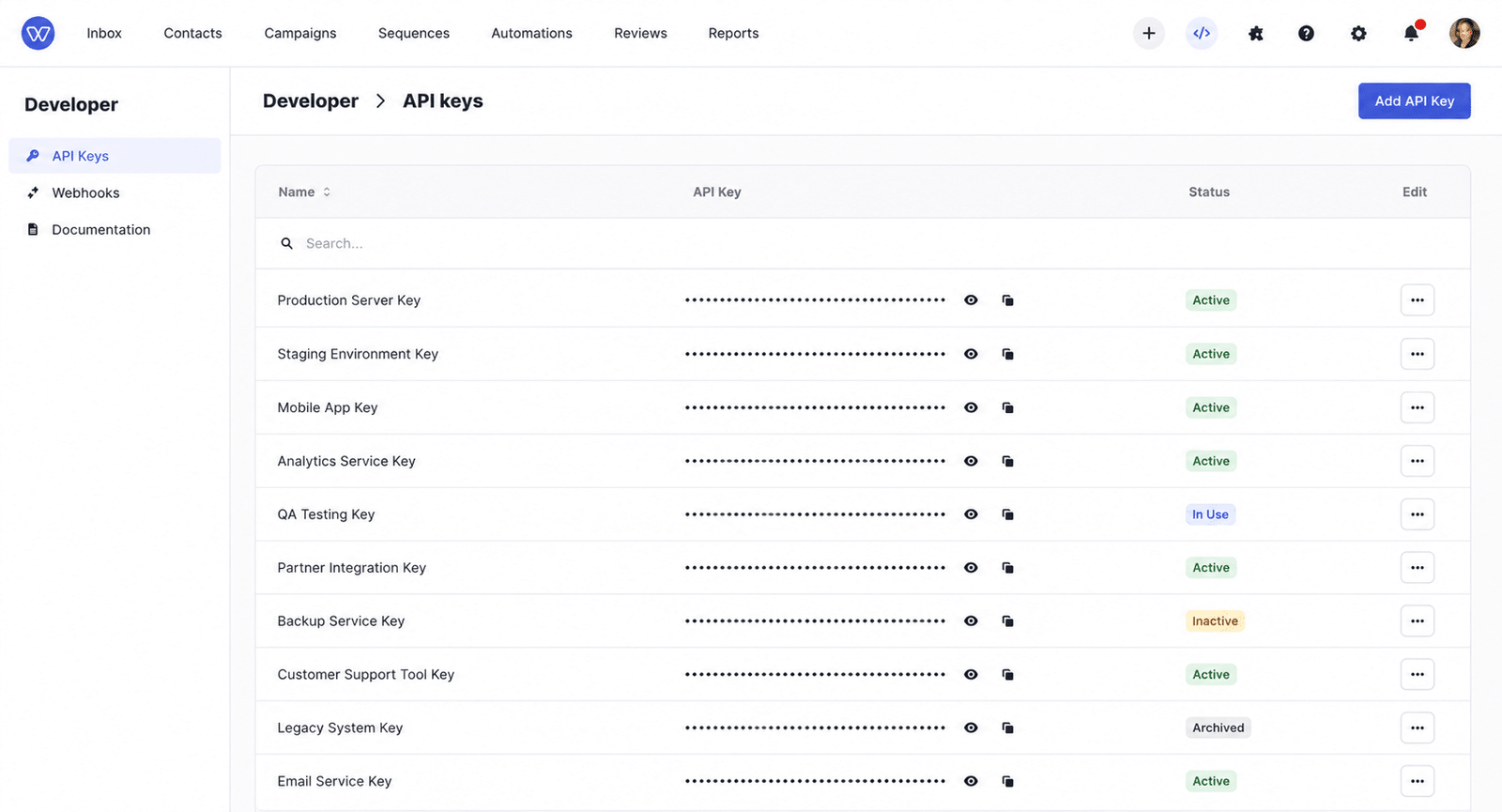
The single biggest risk is one token that can do everything. When you generate an access key that grants full read and write across posts, users, settings, and store data, you’ve created a master key. If that token leaks, whoever holds it has your whole site. Scoping the token to only what the agent needs is the fix, and it’s the step people skip most often.
Untrusted or Unvetted MCP Servers
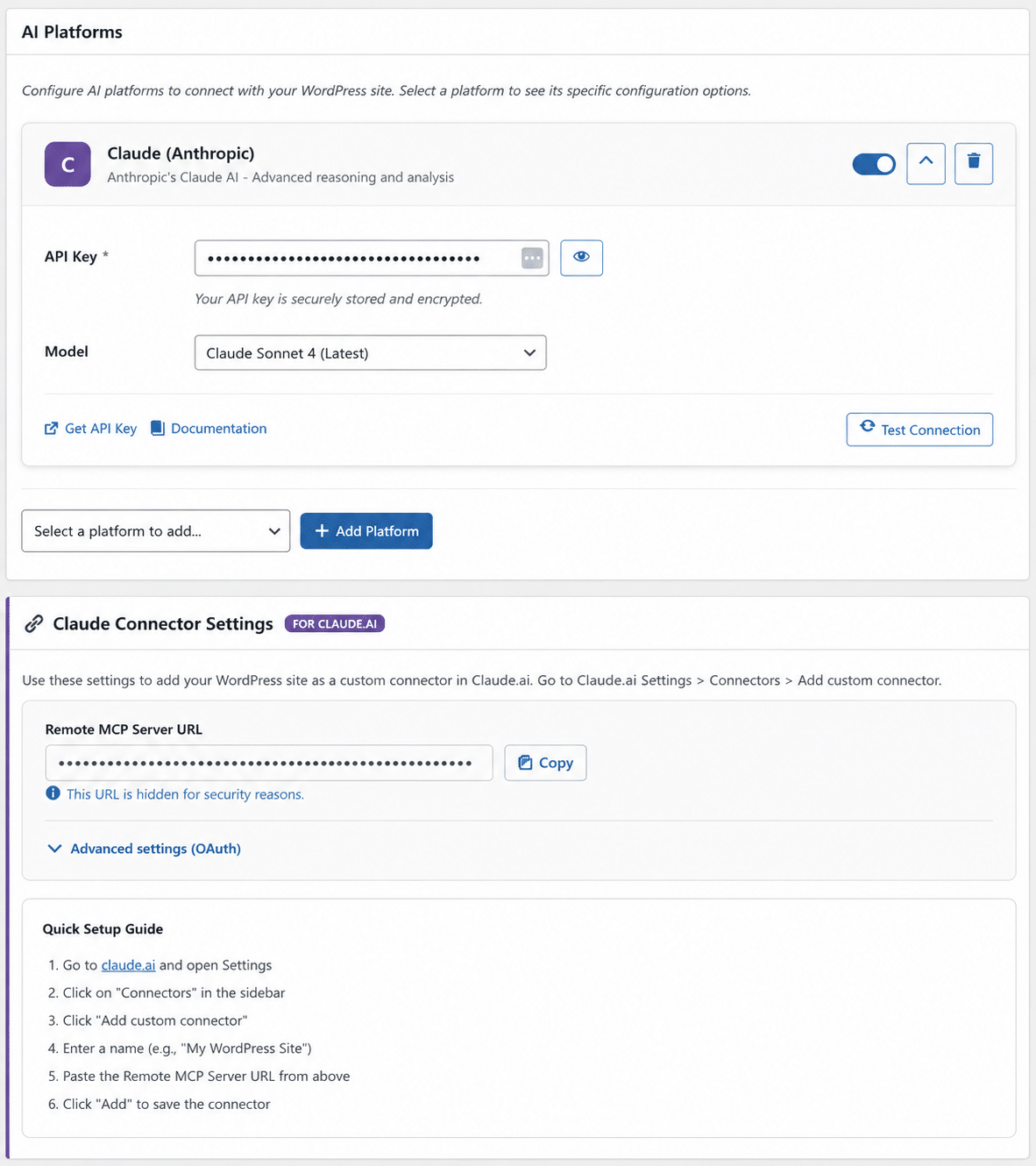
Connecting to the wrong server is how a helpful assistant becomes an attack vector. A malicious or poorly built MCP server can read data it shouldn’t, inject instructions, or run actions you never approved. This matters most when you’re connecting WordPress via a hosted MCP Express server rather than a local plugin, because you’re trusting an external service with live access. Check the server the same way you’d test any plugin before installing it.
No Audit Trail for Agent Activity
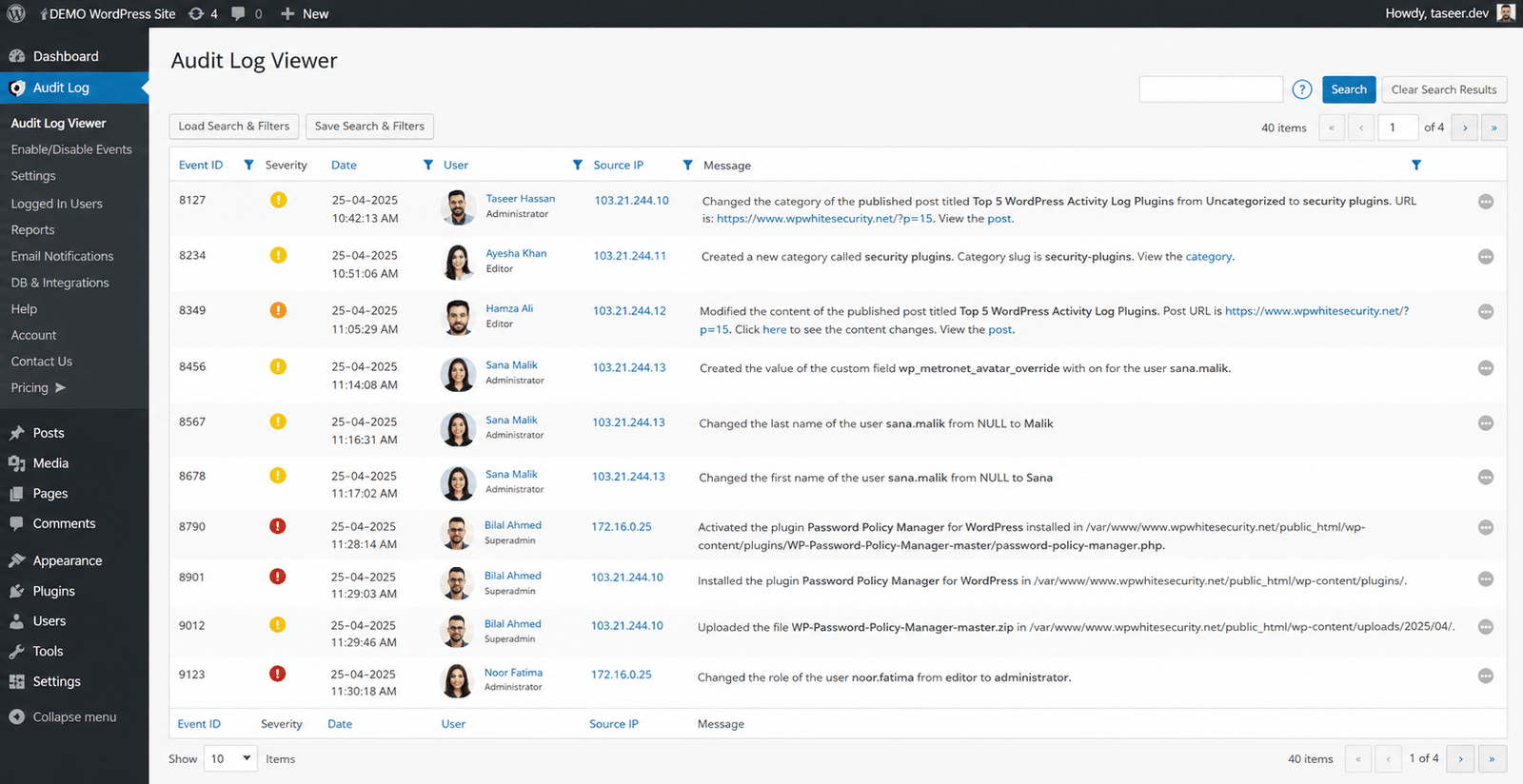
If you can’t see which agent did what and when, you can’t catch a problem before it goes live. A proper setup logs every tool call, including the agent, action, result, IP address, and timestamp. Without these records, it can be hard to tell a bad change from a good one until a customer notices. Pair MCP logging with a broader WordPress security guide to protect your whole site, not just the agent.
Destructive Actions With No Review Step
Delete tools are the ones people often forget to lock down. A delete operation can permanently remove posts, pages, media, or users, and there’s no undo once it runs. These tools should only be enabled if everyone with MCP access is fully trusted. If a delete does slip through, knowing the warning signs that your site’s compromised can help you react before the damage spreads.
Actual WordPress MCP Vulnerabilities Have Already Been Patched
This is not just a theory. WordPress plugins can have security problems, and MCP plugins can have them too. For example, a plugin may let someone access files they should not. These problems are usually fixed with security updates. You can check plugin security issues in WPScan’s WordPress vulnerability database. The simple rule is to keep your plugins updated.
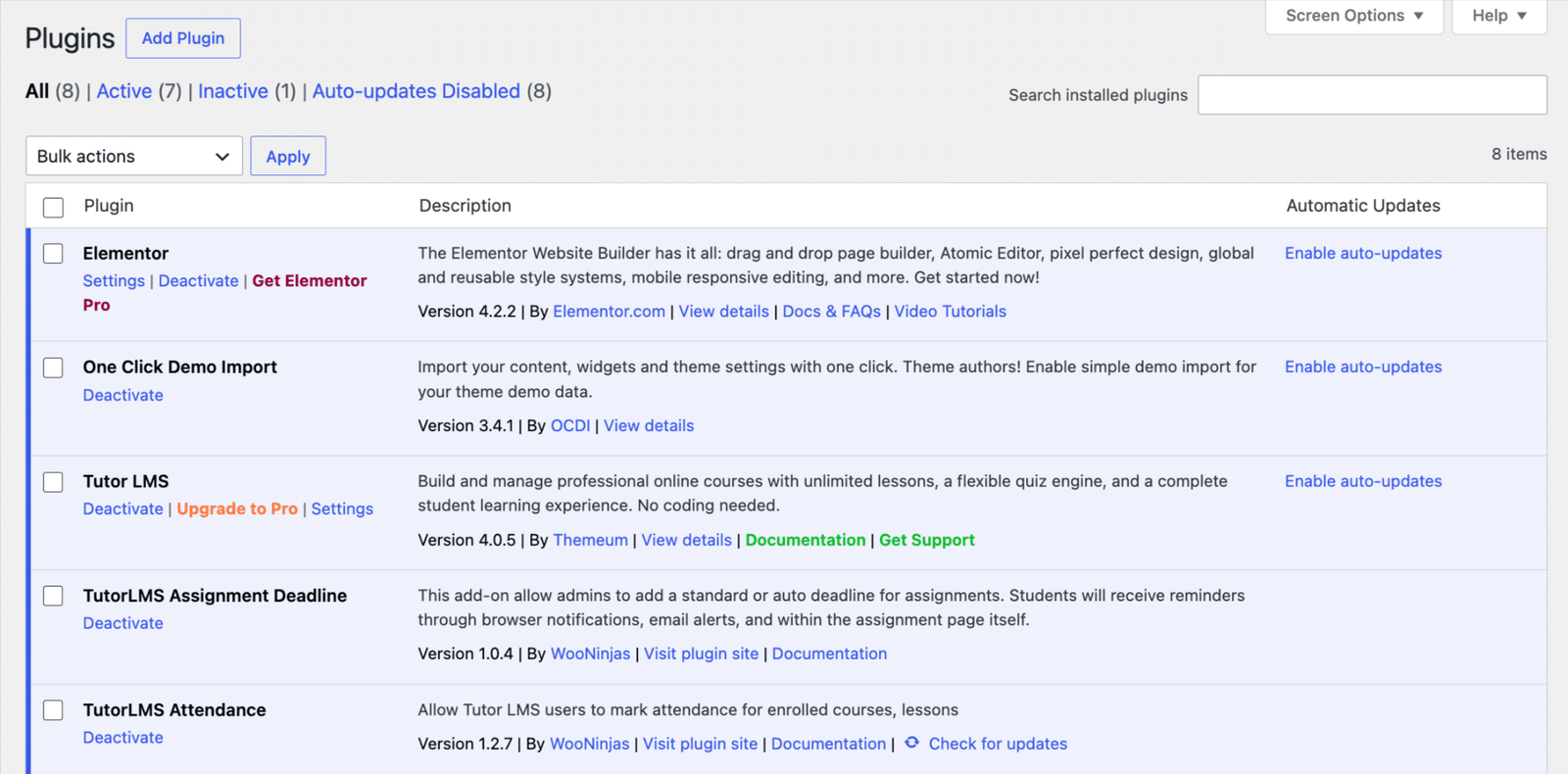
How to Secure Your WordPress MCP Integration Setup
Knowing the risks is only half the job. Keeping your WordPress MCP integration safe is the other half. Each risk mentioned above has a simple way to reduce it. These steps are easy to follow, but skipping them can make your setup unsafe.
Use Token-Based Auth, Not a Shared Master Key
Give each agent its own scoped token instead of one key that unlocks everything. A well-built setup logs every tool call against the token that made it, so you can see exactly who did what.
If a token leaks, you revoke that one and leave the rest unchanged. It’s the difference between losing a single door key and handing over the whole building.
Looking for a Ready-Made Solution?
Explore our WordPress, WooCommerce, and LMS plugins built to extend functionality without custom development.
Force AI-Created Content to Draft Status
Set the agent so everything it creates saves as a draft, not a live post. A human then reviews and publishes.
Many MCP plugins let you force all AI-created posts and pages to draft, which adds a review step before anything reaches your visitors. That small toggle catches mistakes, hallucinated facts, and off-brand copy before they go public.
Turn Off Delete Tools You Don’t Need
If the agent doesn’t need to delete anything, don’t give it that access. You can turn off delete tools for posts, pages, media, and users in the plugin settings.
Most workflows never need them. Turning them off removes the one class of action that can’t be undone, which is worth doing even if you trust every user today.
Match Agent Access to Human Access
The cleanest setups run the agent as the authenticated user, so it gets that person’s permissions and nothing more. There’s no new access tier to manage and no extra vendor in the middle.
One exception is worth flagging. WordPress-only accounts without a matching platform login can connect directly, which puts them outside that governance layer, so watch for those.
Keep the Plugin and WordPress Core Patched
Every control above assumes the software itself is current. An unpatched MCP plugin or outdated core destroys the rest, since that’s how known bugs get exploited.
Running solid security plugins for WooCommerce stores covers part of this, and pairing them with ongoing WordPress maintenance keeps updates from slipping.
If you’d rather have the whole setup checked properly, a WordPress security audit confirms your tokens, permissions, and logging are configured the way they should be.
WooCommerce Stores Carry Higher Stakes With MCP Access
A blog post saved to draft is easy to fix. A wrong price pushed live to a thousand shoppers is not.
That’s the core reason WordPress MCP access on a store needs tighter controls than it does on a content site. The stakes attached to each action are simply higher.
On a WooCommerce store, a connected agent can touch prices, stock levels, product descriptions, and order data. A single bad edit can oversell inventory, undercharge customers, or expose details it shouldn’t.
None of that means you avoid MCP in a store. It means the controls from the last section stop being optional and become the baseline.
To keep your WordPress MCP integration safe in a store, scope the token to the exact store actions the agent needs. Keep delete tools off, force risky changes through review, and log every call so a pricing error is caught in minutes, not after the refunds start.
Key Takeaways
- WordPress MCP integration is safe when configured correctly. The protocol itself is secure by design. The risk comes from how you set up access to the system.
- Unscoped tokens are the biggest danger. A single master key that can do everything is risky. Give each agent a token with only the access it needs.
- Keep AI-created content as drafts. A human should review it before anything is published.
- Turn off delete tools you don’t use. Delete actions can’t be undone. If the agent doesn’t need them, disable them in the plugin settings.
- Keep a log of every agent action. This helps you see which token did what and when, so you can catch problems early.
- WooCommerce stores need tighter controls. Prices, stock, and customer data need extra protection, so use limited access and logging.
- Keep your software updated. Security issues can be found and fixed, but outdated WordPress, plugins, or MCP tools can leave your site at risk.
Conclusion
WordPress MCP integration is safe when it’s built with care and risky when it’s rushed. Scoped tokens, draft-first publishing, disabled delete tools, and a full audit log are what keep that convenience from turning into exposure.
The protocol was never the problem. The setup is where safety is determined, and keeping your WordPress MCP integration safe depends on the controls you can put in place before you connect a single agent.
Getting that setup right takes a bit of expertise, especially on a store where prices, stock, and customer data are all in reach. If you’d rather not leave any of it to guesswork, it helps to have people who’ve configured the system properly before.
That’s where our team comes in. WooNinjas offers WordPress MCP Integration built with the token scoping, review steps, and logging covered here, so your site stays safe from day one. Want it set up right the first time? Talk to our WordPress security team and we’ll handle the rest for you.
FAQs
Can an MCP-connected AI delete my site content?
Only if you enable delete tools. Most setups let you turn delete permissions off globally, and on WordPress.com deletions go to trash with a 30-day recovery window, while every write action requires explicit confirmation first.
Do I need a security audit before turning on WordPress MCP integration?
Not required, but recommended for stores or client sites. An audit confirms your tokens are scoped, delete tools are off, and logging is active before an agent gets access.
Is WordPress MCP integration GDPR compliant?
It can be, depending on setup. Compliance depends on how you handle personal data the agent can reach, such as customer names, emails, and orders, so scope access and keep an audit log. See the ICO’s guidance on AI and data protection for the legal basis.
What’s the difference between read-only and write-access MCP setups?
Read-only lets an agent view content and data but change nothing. Write access lets it create, edit, and delete. WordPress.com’s MCP started read-only and added write access in March 2026, with each write action gated behind confirmation.
Does the AI see my WordPress password?
No. Secure MCP setups use token-based auth or OAuth, so the agent connects without ever receiving your password, and you can revoke its access at any time.
Need Ongoing WordPress Maintenance & Support?
We handle updates, performance monitoring, security hardening, and technical fixes so your WordPress and WooCommerce site stays stable and secure.
Plugin Not Working in WordPress? Here’s Why
Is your plugin not working in WordPress? Here are the 7 most common causes and fixes for plugin conflicts, errors,…
Read More...
WordPress SEO Consultant, Freelancer, or Agency: What Each Costs
Hiring SEO help gets expensive fast. See what an SEO consultant, freelancer, or agency really costs before picking one for…
Read More...
AEO vs. SEO: How to Get Your WordPress Site Cited in AI Answers
AEO vs. SEO explained in simple terms, plus the schema, content, and site fixes that help your WordPress site show…
Read More...
