How to Use AI to Improve WordPress SEO
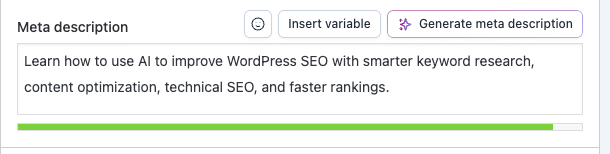
Learn how to use AI to improve WordPress SEO with Yoast, Claude, Ahrefs MCP, and Link Whisper. Discover best practices that help your website rank higher.
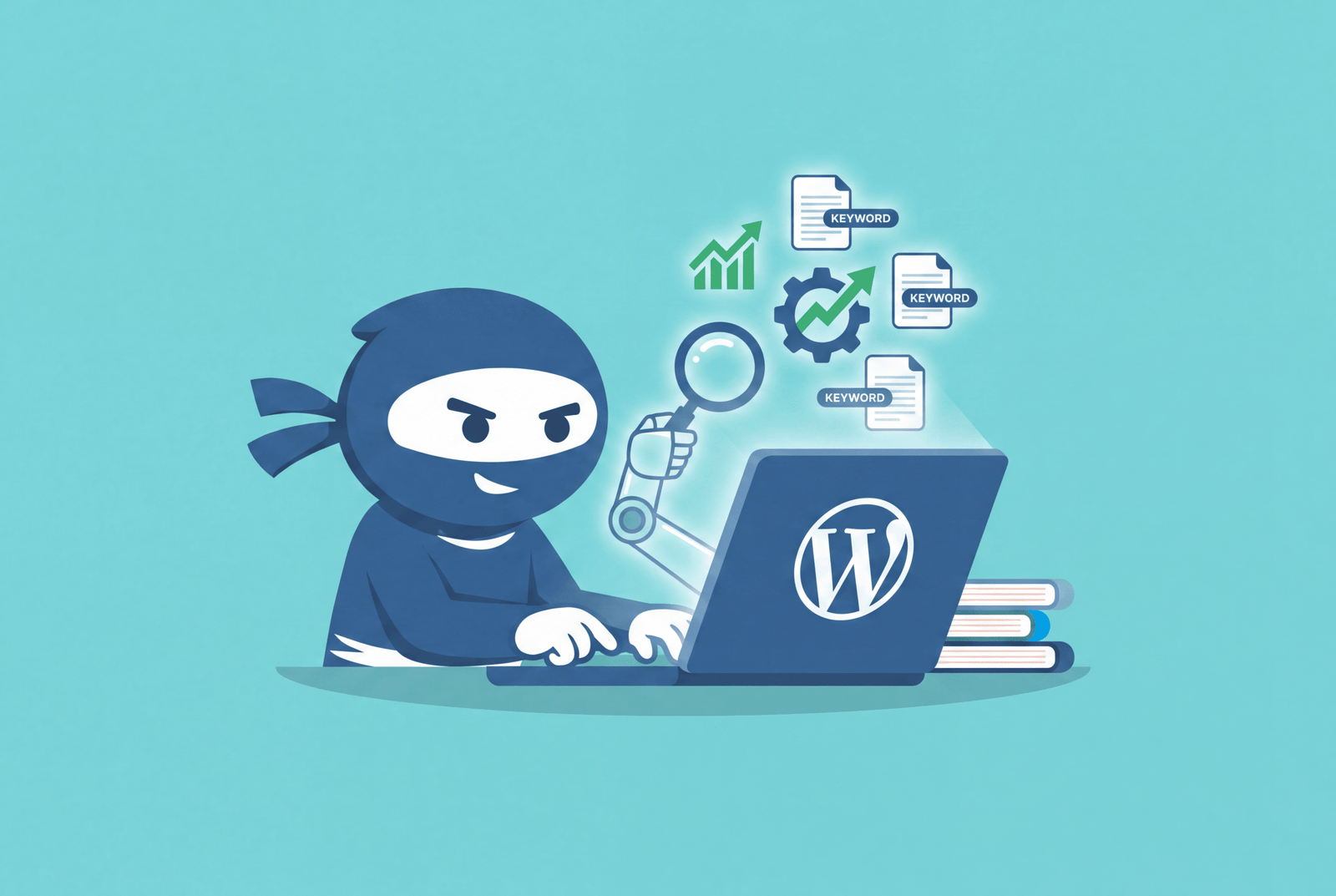
Artificial intelligence has completely changed how websites are optimized for search engines. Instead of spending hours researching keywords, analyzing competitors, writing metadata, and auditing technical issues, AI can now help you complete these WordPress SEO tasks much faster. That doesn’t mean AI replaces SEO experts.
The best results come from combining AI with human expertise. AI helps you work smarter, while people make the final decisions that ensure content is accurate, useful, and written for real readers.
Whether you’re a blogger, agency, WooCommerce store owner, or business website owner, you’ll learn how to build a practical AI-powered SEO workflow that actually works.
What Is WordPress SEO, and Why Does It Matter?
WordPress SEO is the process of optimizing a WordPress website so search engines like Google can better understand, crawl, and rank its pages.
SEO involves much more than adding keywords to a page. It includes:
- Keyword research
- High-quality content
- Internal linking
- Image optimization
- Fast loading speeds
- Mobile responsiveness
- Structured data
- Technical SEO
- User experience
One of the biggest reasons WordPress powers millions of websites is that it’s built with SEO in mind. Clean URLs, customizable metadata, responsive themes, and powerful plugins make optimization much easier than many other content management systems.
So, is WordPress SEO friendly? Yes. WordPress provides an excellent foundation for SEO. However, installing WordPress alone won’t improve rankings. Success still depends on publishing useful content and following SEO best practices.
Google also explains that AI-generated content isn’t automatically considered spam. What matters is whether the content is helpful, original, and created for people rather than simply manipulating search rankings.
Step 1: Choose the Right AI SEO Plugin for Your Website
Your SEO plugin is the foundation of your AI-powered workflow. While all three major WordPress SEO plugins now include AI features, each has its own strengths.
Yoast SEO
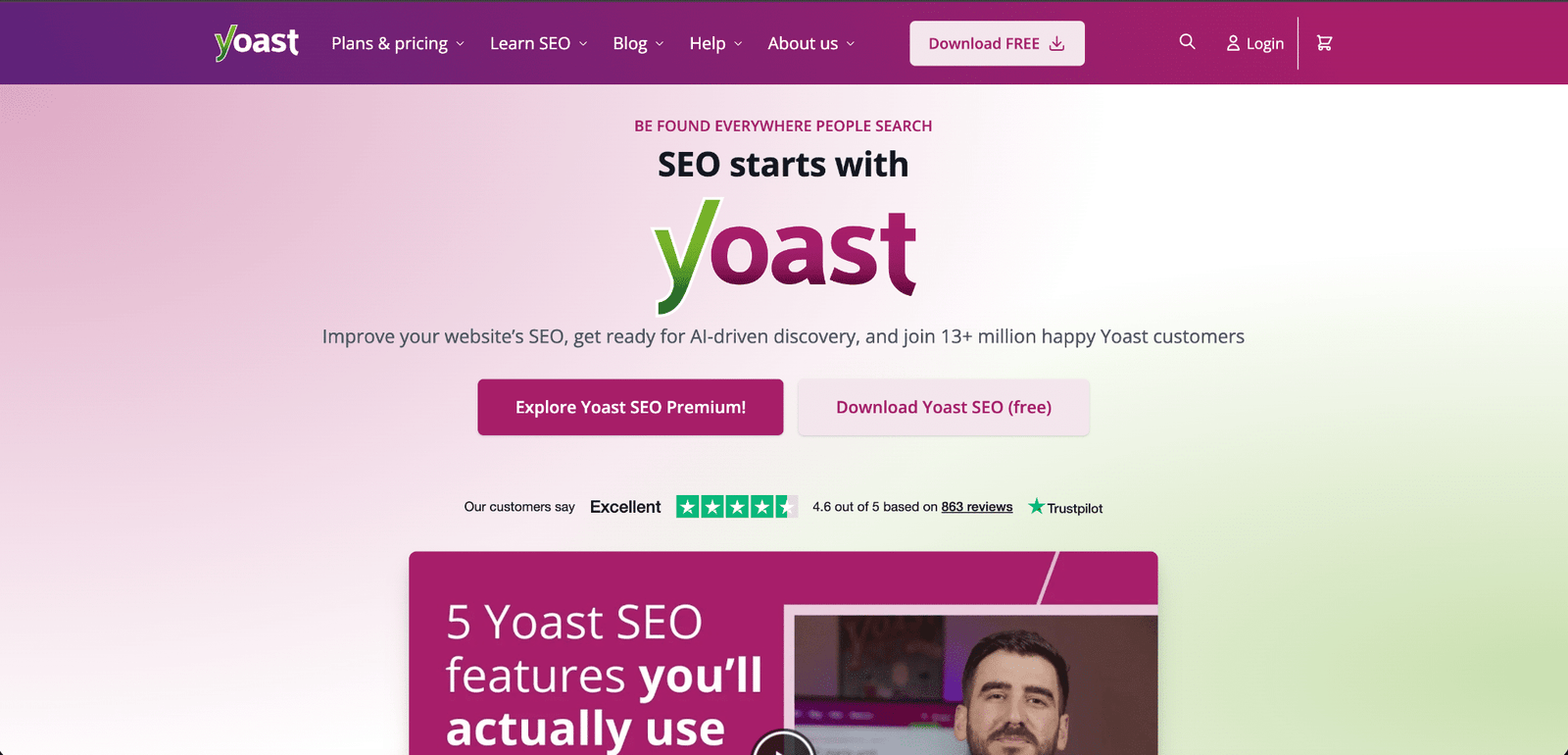
Yoast SEO is one of the most trusted SEO plugins for WordPress and is a great choice if you’re looking for a balanced SEO workflow.
Its AI features include:
- AI Generate for SEO titles and meta descriptions
- AI Optimize for readability and keyphrase suggestions
- AI Summarize for editable article summaries
- AI Brand Insights that monitor how your brand appears across AI platforms like ChatGPT, Claude, Gemini, and Perplexity
Yoast works well for businesses that want strong SEO fundamentals combined with practical AI assistance.
Learn more: https://yoast.com/features/ai/
Rank Math Content AI
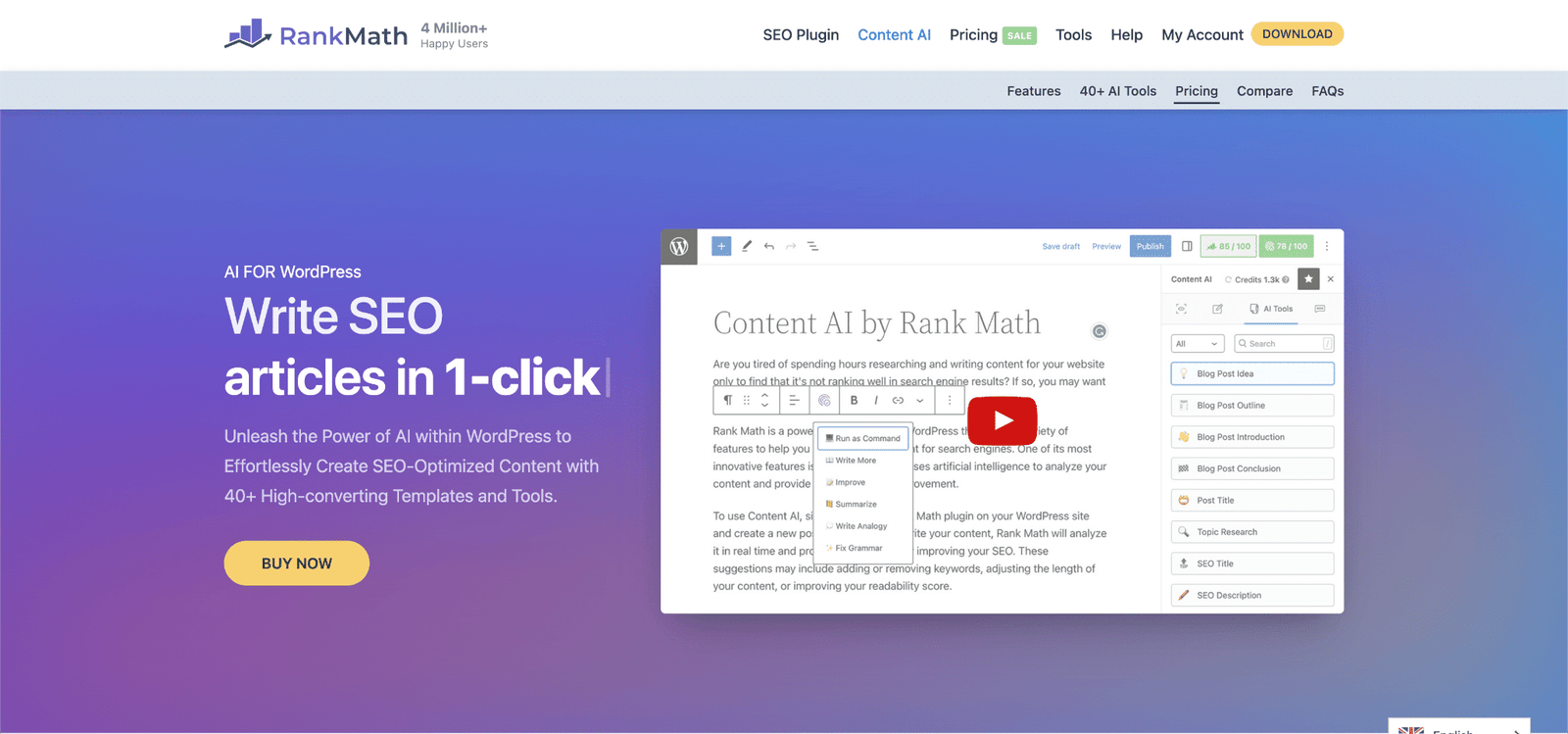
Rank Math is designed for users who create a large amount of content.
Its AI capabilities include:
- Keyword research
- Article outlines
- Content generation
- SEO titles and descriptions
- Bulk metadata generation
- Product descriptions
- FAQ generation
- Image alt text
- RankBot AI assistant
- More than 40 AI-powered content tools
Rank Math is ideal if your workflow focuses heavily on content production.
AIOSEO
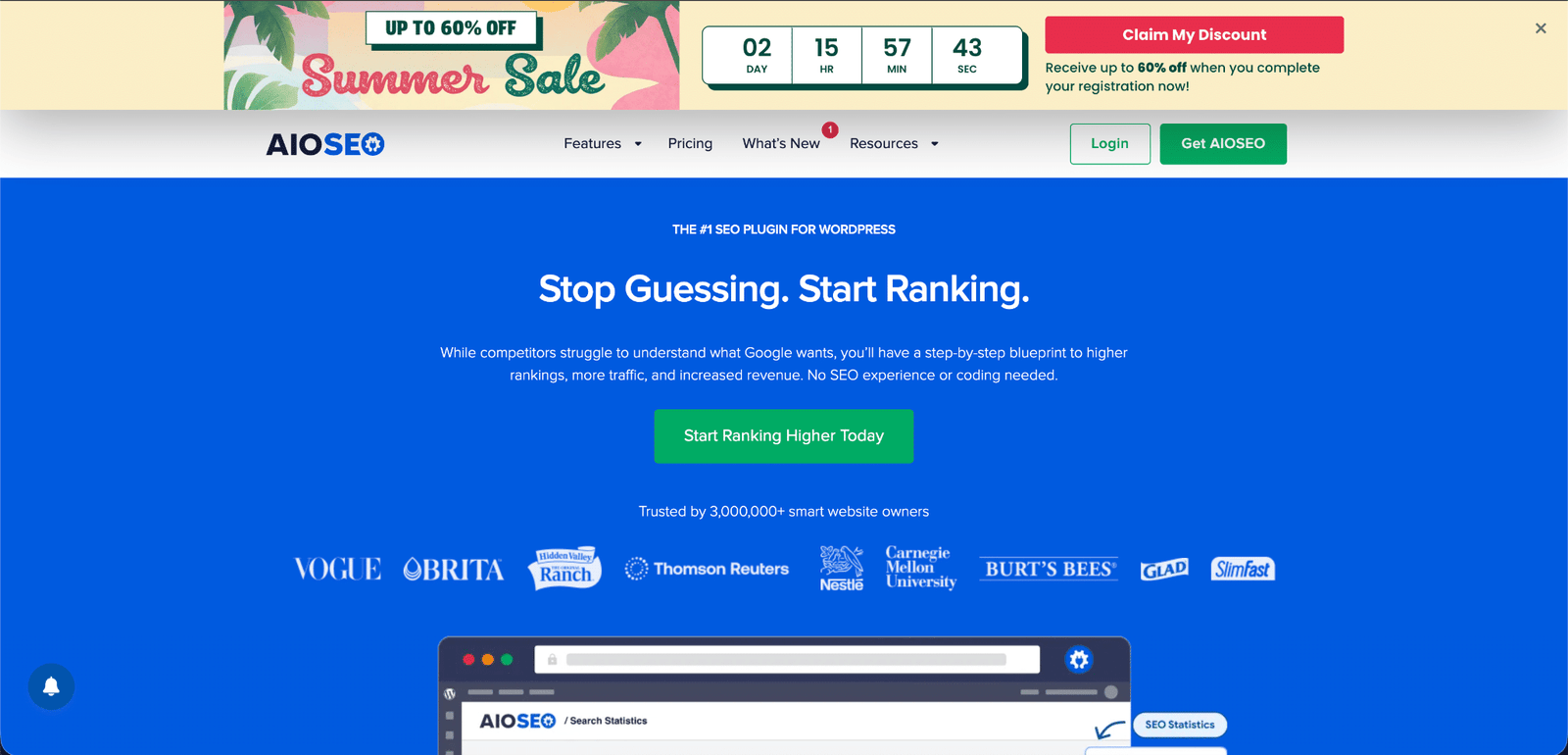
AIOSEO has rapidly expanded its AI capabilities and offers a complete content creation workflow.
Its AI features include:
- AI-generated SEO titles and descriptions
- AI Writing Assistant
- FAQ blocks with schema
- AI-generated summaries
- Social media content
- Email copy
- Image alt text
- AI image generation
- Schema recommendations
AIOSEO also offers an AI Suite for monitoring brand visibility across ChatGPT, Claude, Gemini, DeepSeek, and Perplexity. It even provides an MCP server that allows compatible AI assistants to interact with supported WordPress SEO data.
No matter which plugin you choose, avoid running multiple SEO plugins at the same time. Pick one, configure it properly, and let it handle your site’s SEO foundation.
Step 2: Connect AI to Live SEO Data
One of the biggest limitations of a standalone AI assistant is that it doesn’t automatically know your website’s keyword rankings, backlinks, competitors, or technical SEO issues.
Connecting AI to live SEO data solves this problem.
Option 1: Claude + Ahrefs MCP
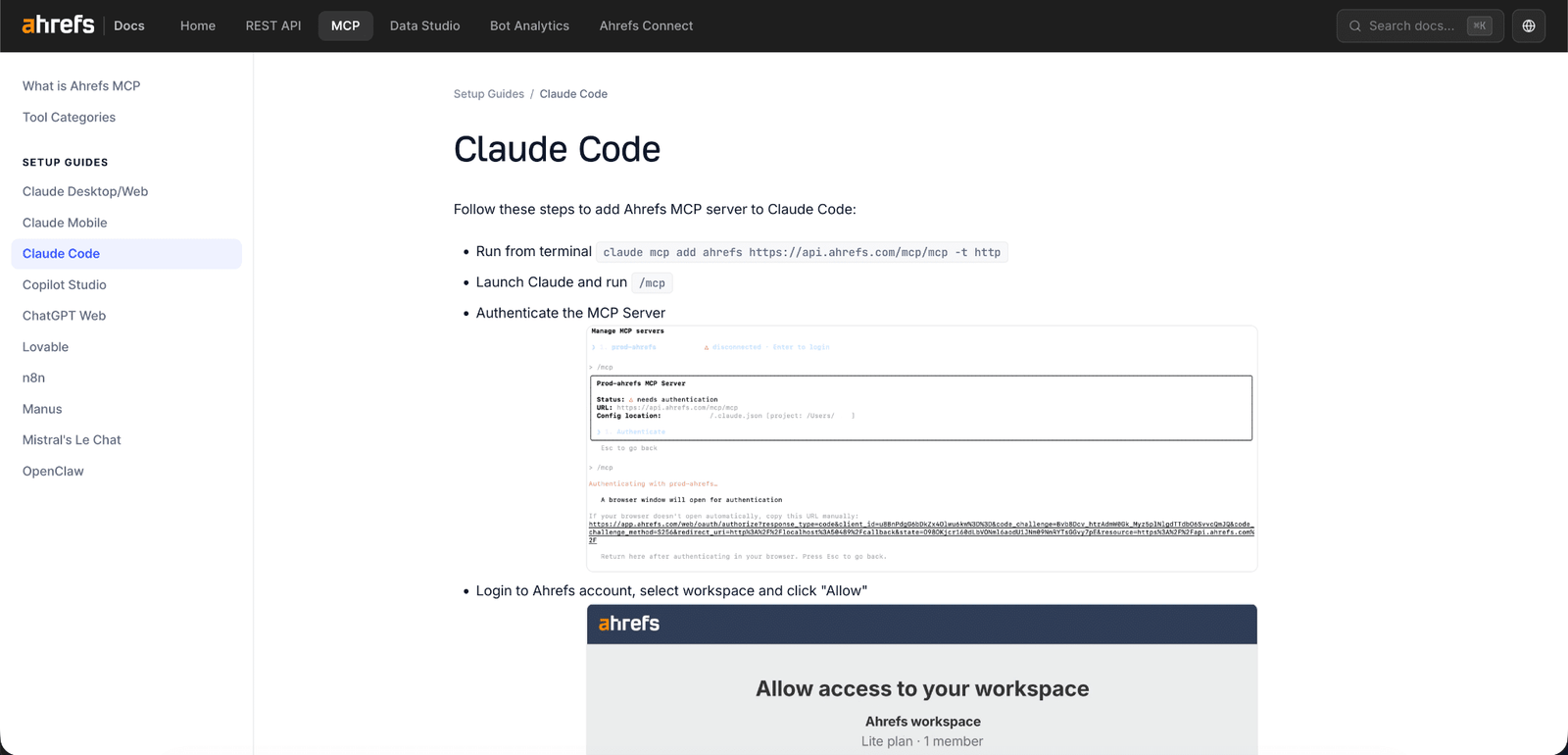
Ahrefs provides an official MCP server that allows Claude to access supported SEO data from tools like:
- Site Explorer
- Keywords Explorer
- Rank Tracker
- Site Audit
Instead of guessing keyword opportunities, Claude can analyze real SEO data and help you identify content gaps, organize keyword clusters, summarize technical audits, and prioritize optimization tasks.
Option 2: ChatGPT + Semrush
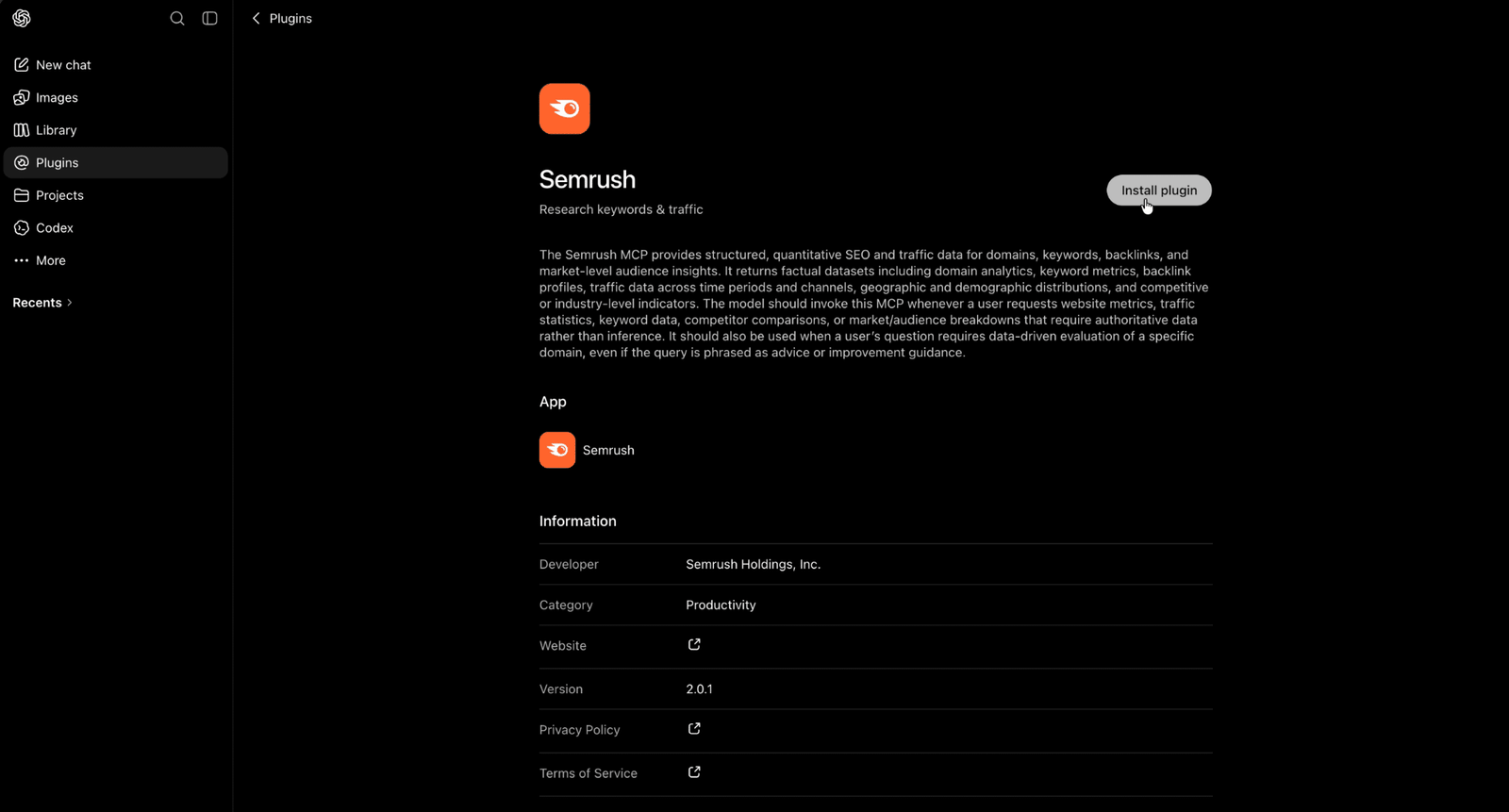
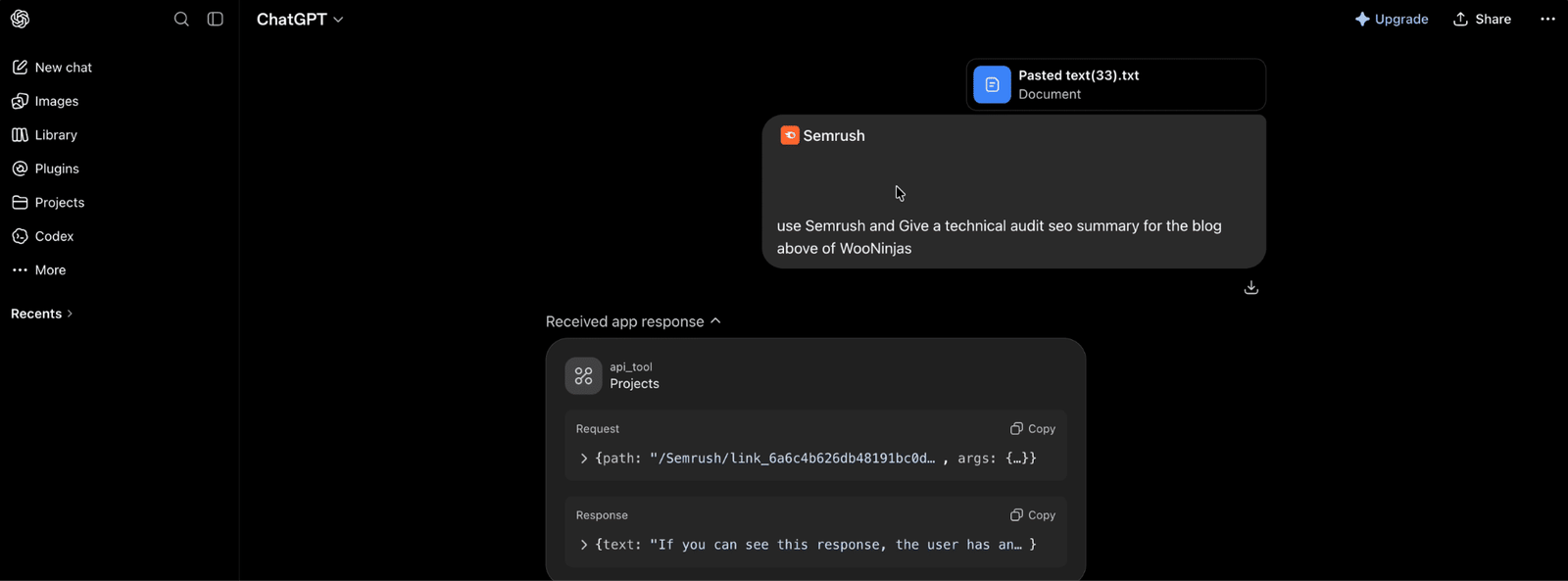
If your team already uses Semrush, you can also connect ChatGPT using Semrush’s official integration.
This allows ChatGPT to access supported keyword research, traffic estimates, competitor analysis, backlink information, and technical SEO reports directly within your conversation.
Semrush also offers MCP support for Claude and other compatible AI assistants, giving you flexibility regardless of which AI platform you prefer.
Whether you use Ahrefs or Semrush, always review connector permissions carefully and protect your API credentials before granting an AI assistant access to your SEO data.
Step 3: Let AI Organize Keyword Research
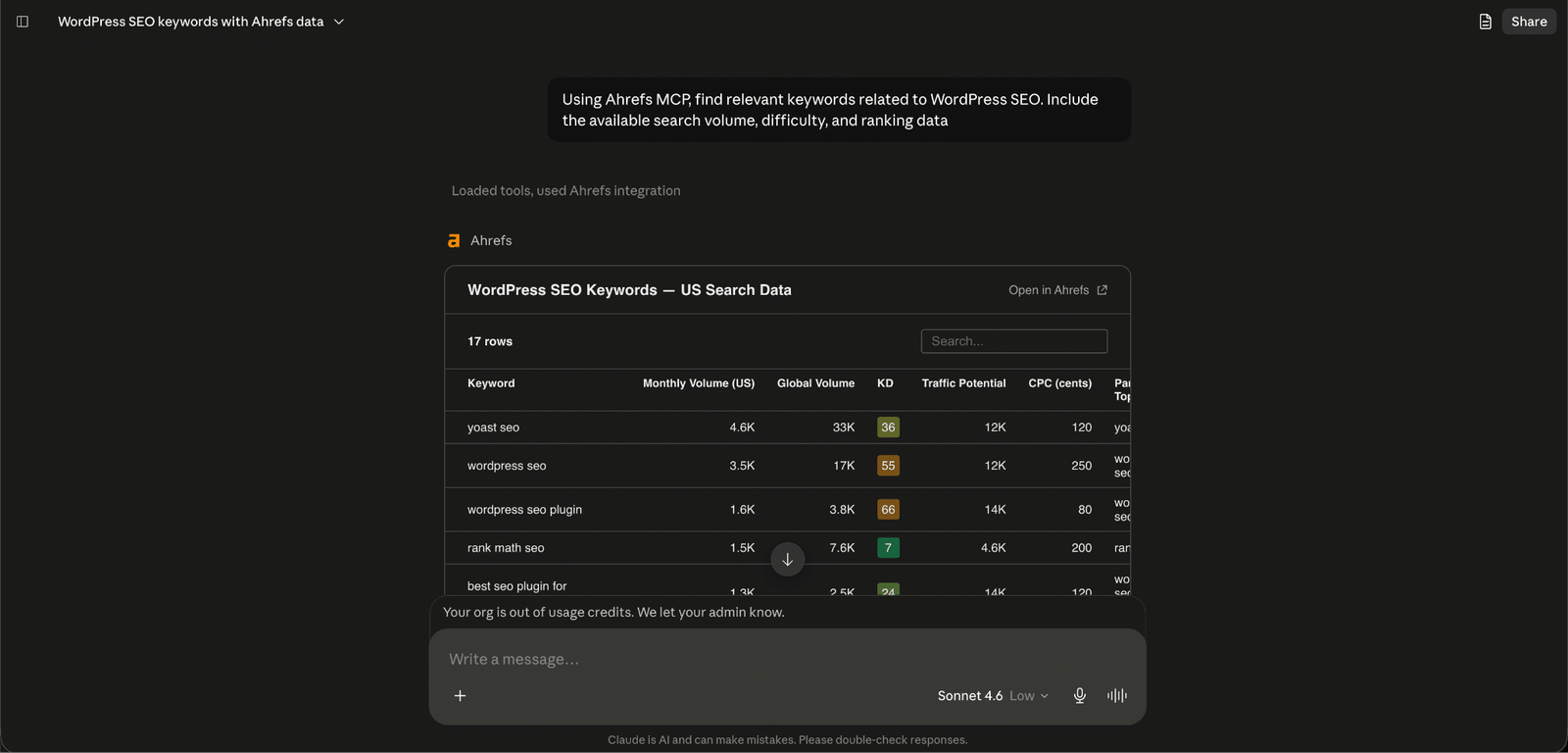
Keyword research is still one of the most important parts of SEO. Instead of inventing keyword metrics, AI should organize verified data from trusted SEO platforms.
It can help:
- Group related keywords
- Classify search intent
- Identify long-tail opportunities
- Build topical clusters
- Suggest supporting content
For example, a single cluster around WordPress SEO might include:
- how to improve wordpress seo
- what is wordpress seo
- how to add seo keywords in wordpress
- how to add seo keywords in wordpress website
- wordpress seo checklist
- wordpress seo plugins
Instead of creating five competing articles, AI helps combine them into one comprehensive guide.
Step 4: Use AI to Create Content That Readers (and Google) Actually Love
AI works best when you give it quality information.
Instead of typing:
“Write a blog about WordPress SEO.”
Provide:
- Target audience
- Primary keyword
- Search intent
- Competitor insights
- Internal pages
- Brand guidelines
- Reliable sources
- Product information
Then generate content section by section.
This makes fact-checking easier and reduces repetition.
The strongest content always includes original experience.
Add:
- Screenshots
- Customer questions
- Testing notes
- Examples
- Case studies
- Personal insights
That’s something competitors and AI can’t easily copy.
Looking for a Ready-Made Solution?
Explore our WordPress, WooCommerce, and LMS plugins built to extend functionality without custom development.
Step 5: Polish Every Page Before You Hit Publish
Once your article is written, AI can assist with optimization.
Review:
- SEO title

- Meta description
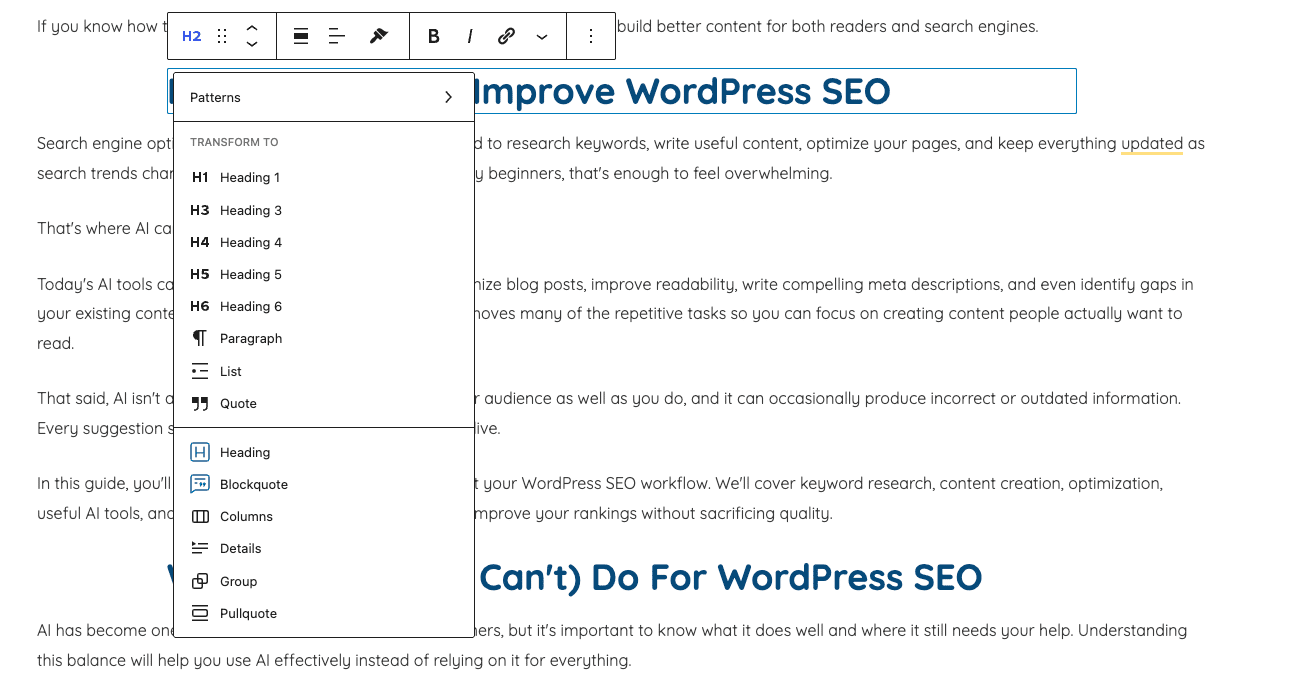
- Heading structure
- Readability

- Keyword placement
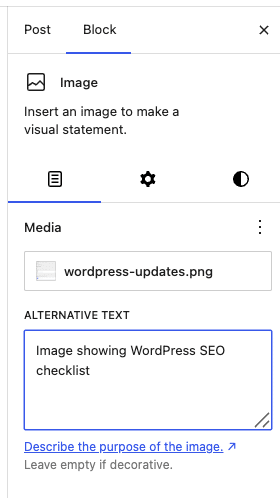
- Image alt text
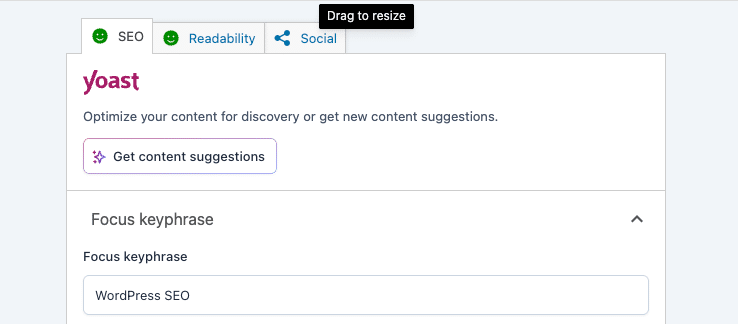
Yoast’s AI suggestions are useful for spotting obvious issues, but every recommendation should still be reviewed manually.
Remember, Google may choose different titles or snippets depending on the search query.
Step 6: Build a Stronger Website with Smarter Internal Links
Internal links help visitors discover related content while making it easier for search engines to understand your website.
Searching your site manually can take hours.
Link Whisper automates much of this work.
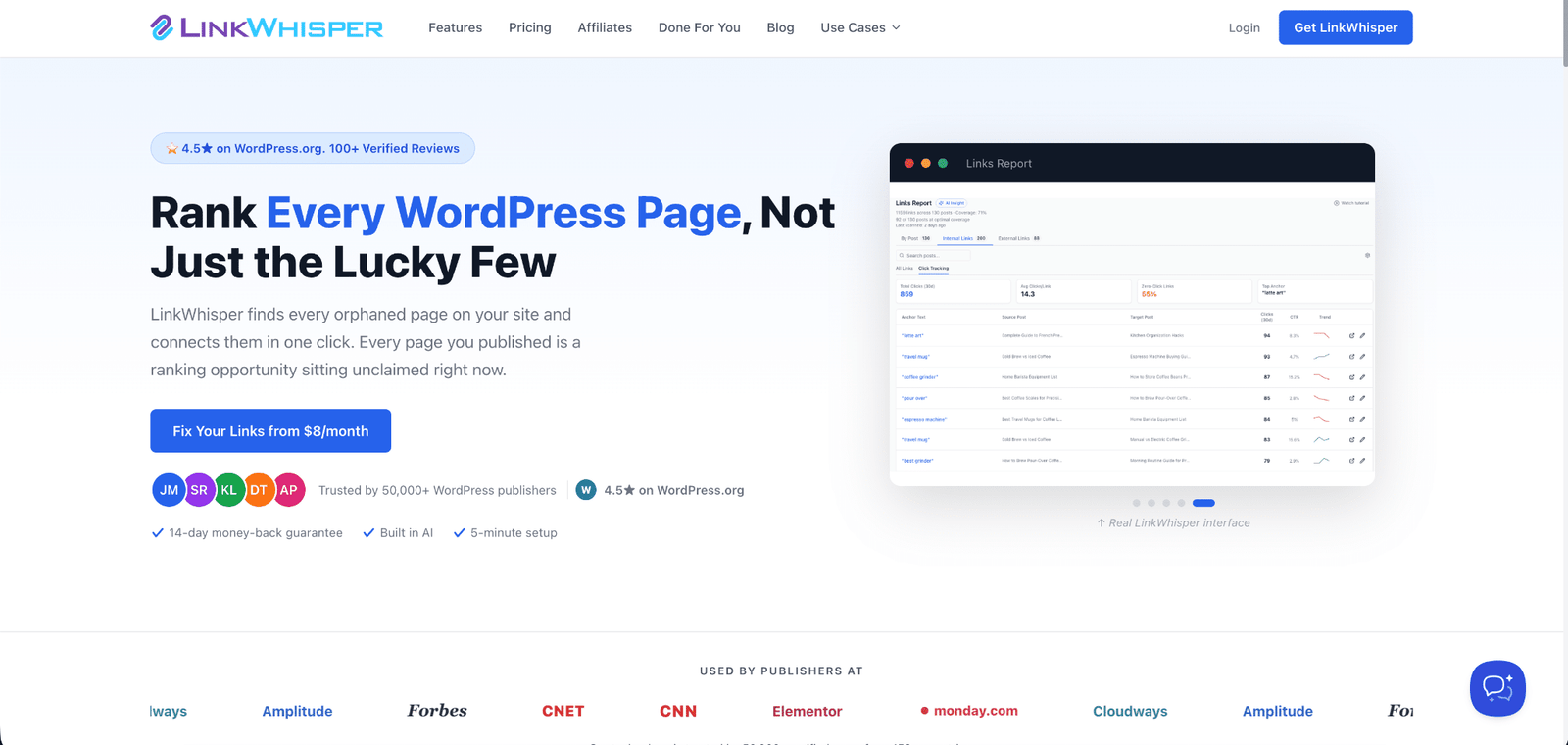
It can help you:
- Find relevant linking opportunities
- Discover orphan pages
- Monitor broken links
- Build stronger topic clusters
Only approve links that genuinely help readers.
Avoid linking simply because the same keyword appears elsewhere.
Step 7: Turn Technical SEO Reports Into Simple Action Plans
Technical SEO reports can be overwhelming.
AI helps translate complex audit reports into actionable tasks.
Claude can summarize issues like:
- Broken links
- Redirect chains
- Duplicate metadata
- Crawl errors
- Canonical problems
- Missing schema
- Slow-loading pages
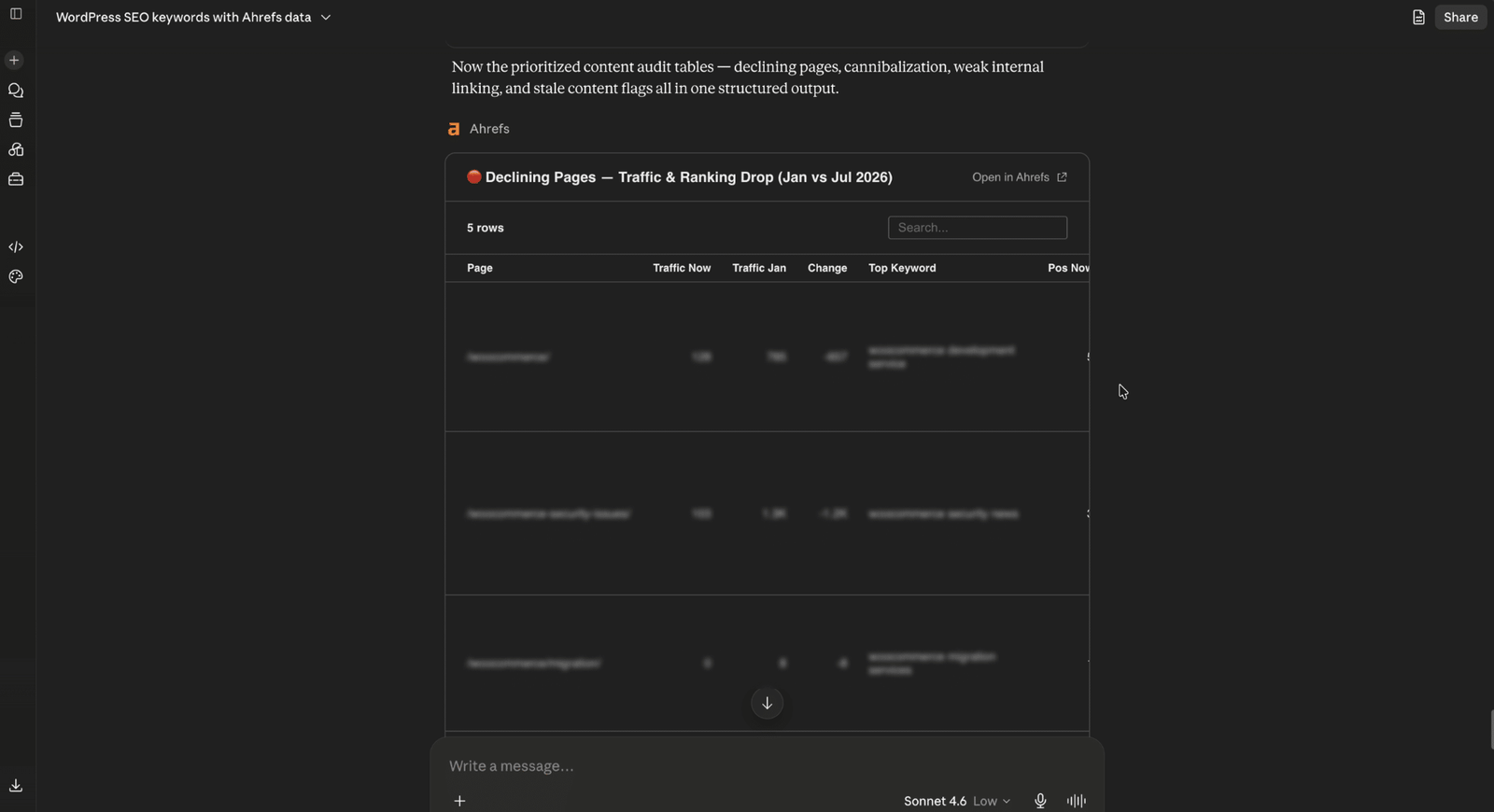
Rather than immediately changing technical settings, let AI explain the issue first.
Major changes such as redirects, indexing rules, canonical tags, or server settings should always be reviewed by a developer.
Step 9: Let AI Explain Core Web Vitals
Technical SEO reports often include Core Web Vitals, but the metrics can be difficult to understand if you’re new to SEO.
AI can simplify these reports by explaining what each metric means and which pages need attention.
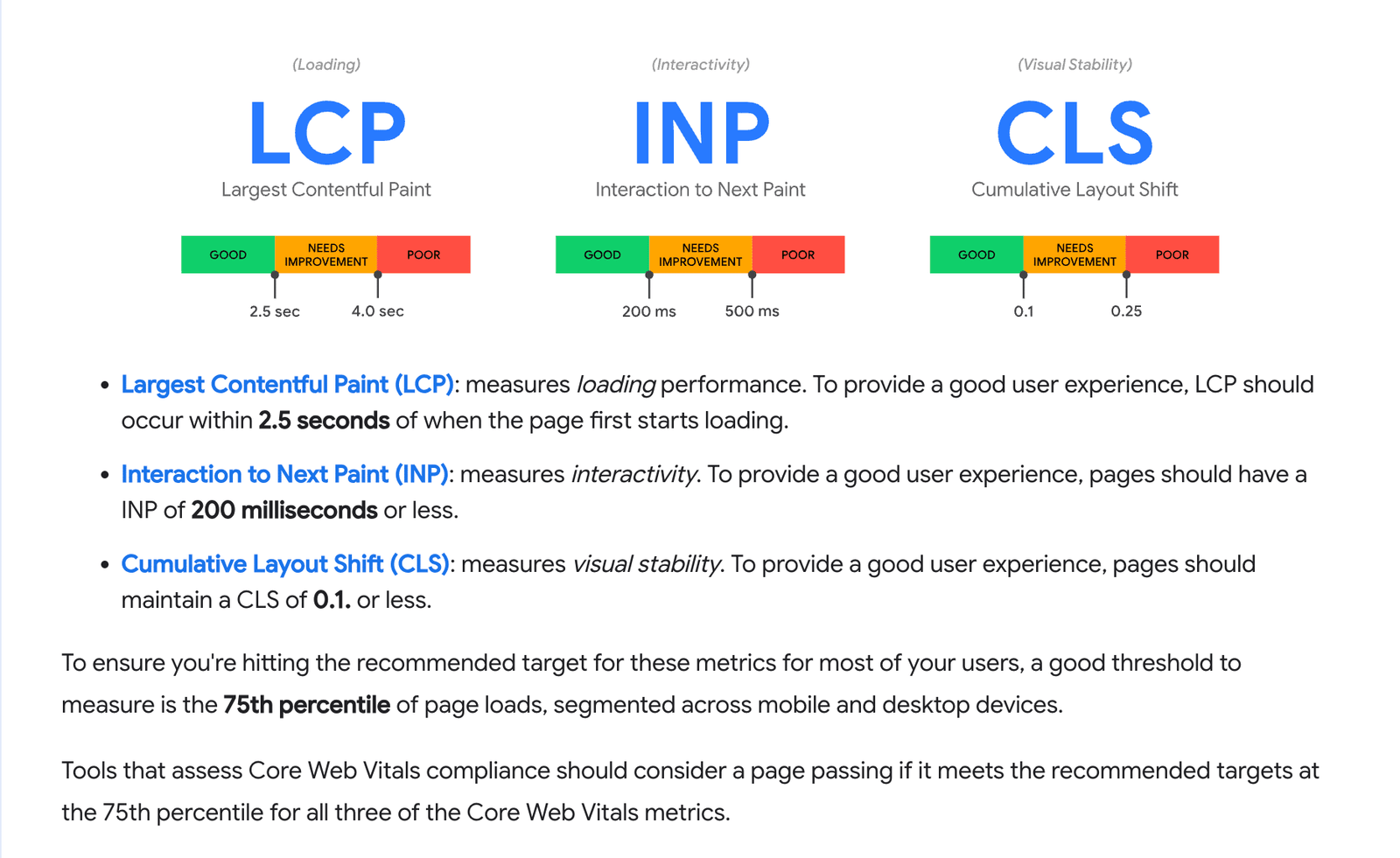
The three Core Web Vitals are:
- Largest Contentful Paint (LCP) measures loading speed.
- Interaction to Next Paint (INP) measures responsiveness.
- Cumulative Layout Shift (CLS) measures visual stability.
Google recommends aiming for:
- LCP within 2.5 seconds
- INP below 200 milliseconds
- CLS below 0.1
AI can summarize performance reports and suggest where to investigate further, but any significant performance improvements should still be reviewed and tested by your developer.
Measure What Matters: Is Your AI SEO Strategy Working?
AI saves time, but success should always be measured using real performance metrics.
Track:
- Organic traffic
- Keyword rankings
- Click-through rate
- Indexed pages
- Organic conversions
- Leads
- Sales
- Internal links
- Technical issues
Refreshing older articles can often produce better results than constantly publishing new content. AI makes it much easier to identify which pages deserve an update.
Avoid These AI SEO Mistakes That Can Hurt Rankings
Even the best AI tools can produce poor results when used incorrectly.
Avoid these common mistakes:
- Publishing AI content without editing.
- Asking AI to invent keyword volumes.
- Using multiple SEO plugins together.
- Over-optimizing keywords.
- Copying competitor content.
- Ignoring Google’s quality guidelines.
- Publishing schema without validation.
- Allowing AI to make technical changes automatically.
Remember, AI should assist your SEO strategy and certainly not replace it.
Why Businesses Trust WooNinjas for WordPress SEO
Great SEO isn’t just about installing plugins or generating AI content. It requires technical expertise, strategic planning, content optimization, performance improvements, and continuous monitoring.
At WooNinjas, we help businesses build WordPress websites that are designed to rank, convert, and grow.
Whether you need technical SEO improvements, faster website performance, custom WordPress development, WooCommerce optimization, or an AI-assisted content strategy, our team combines years of WordPress experience with modern SEO best practices to help you achieve sustainable organic growth.
Prefer Watching Instead?
If you’d rather see this AI-powered WordPress SEO workflow in action, we’ve got you covered.
Watch our step-by-step video tutorial where we demonstrate the entire process, from keyword research and AI content creation to technical SEO and internal linking.
Watch the full tutorial on YouTube: How to Use AI to Improve WordPress SEO (Claude, ChatGPT + Ahrefs MCP)
Ready to Turn AI Into Real SEO Results?
AI can speed up your workflow, but lasting rankings come from a smart strategy and expert execution.
If you want a WordPress website that’s optimized for both search engines and your customers, the team at WooNinjas is here to help. We’ll help you build a website that performs today and continues to grow tomorrow.
FAQs
What is WordPress SEO?
WordPress SEO is the process of optimizing a WordPress website so it performs better in search engines. It includes keyword research, content optimization, technical SEO, internal linking, image optimization, structured data, and website performance.
Is WordPress SEO friendly?
Yes. WordPress is one of the most SEO-friendly content management systems available. Combined with plugins like Yoast SEO or Rank Math, it provides an excellent foundation for search engine optimization.
How do I improve WordPress SEO?
Improve WordPress SEO by publishing helpful content, performing keyword research, optimizing metadata, improving page speed, adding internal links, optimizing images, fixing technical issues, and regularly updating older content. AI tools can help make each of these tasks faster.
How do I add SEO keywords in WordPress?
Add your primary keyword naturally to the page title, introduction, headings, URL slug, meta title, and meta description. Avoid keyword stuffing and focus on writing naturally for readers.
How do I add SEO keywords in a WordPress website?
Choose one primary keyword for each page, then support it with related phrases throughout the content. SEO plugins like Yoast SEO make it easier to optimize these elements while maintaining readability.
Can AI improve WordPress SEO?
Yes. AI can speed up keyword research, competitor analysis, content planning, metadata creation, technical audits, and internal linking. However, rankings still depend on creating accurate, helpful, and original content.
Which AI tools work best for WordPress SEO?
A practical workflow includes Yoast SEO, Claude connected to Ahrefs through MCP, and Link Whisper. Depending on your needs, tools like Semrush, Surfer, Frase, and WordLift can also support your SEO strategy.
Need Ongoing WordPress Maintenance & Support?
We handle updates, performance monitoring, security hardening, and technical fixes so your WordPress and WooCommerce site stays stable and secure.
Plugin Not Working in WordPress? Here’s Why
Is your plugin not working in WordPress? Here are the 7 most common causes and fixes for plugin conflicts, errors,…
Read More...
WordPress SEO Consultant, Freelancer, or Agency: What Each Costs
Hiring SEO help gets expensive fast. See what an SEO consultant, freelancer, or agency really costs before picking one for…
Read More...
AEO vs. SEO: How to Get Your WordPress Site Cited in AI Answers
AEO vs. SEO explained in simple terms, plus the schema, content, and site fixes that help your WordPress site show…
Read More...
