Best WordPress Social Media Plugins in 2026: Which One Should You Choose?
Compare the best WordPress social media plugins for 2026 by job: auto-posting, share buttons, feeds, old post recycling, and social proof. Pick the right fit fast.

If you search for the best WordPress social media plugin, you will see many lists that mix very different tools.
That can be confusing.
One plugin auto-posts your new WordPress content to Facebook, LinkedIn, Instagram, Pinterest, Threads, TikTok, and other networks. Another plugin only adds share buttons. Another one pulls your Instagram or YouTube feed into your site. Another one recycles old blog posts.
All of these are called “social media plugins,” but they do different jobs.
So the better question is not “Which plugin is best overall?” The better question is, “Which social media job do I need WordPress to handle?”
For a WooCommerce store, that job may be sharing new products automatically. For a LearnDash site, it may be promoting new lessons or course announcements. For a BuddyBoss community, it may be showing live social proof. For an agency, it may be scheduling client content from one dashboard.
This guide breaks the options down by use case so you can choose the right plugin without installing five tools that overlap.
Quick Summary
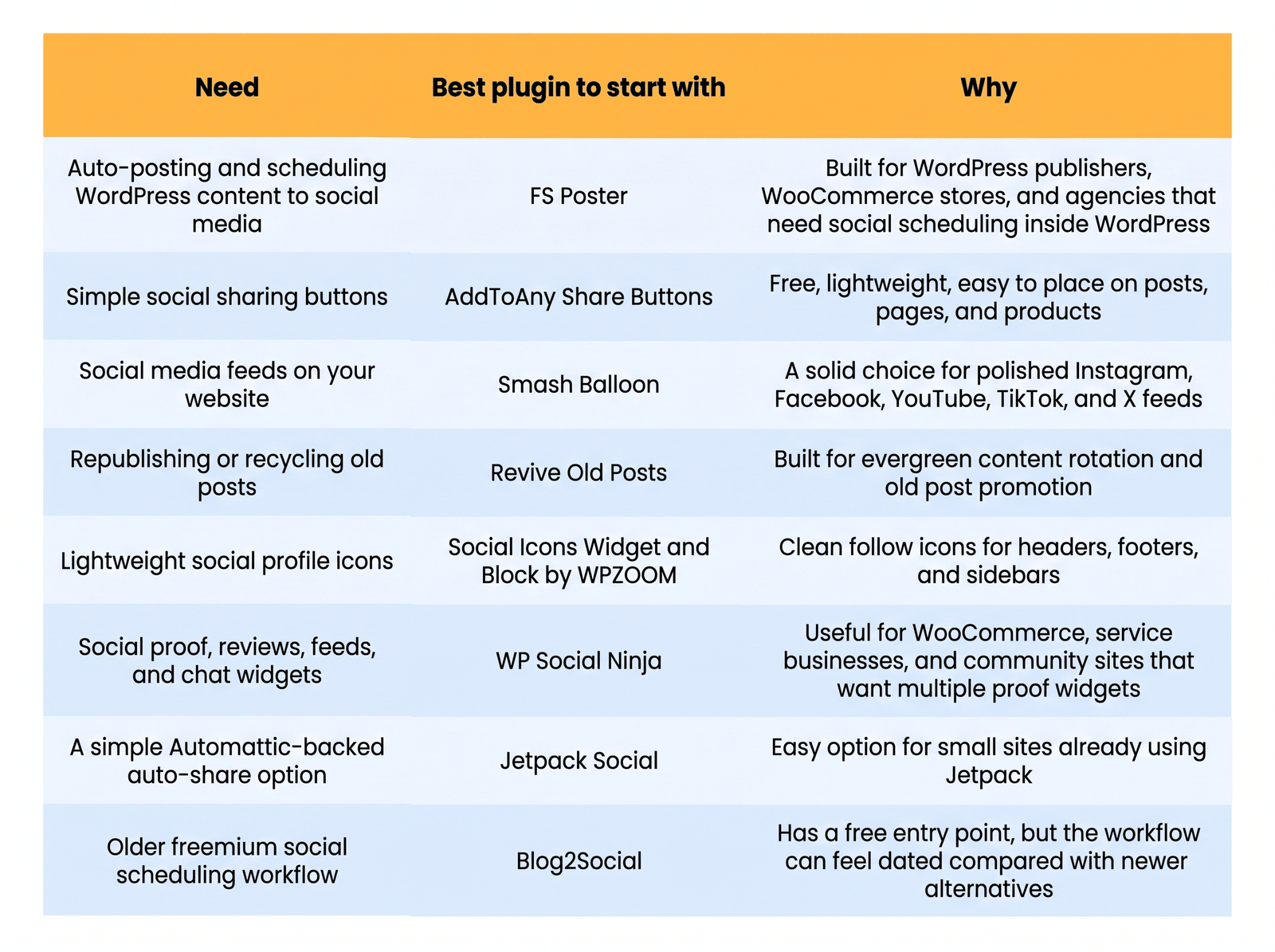
WordPress social media plugins fall into six jobs: auto-posting, scheduling, share buttons, feed embeds, old post recycling, and social proof. The FS Poster covers auto-posting and scheduling for WooCommerce stores and agencies. AddToAny handles free share buttons. Smash Balloon pulls in social feeds. Revive Old Posts recycles older content. WP Social Ninja and Social Icons Widget cover proof and profile links. Pick the plugin based on which job you need done, not by which one claims to do everything.
Quick answer: which WordPress social media plugin should you choose?
What does a WordPress social media plugin actually do?
A WordPress social media plugin usually handles one of six jobs:
- It auto-posts WordPress content to your social media accounts.
- It schedules posts for future publishing.
- It adds share buttons so visitors can share your content.
- It embeds social feeds from platforms like Instagram, Facebook, YouTube, TikTok, or X.
- It republishes or reshapes older posts.
- It displays social proof, reviews, follow icons, or chat widgets.
Most websites do not need all six.
A WooCommerce store may need auto-posting and share buttons. A course site may need scheduled announcements and social proof. A local business may only need to follow icons and reviews. An agency may need auto-posting, scheduling, and multi-account management.
Pick the job first. Then pick the plugin.
Which plugin is best for auto-posting from WordPress?
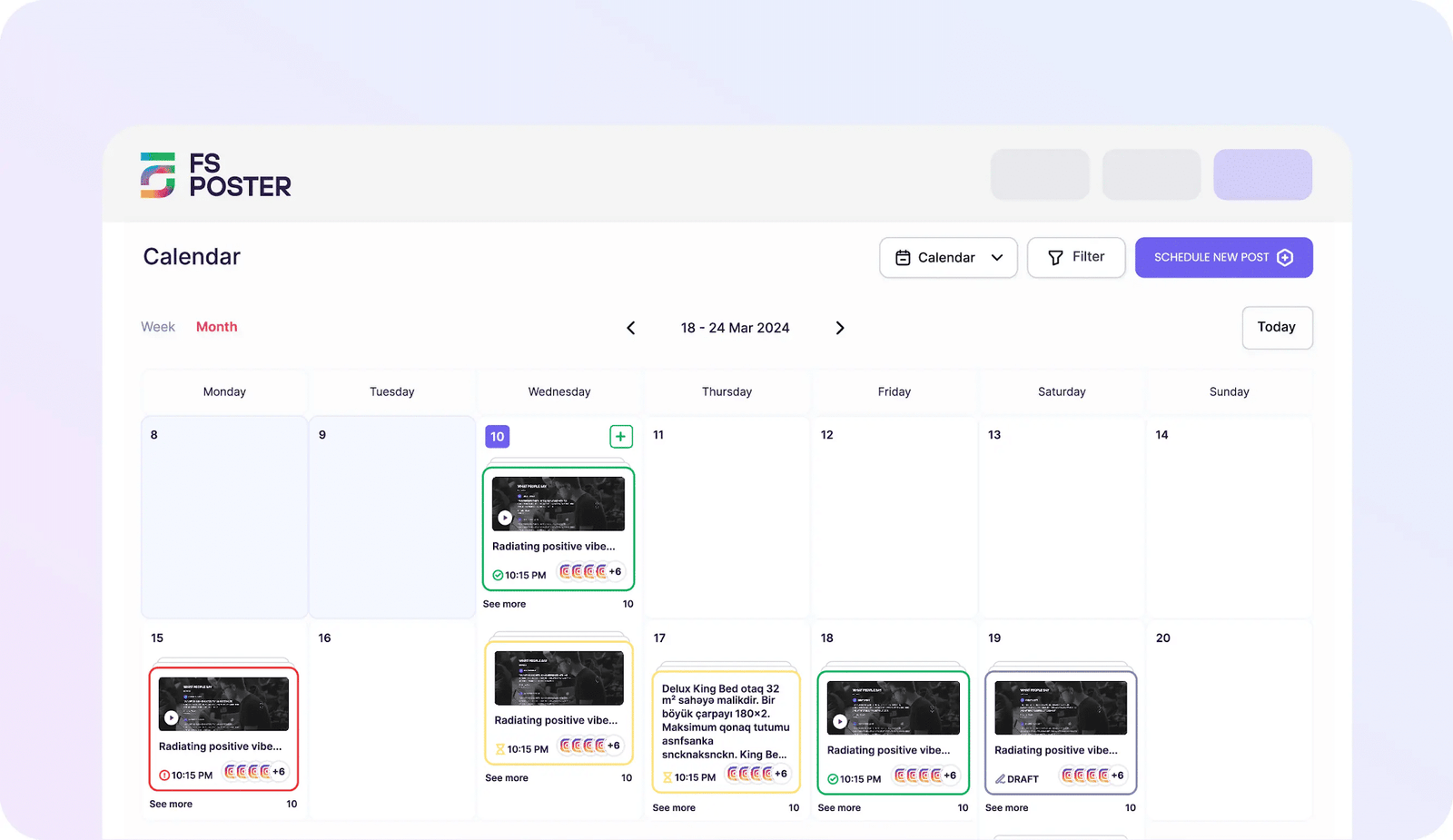
FS Poster is a WordPress social media auto-poster and scheduler built for businesses that publish regularly and want to manage social distribution from within WordPress.
It connects social accounts, applies posting templates, and automatically shares new content when it is published. That removes the manual step of copying each post into every network separately. FS Poster supports 26 social networks and services, has 25,000-plus paid customers, and holds a 4.9 rating from more than 650 reviews. Pricing starts at $58/year.
Best use cases
- Auto-posting new WordPress blog posts.
- Sharing WooCommerce products after publishing.
- Scheduling campaign posts ahead of time.
- Managing multiple brand or client accounts.
Strengths
- Covers 26 social networks and services.
- Works for agencies and multi-site operators.
- Keeps scheduling and posting inside the WordPress dashboard.
- Supports repeatable templates and automation.
- Handles WooCommerce product promotion alongside regular content.
Limitations
- No free version. Pricing starts at $58/year.
- Teams with a single small blog and one social profile may not need this level of control.
- Setup requires planning: social account connections and posting rules need to be configured before the workflow runs smoothly.
Pricing
$58/year.
Verdict
FS Poster is well-suited to sites that publish regularly and want new content distributed to social accounts automatically from within WordPress.
Which plugin is best for simple social sharing buttons?
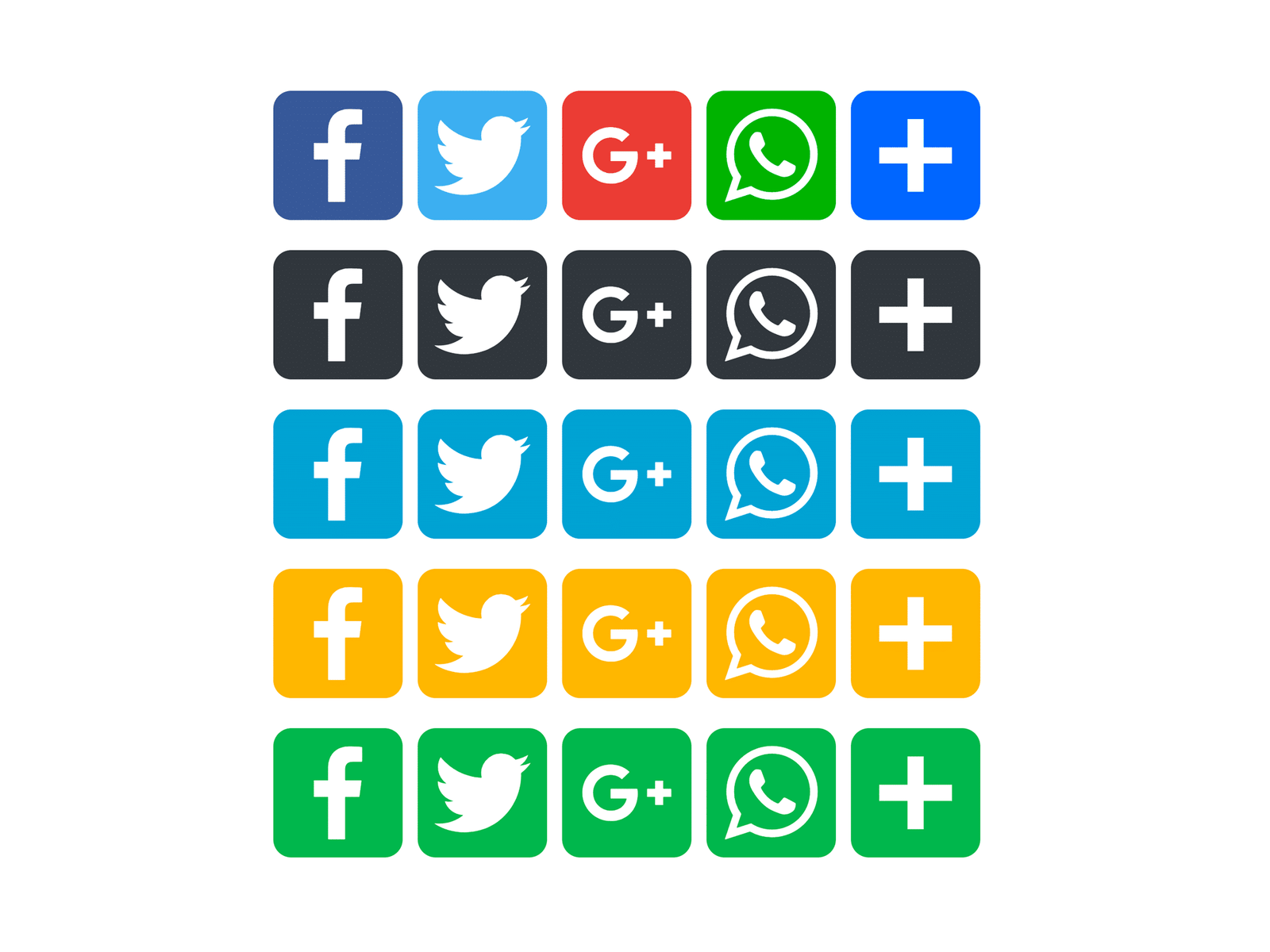
AddToAny is a practical choice for adding share buttons to posts, pages, or WooCommerce products.
This is different from auto-posting. AddToAny does not publish content to your own social accounts. It gives visitors share buttons so they can post your content to their accounts themselves.
That makes it useful for blogs, product pages, resource libraries, and course content that readers may want to recommend.
Best use cases
- Adding share buttons to posts and pages.
- Adding floating share bars.
- Letting visitors share product pages.
- Supporting many sharing destinations without heavy setup.
Strengths
- Free to use.
- Simple setup.
- Wide sharing service coverage.
- Works across posts, pages, and most WordPress themes.
Limitations
- Not an auto-poster.
- Does not manage a social content calendar.
- Design control is more basic than some premium share button suites.
Pricing
Free.
Verdict
AddToAny is a practical fit if the main goal is letting visitors share your content. It pairs naturally with an auto-posting plugin if you also want to distribute content to your own brand channels.
Which plugin is best for social media feeds?
Smash Balloon is a solid option when you want to display social content on your WordPress site.
This is the reverse of auto-posting. Instead of sending WordPress content out to social media, a feed plugin pulls social media content into WordPress.
That can be useful for visual brands, events, restaurants, creators, communities, and stores that want to show active social channels on their site.

Best use cases
- Embedding Instagram feeds.
- Showing Facebook page content.
- Displaying YouTube videos.
- Adding TikTok or X feeds to landing pages.
Strengths
- Polished frontend feed layouts.
- Well-established in the WordPress feed plugin space.
- Good fit for visual marketing and social proof.
- Works for sites where social content supports conversion.
Limitations
- Does not auto-post WordPress content to social accounts.
- Pricing increases if you need several feed types.
- Some sites may only need one lightweight feed, not a full suite.
Pricing
Individual feed plugins start at $49/year for one site. The All Access Bundle is $299/year for unlimited websites as an introductory price, renewing at $598/year.
Verdict
Smash Balloon is the right pick if you want to show social media content on your WordPress site, not send WordPress content out to social media. If both directions matter, you will need separate plugins for each job.
Which plugin is best for recycling old posts?
Revive Old Posts addresses a specific problem: you have useful older content that is no longer getting much attention.
Rather than only sharing new posts, Revive Old Posts rotates older content back into your social schedule. This can work well for blogs with large archives, evergreen guides, tutorial libraries, and resource-heavy sites.

Best use cases
- Resharing evergreen blog posts.
- Keeping older tutorials in circulation.
- Driving social traffic to archive content.
- Filling gaps in a quiet social calendar.
Strengths
- Focused on evergreen content rotation.
- Helps extend the life of older posts.
- Useful for content-heavy sites.
- Supports a steady posting rhythm without relying solely on new content.
Limitations
- More focused on old post recycling than on full social media management.
- Not the right tool if you need multi-network, multi-account scheduling from WordPress.
- May not add value for smaller sites with few older posts.
Pricing
Paid plans start at $99/year for the Starter plan.
Verdict
Revive Old Posts works well when the primary goal is getting more reach from existing content. If you need broader auto-posting, scheduling, and multi-network publishing from WordPress, a dedicated tool covers more ground.
Which plugin is best for lightweight social follow icons?
Sometimes you do not need feeds, automation, or share buttons. You only need a clean row of icons linking to your social profiles.
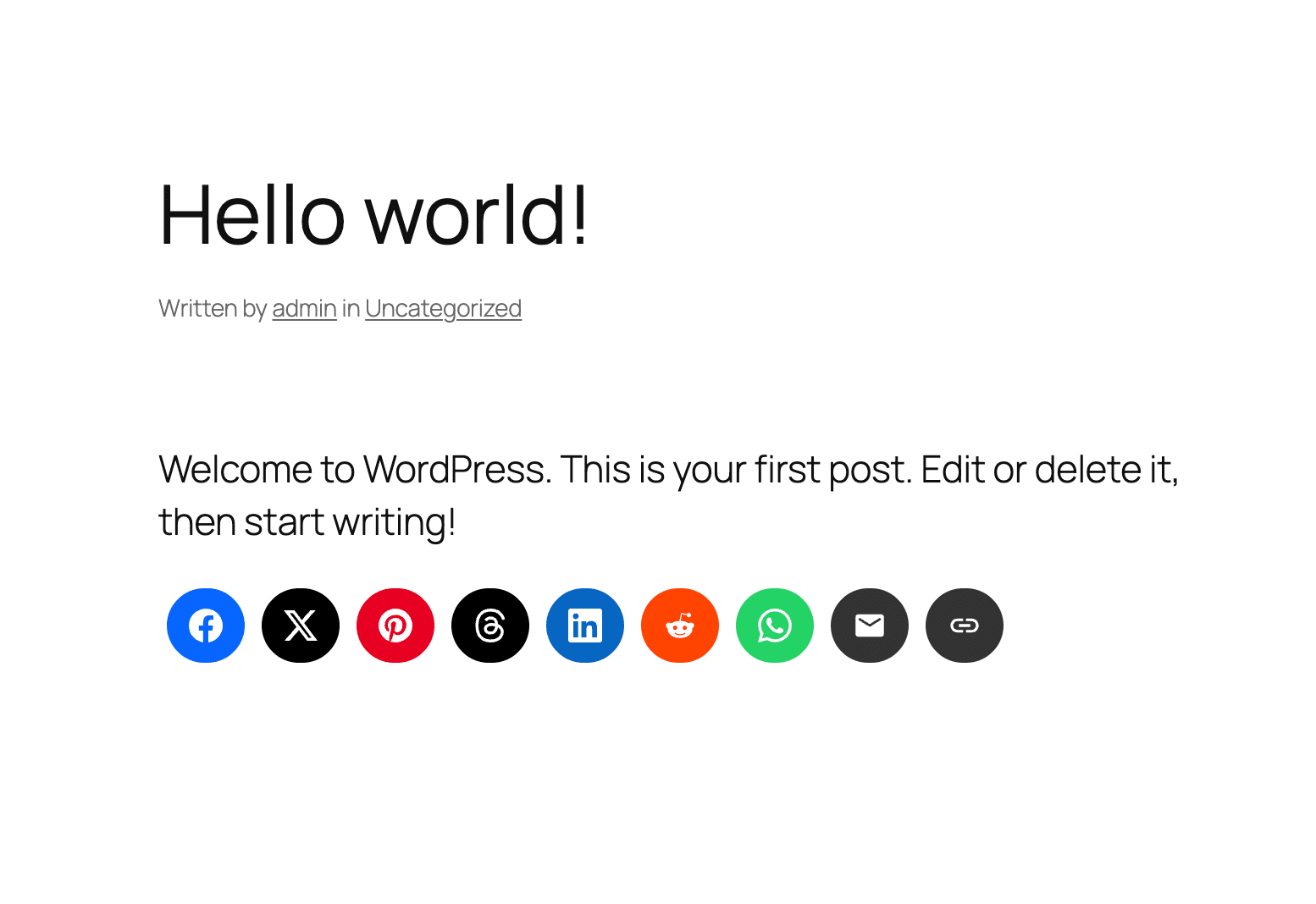
The Social Icons Widget and Block by WPZOOM handles that specific job.
It lets you add profile icons to a sidebar, footer, header area, or content block. This is useful for service businesses, course creators, stores, and communities that want visitors to follow them on social platforms.
Best use cases
- Adding social follow icons to a footer.
- Linking to brand profiles.
- Creating a lightweight social presence without feed scripts.
- Adding social icons via a block or widget.
Strengths
- Simple, focused job.
- Supports many profile icon options.
- Lighter than a full feed plugin.
- Suitable for sites that only need social profile links.
Limitations
- Does not auto-post.
- Does not create social feeds.
- Does not replace a share button plugin if you want visitors to share individual posts.
Pricing
Free WordPress.org plugin available.
Looking for a Ready-Made Solution?
Explore our WordPress, WooCommerce, and LMS plugins built to extend functionality without custom development.
Verdict
Social Icons Widget and Block is a clean, low-overhead option for sites that need social profile links without automation.
Which plugin is best for reviews, feeds, chat, and social proof?
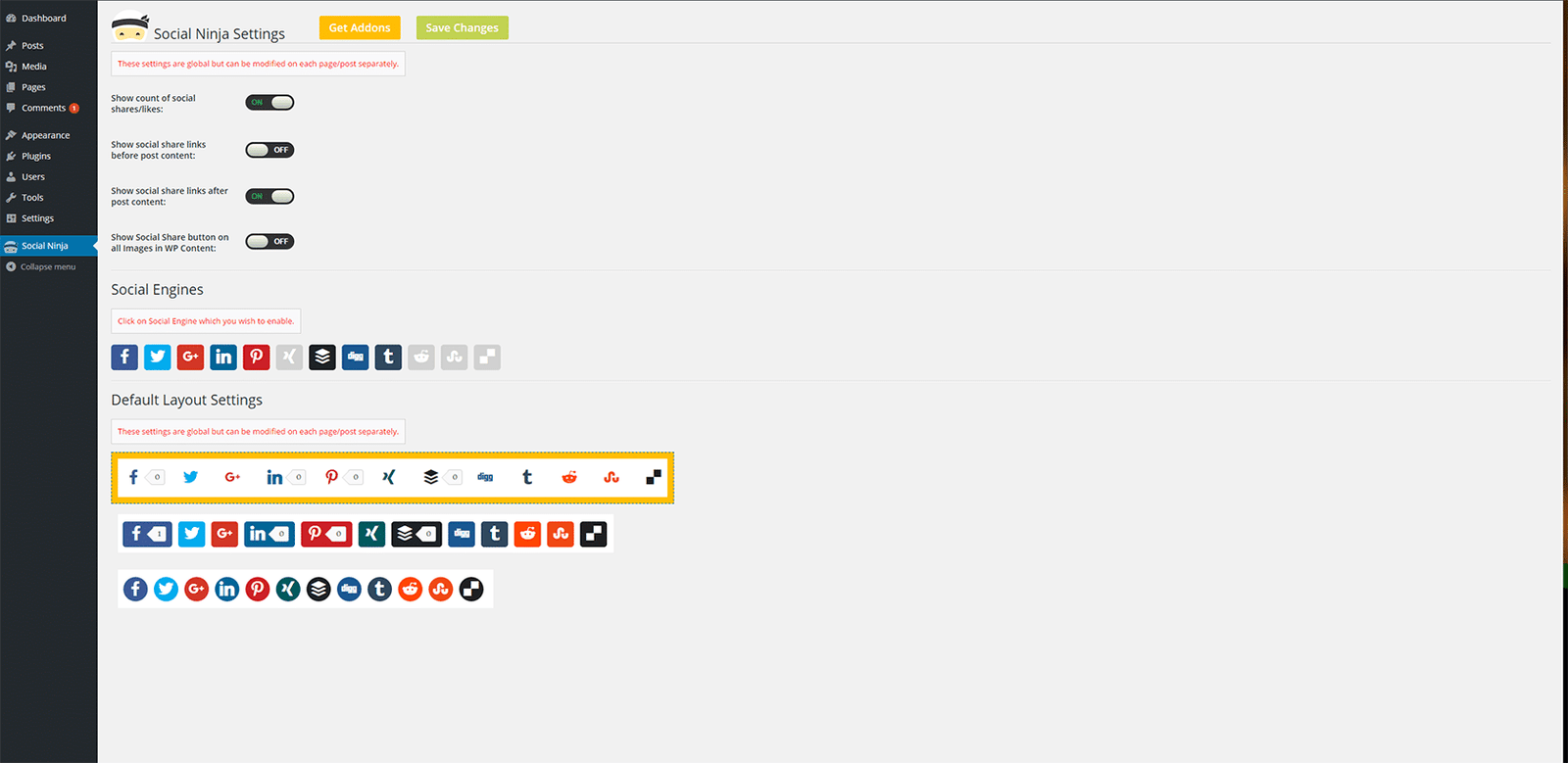
WP Social Ninja is useful when the goal is social proof rather than social sharing or posting.
It combines social feeds, reviews, and chat widgets in one WordPress plugin. That makes it relevant for WooCommerce stores, service businesses, membership sites, and local brands that want trust signals on sales pages.
Best use cases
- Showing business reviews.
- Embedding social feeds.
- Adding social chat widgets.
- Supporting conversion pages with trust signals.
Strengths
- Combines several social proof features in one plugin.
- Useful for business websites, stores, and agencies.
- Can reduce the need for separate review, feed, and chat plugins.
- Good fit for conversion-focused pages.
Limitations
- Not primarily an auto-posting plugin.
- Sites that only need sharing buttons may find it too broad.
- Can overlap with another feed or review plugin if not planned carefully.
Pricing
Paid plans start at $44/year for the Single Site License at the current listed discount. The regular Single Site License price is $89/year.
Verdict
WP Social Ninja works well for trust building on the website side. If the goal is outbound publishing and scheduling from WordPress, an auto-posting plugin covers that use case instead.
Where does Blog2Social fit in 2026?
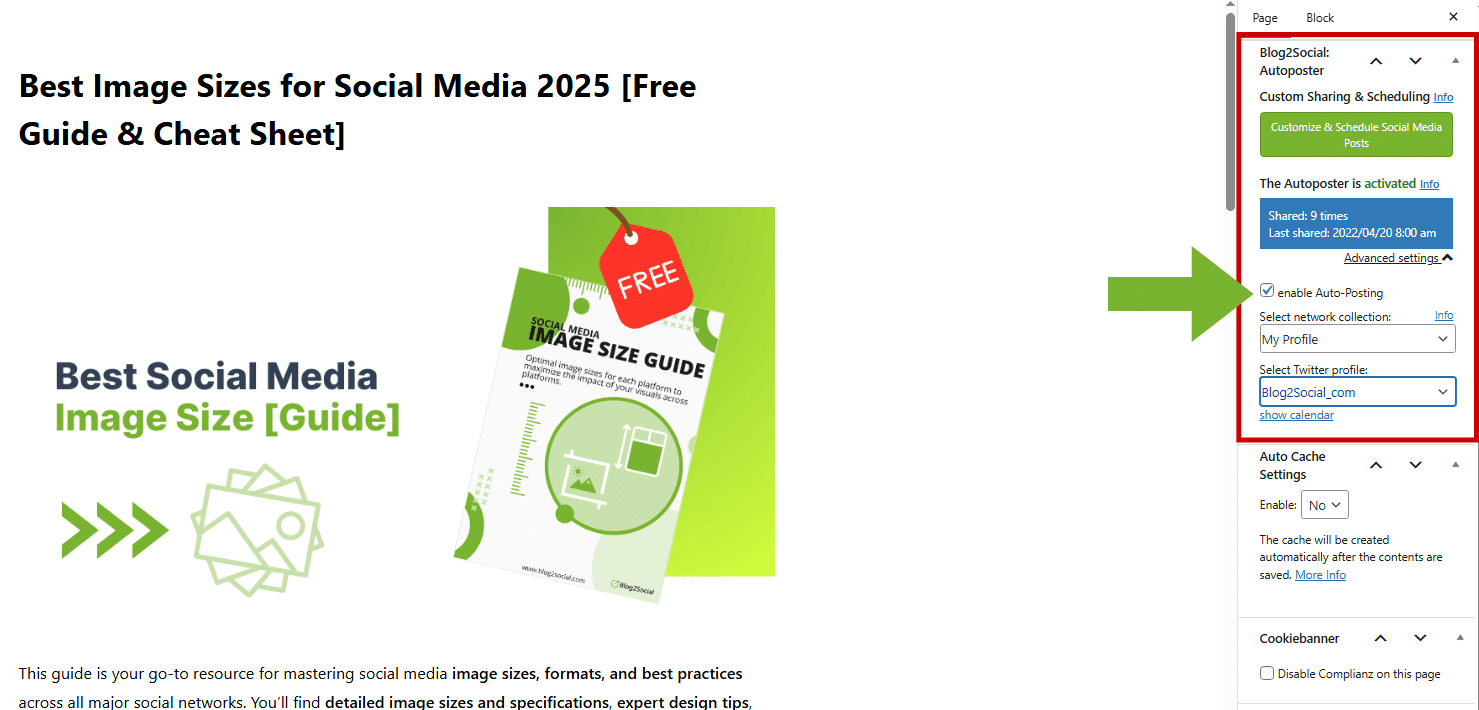
Blog2Social is a long-standing social scheduling plugin with a free WordPress.org version.
It offers scheduling and automation features, and the free entry point makes it easier to try before committing. The tradeoff is the workflow: compared with a more focused WordPress auto-posting tool, Blog2Social can feel less streamlined, partly due to plan limits and add-ons. Some users may still prefer it because they can start free, test the interface, and upgrade later.
Best use cases
- Users who want to try a free social scheduling plugin before paying.
- Smaller sites that do not need the most streamlined workflow.
- Teams already familiar with Blog2Social.
Strengths
- Free version available.
- Long-standing product in the WordPress social scheduling space.
- More than basic one-click sharing.
Limitations
- Workflow can feel dated.
- Plan structure can be less straightforward for buyers.
- Not the most streamlined fit for frequent WordPress-first auto-posting.
Pricing
Free version available. Paid plans on the WordPress plugin checkout: Smart at 72.00 Euro per year, Pro at 118.80 Euro per year, Business at 299.88 Euro per year. X posting is a separate add-on: $14.99/month for 70 X posts, $24.99/month for 100 X posts, or $59.99/month for 250 X posts.
Verdict
Blog2Social makes sense if the free entry point is the deciding factor. For a more modern WordPress auto-posting workflow, most teams will want to evaluate other options first.
How should WooCommerce stores choose a social media plugin?
WooCommerce stores should start by identifying the publishing workflow.
If you publish new products often, an auto-posting plugin can handle distribution without manual copy-pasting to each network. FS Poster connects product publishing to social accounts and supports that as a repeatable step in the process.
If your products need social proof, a feed or review widget can help. Smash Balloon or WP Social Ninja covers that use case.
If your products are highly shareable, simple share buttons from AddToAny give visitors an easy way to spread the word.
A practical WooCommerce setup could look like this:
- An auto-posting plugin for new products and product campaigns.
- A share button plugin for blog posts and product guides.
- A social proof plugin for landing pages.
Avoid installing multiple plugins that all try to do the same job. That adds clutter and can slow the site.
How should LearnDash, BuddyBoss, and membership sites choose?
Course and community sites should think about announcements, trust, and retention.
A LearnDash site may use an auto-posting plugin to schedule course launches, new lesson announcements, webinar posts, and blog updates. A BuddyBoss community may use social proof widgets to show public activity, reviews, or brand credibility.
For membership sites, the goal is usually to promote public-facing content that attracts new members rather than broadcasting every private update.
A practical setup could look like this:
- An auto-posting plugin for public blog posts, announcements, course launches, and evergreen campaigns.
- A social proof plugin for reviews, feeds, chat, or testimonials.
- A lightweight icon plugin for social profile links.
What is the best overall WordPress social media plugin in 2026?
The answer depends on which job you are trying to do.
For auto-posting and scheduling: FS Poster. For share buttons: AddToAny. For social feeds: Smash Balloon. For old post recycling: Revive Old Posts. For social proof: WP Social Ninja.
This is why category matters. A feed plugin cannot replace an auto-poster. A share button plugin cannot replace a scheduler. A follow icon widget cannot replace a social proof tool.
Conclusion
The right WordPress social media plugin in 2026 depends on the job you need done.
For auto-posting and scheduling, FS Poster handles that workflow, particularly for WooCommerce stores, agencies, LearnDash publishers, BuddyBoss communities, and content-heavy WordPress sites.
For share buttons, AddToAny covers the need without adding overhead. For feeds, Smash Balloon. For old post recycling, Revive Old Posts. For follow icons, Social Icons Widget and Block. For reviews, feeds, chat, and social proof, WP Social Ninja.
Start with the job, not the plugin. Identifying what you actually need WordPress to handle will narrow the choices quickly and reduce the risk of overlapping tools or unnecessary complexity.
FAQ
What is the best WordPress social media plugin for auto-posting?
FS Poster is a dedicated WordPress auto-posting and scheduling plugin. It supports 26 social networks and services, starts at $58/year, and is built for WordPress publishers, WooCommerce stores, agencies, and content teams that want to share posts automatically.
What is the best free WordPress social sharing plugin?
AddToAny is a widely used free option for social sharing buttons. It lets visitors share posts, pages, and products to many services. It is not an auto-posting plugin.
What is the best WordPress plugin for Instagram or social feeds?
Smash Balloon is a well-regarded choice for displaying social feeds on WordPress. It supports Instagram, Facebook, YouTube, TikTok, and X.
Do I need both an auto-posting plugin and a share button plugin?
Often, yes. An auto-posting plugin shares your content to your brand accounts. A share button plugin lets visitors share your content to their own accounts. They solve different problems.
Is the FS poster free?
No. The FS Poster does not have a free or lite version. Pricing starts at $58/year.
Is Blog2Social still worth using in 2026?
Blog2Social can still be useful if you want a free entry point and are comfortable with its workflow. For a more modern WordPress auto-posting workflow, it is worth comparing other options.
Which social media plugin is best for WooCommerce?
For auto-posting new products and scheduling, FS Poster is designed for that workflow. For product page sharing buttons, AddToAny is a lightweight free option. For social proof, reviews, and feeds, WP Social Ninja or Smash Balloon covers that use case.
Which social media plugin is best for agencies?
FS Poster supports multi-account, multi-network publishing from WordPress, which makes it a natural fit for agencies managing social distribution for clients.
Can one WordPress plugin handle every social media task?
Some plugins cover more than one task, but one plugin rarely handles everything well. It is more practical to choose by job: auto-posting, sharing buttons, feeds, old post recycling, follow icons, or social proof.
Need Ongoing WordPress Maintenance & Support?
We handle updates, performance monitoring, security hardening, and technical fixes so your WordPress and WooCommerce site stays stable and secure.

Plugin Not Working in WordPress? Here’s Why
Is your plugin not working in WordPress? Here are the 7 most common causes and fixes for plugin conflicts, errors,…
Read More...
WordPress SEO Consultant, Freelancer, or Agency: What Each Costs
Hiring SEO help gets expensive fast. See what an SEO consultant, freelancer, or agency really costs before picking one for…
Read More...
AEO vs. SEO: How to Get Your WordPress Site Cited in AI Answers
AEO vs. SEO explained in simple terms, plus the schema, content, and site fixes that help your WordPress site show…
Read More...
