LearnDash eLearning Standards Integration


Years In Business
Sites Built
Plugins Developed
Repeat Clients
 1.1.5
1.1.5
Current Version
 09 Sep 2026
Last Update
 6.8 Or Higher
WordPress Version
 4.20.0 Or Higher
LearnDash Version
 7.4 Or Higher
PHP Version
Add-On Overview
Give your LearnDash site the power of industry-standard eLearning formats without needing a separate LMS with the LearnDash eLearning Standards Integration. With full support for SCORM and TinCan, this add-on lets you upload packages, track activity, validate progress, and view detailed learner analytics, all in one place.
LearnDash eLearning Standards Integration Features
1 Upload Standardized Content Directly Into LearnDash
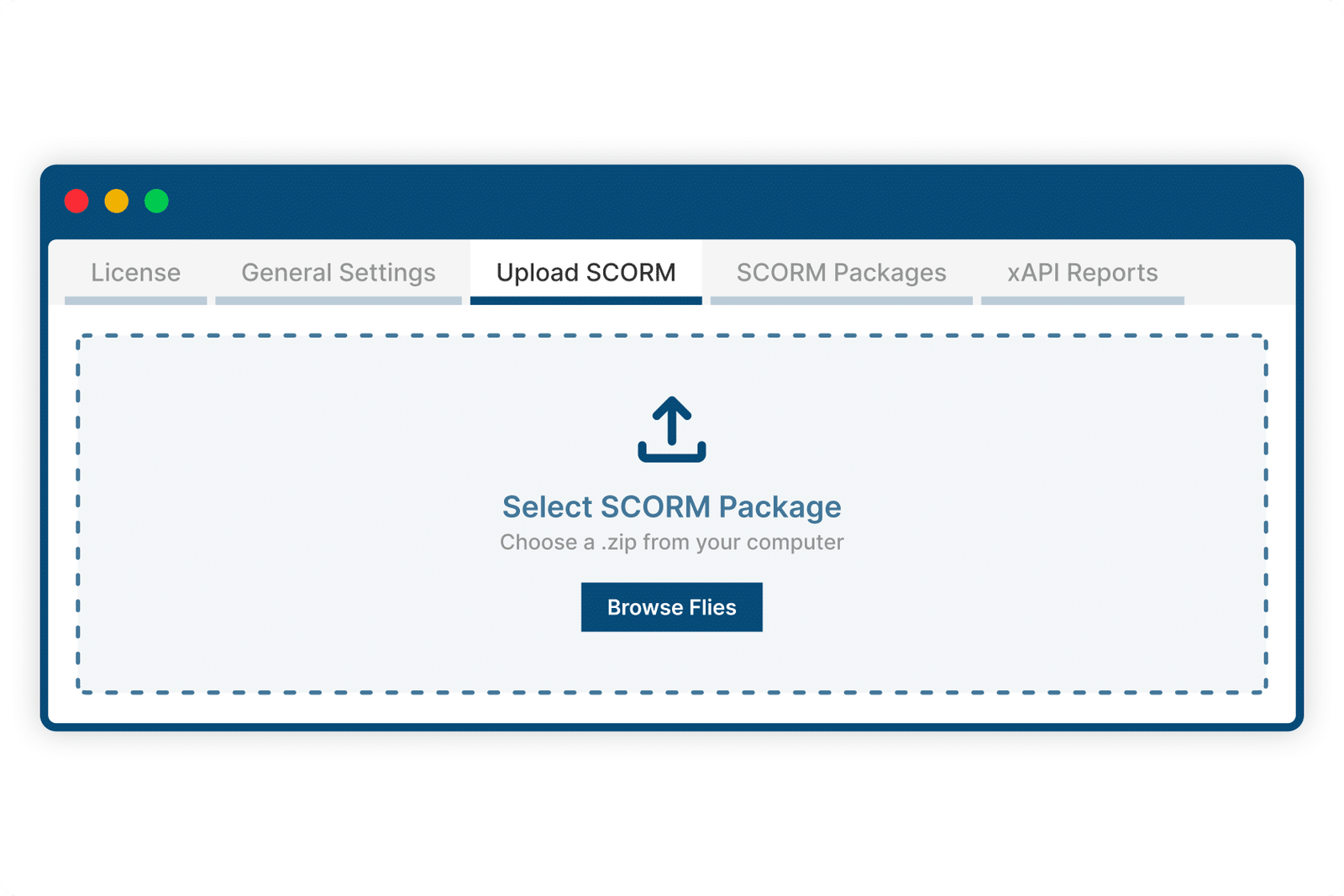
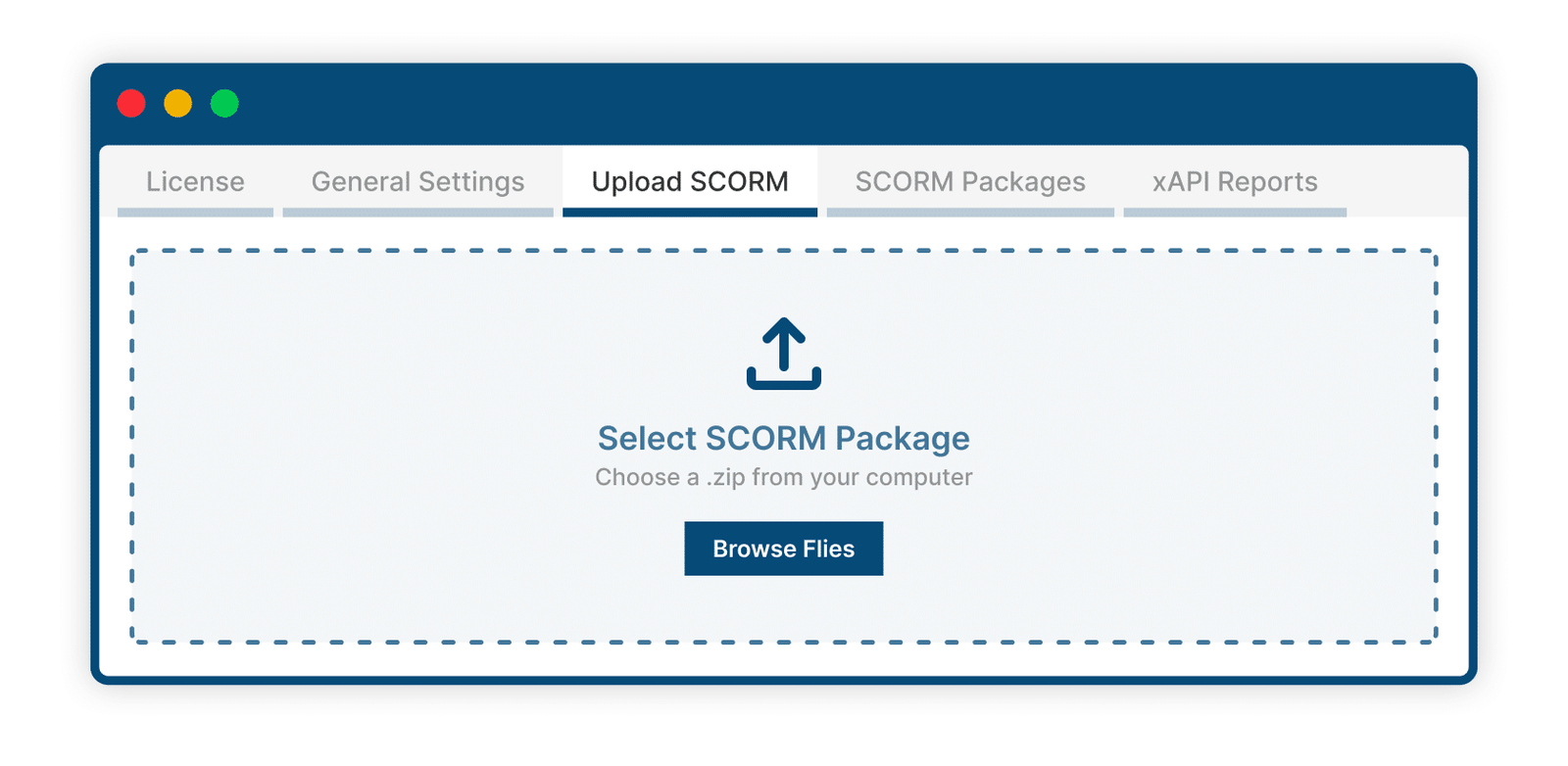
Forget the old-school process of hosting SCORM elsewhere. With this add-on, you can upload your packages right into WordPress, attach them to lessons or topics, and start tracking progress instantly. Every SCORM report goes directly back to LearnDash.
2 Track SCORM Data With Detailed Reports
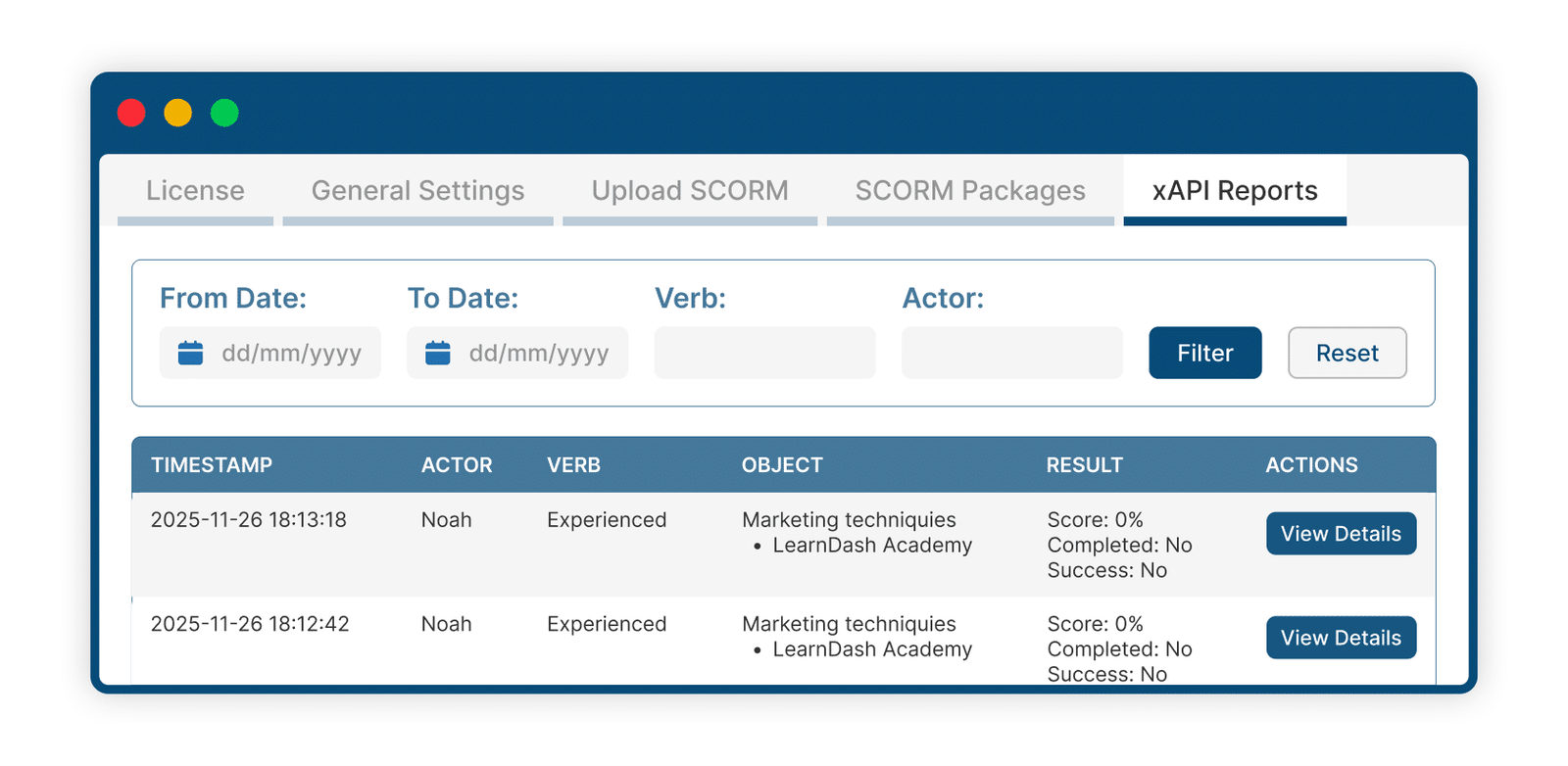
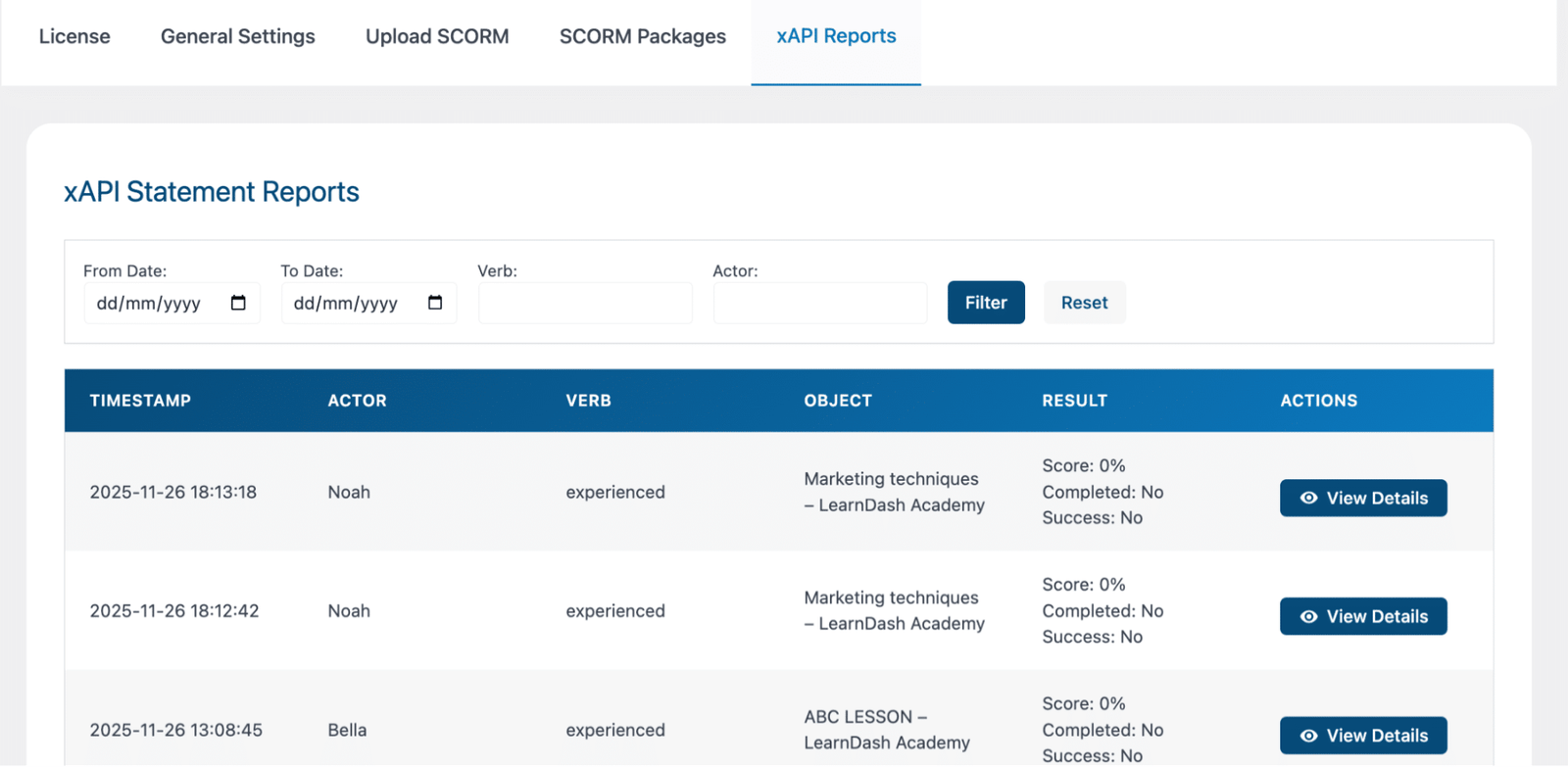
The built-in reporting tools help you monitor everything your learners do. Administrators can browse activity logs, filter by date or action, and see timestamps, scores, completions, and more.
Each interaction generates statements, allowing instructors to evaluate learner performance, troubleshoot issues, and ensure compliance without leaving the LearnDash dashboard.
3 View Complete Statement Details
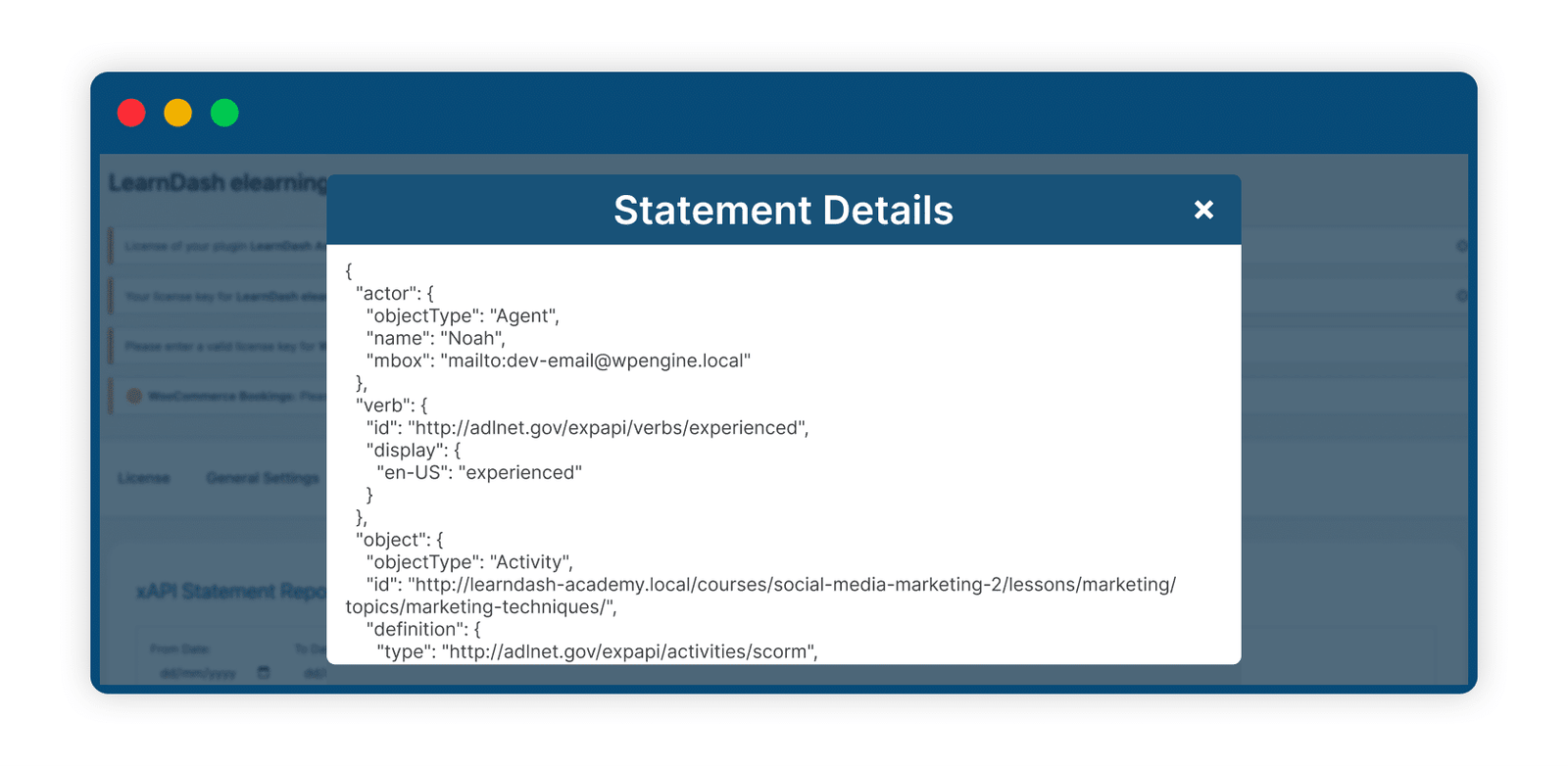
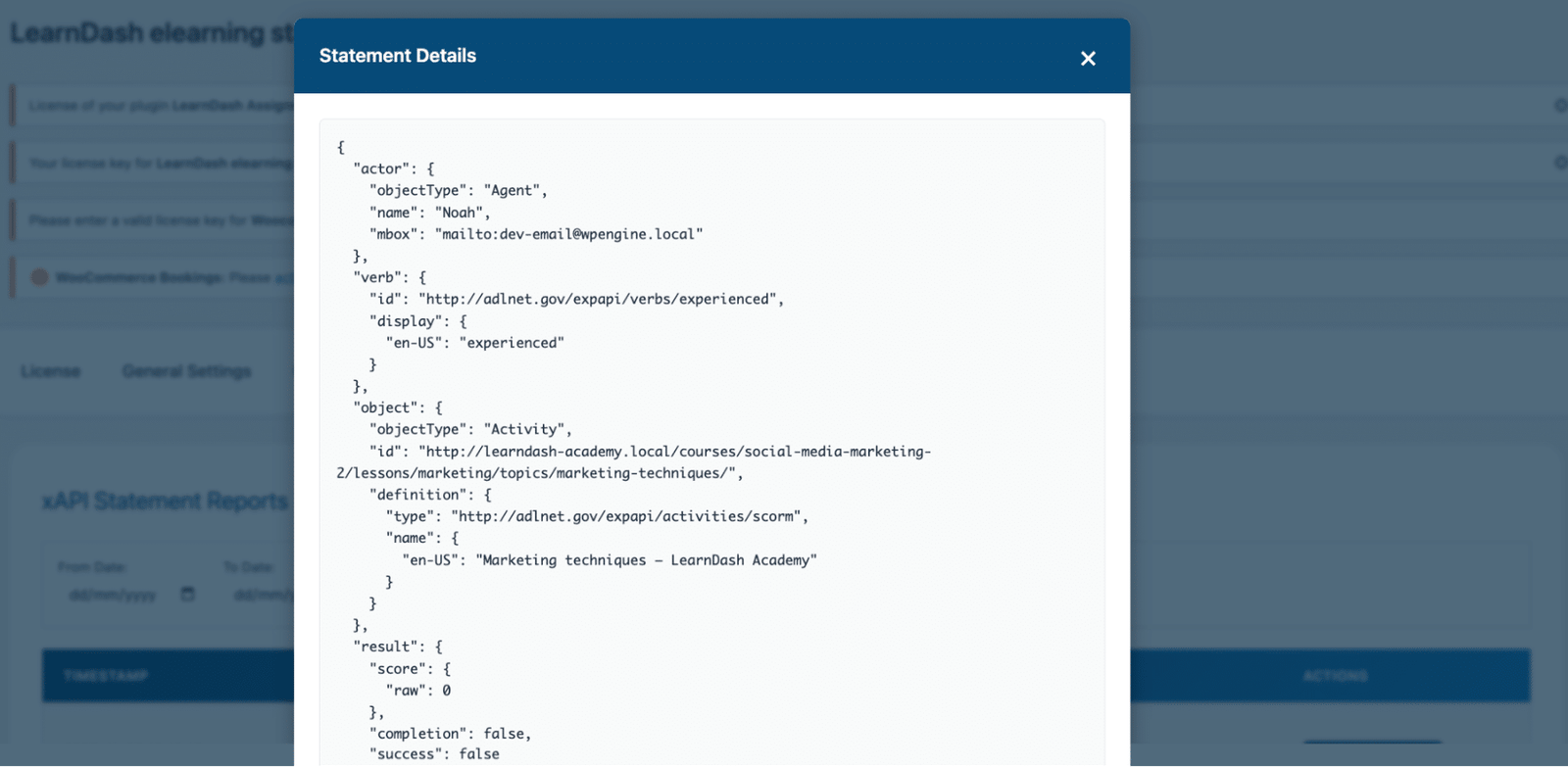
Need the technical details? Every record comes with a full JSON view that shows exactly what the learner did, action, verb, object, score, and more. The LearnDash eLearning Standards Integration is clear, easy to inspect, and helpful for teams that need precise tracking for compliance, audits, or deeper reporting.
4 Seamless SCORM Integration Inside Lessons And Topics
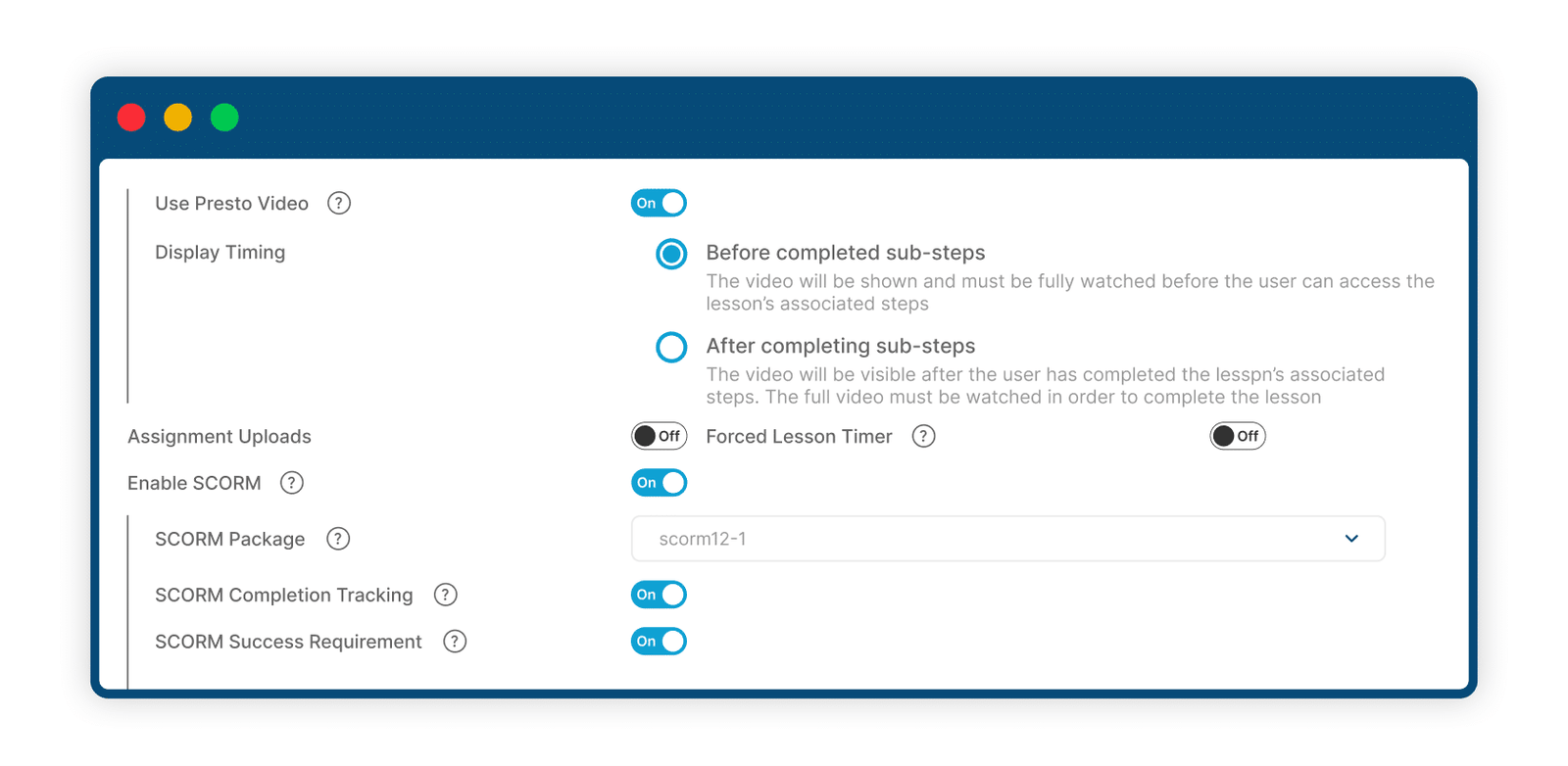
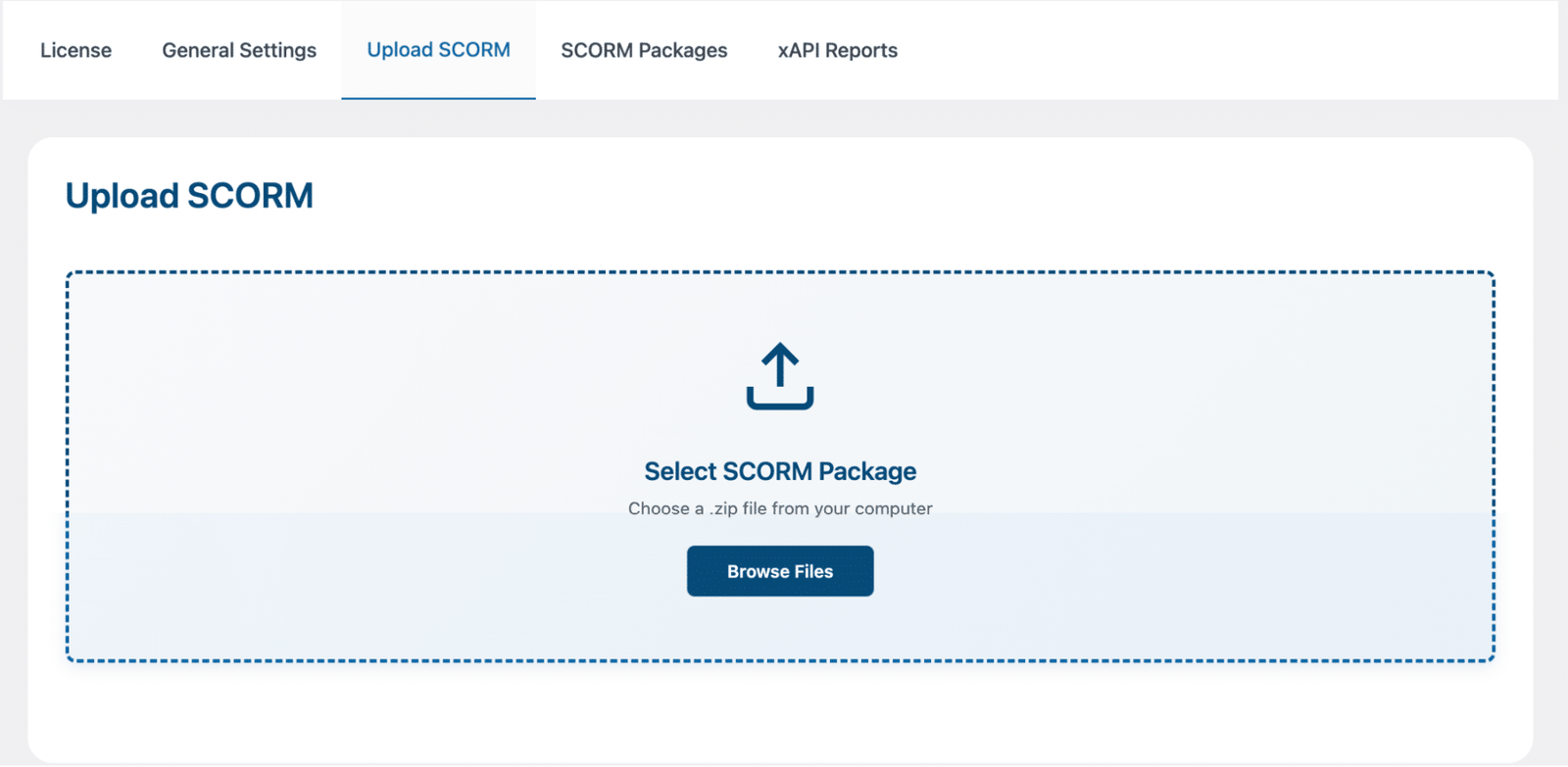
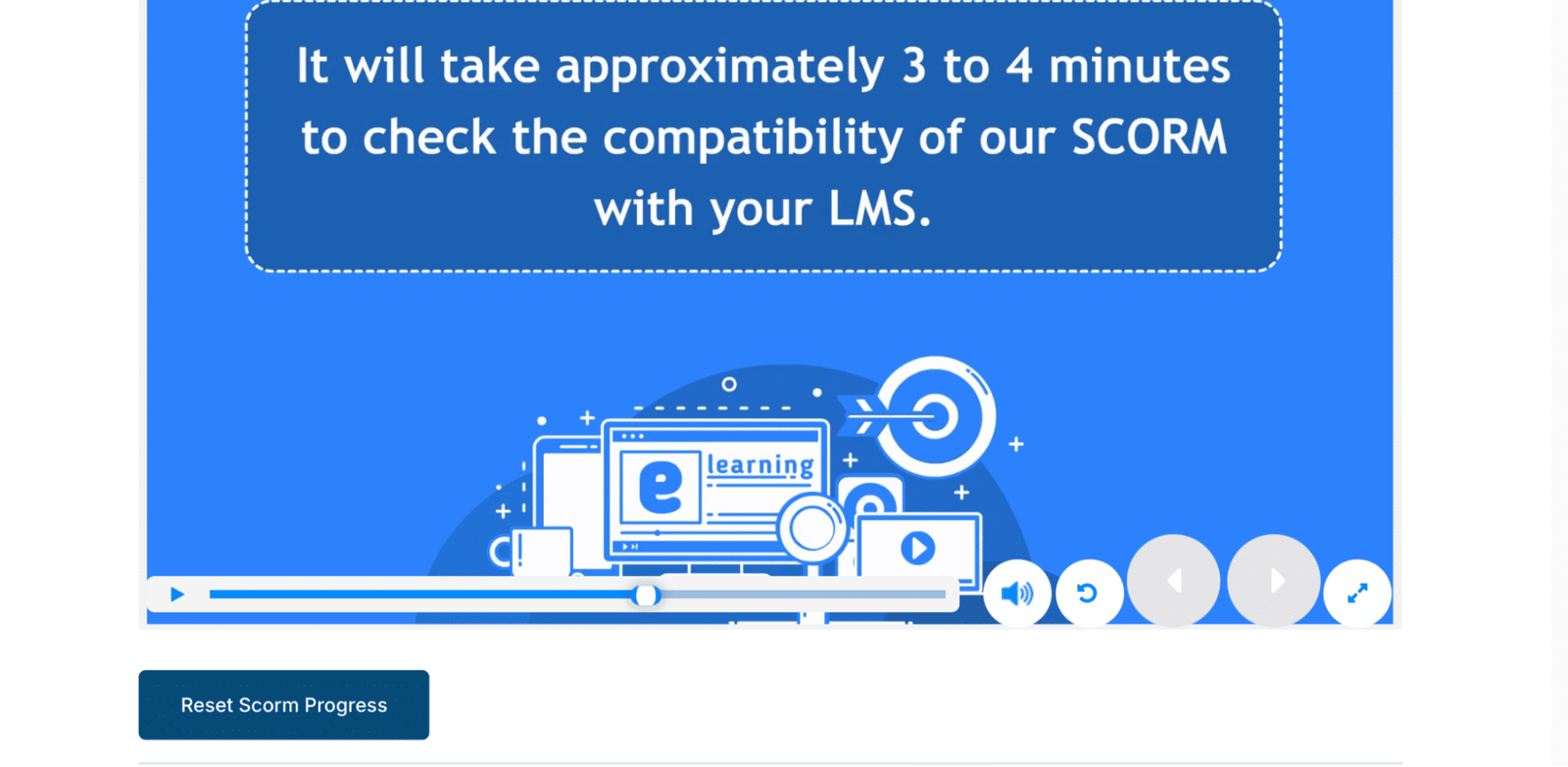
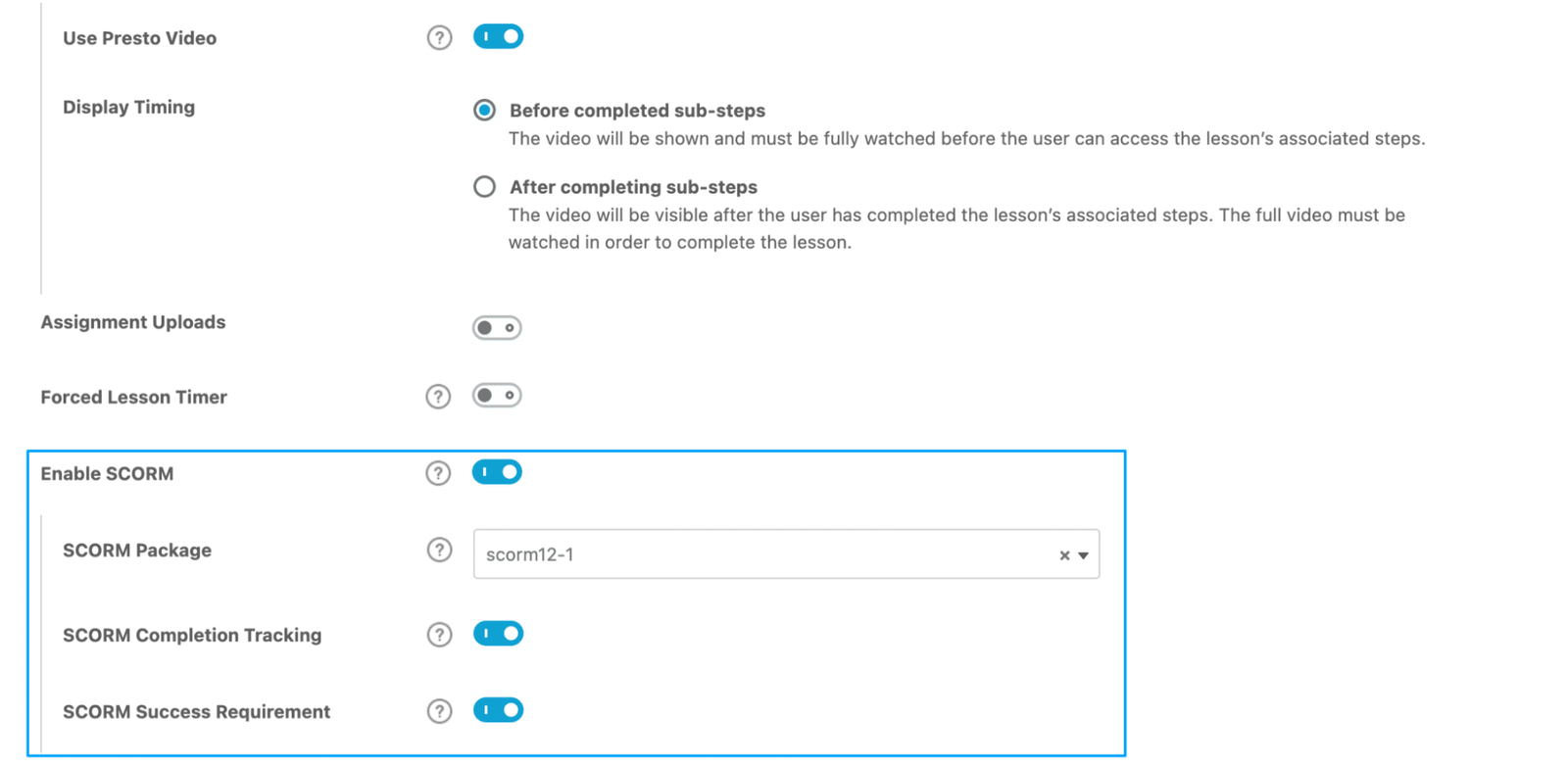
You can drop SCORM content into your lessons and topics without turning your course into something stiff or awkward. Do you want the SCORM activity to be the lesson? Just enable SCORM in the lesson or topic settings, pick your uploaded package, and decide how completion and success should be tracked. Once that’s done, the SCORM player takes center stage and becomes the main content learners see with no extra steps and no messy layouts.
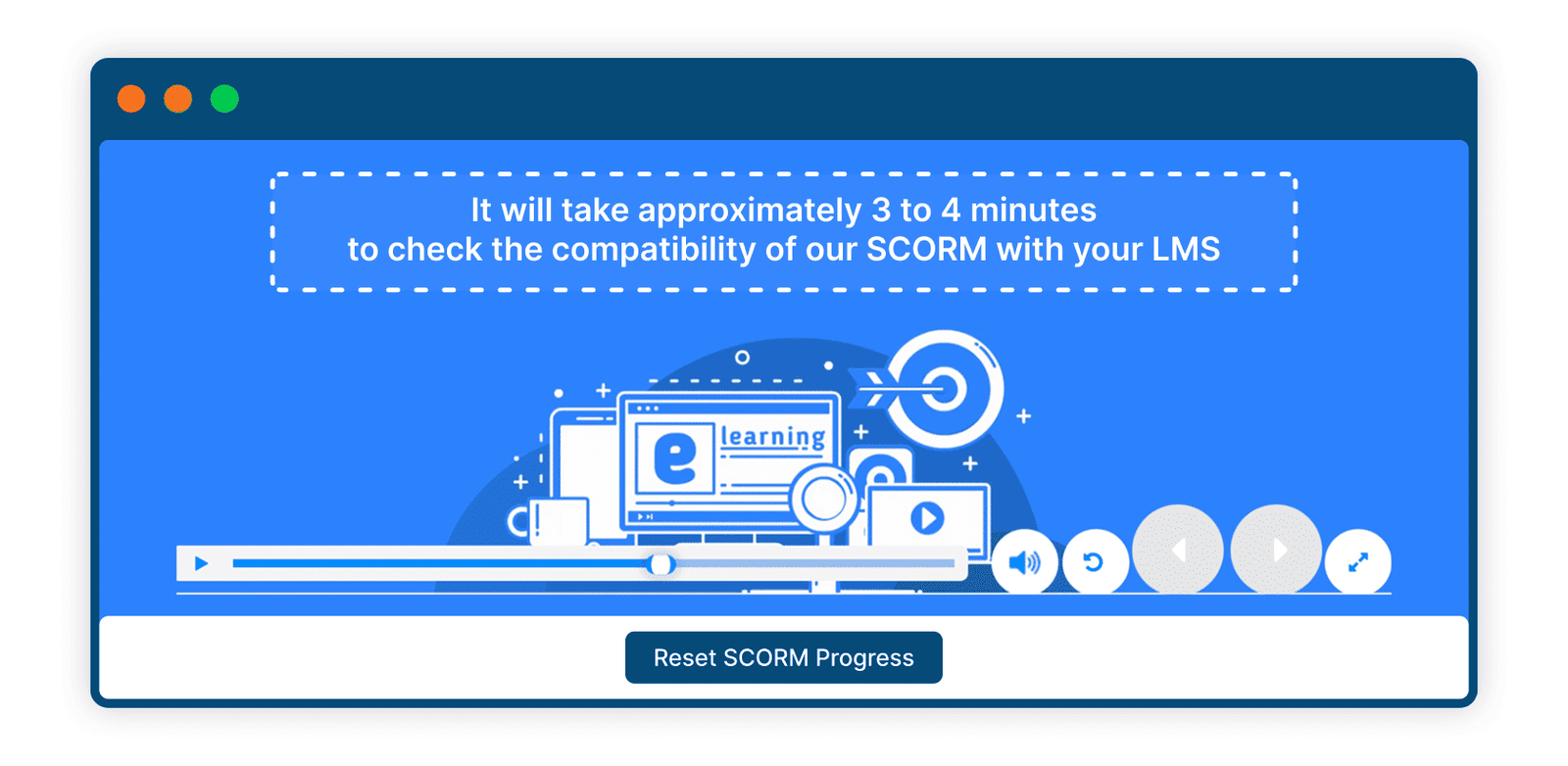
5 Flexible SCORM Placement for Engaging Blended Learning
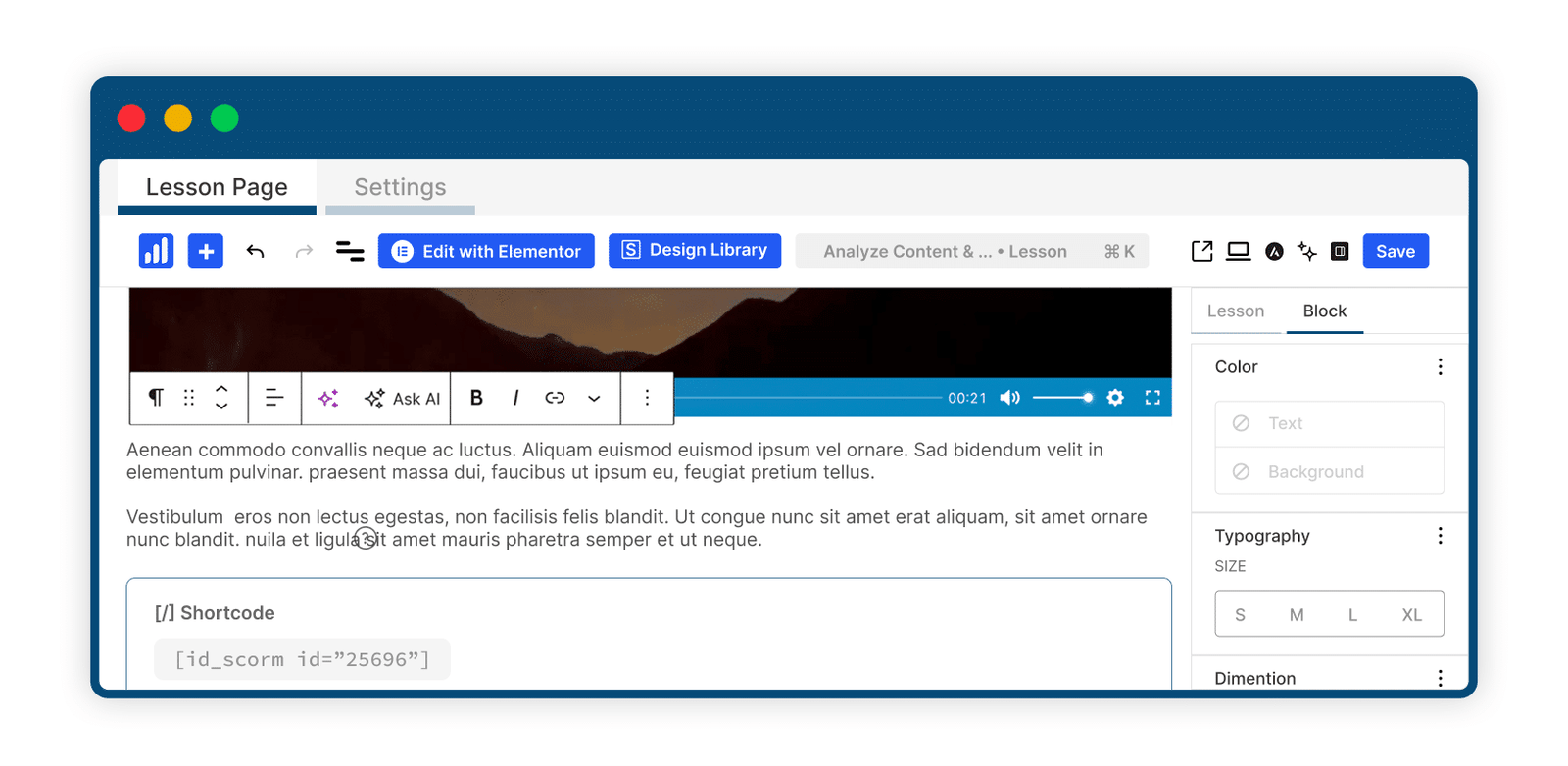
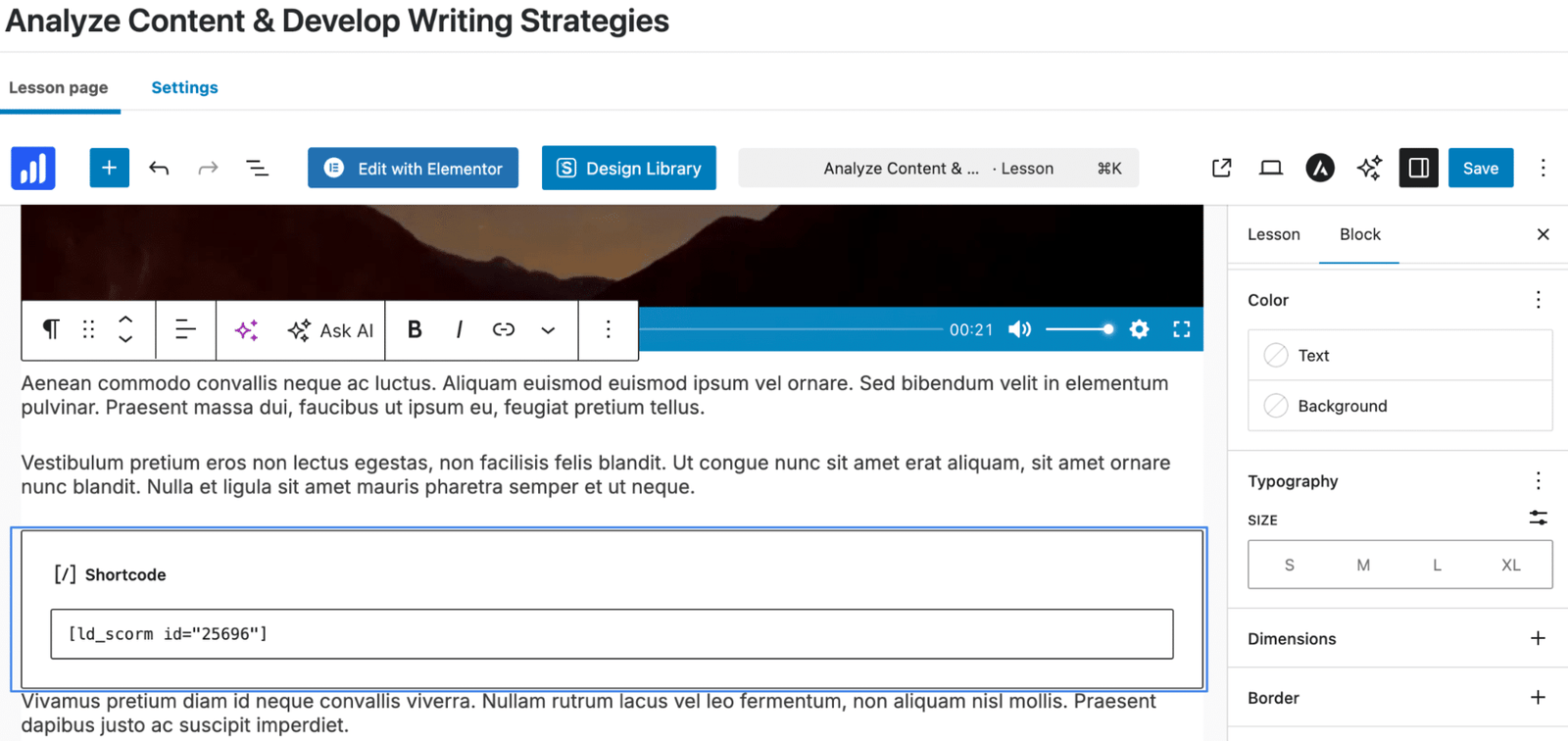
Prefer to mix things up? Use shortcodes and put the SCORM player exactly where you want it. Drop it above a video, slide it between text sections, or place it right after an image. This makes blended learning easy and flexible, so your lessons don’t feel like rigid slide decks but more like smooth, well-paced experiences learners actually enjoy moving through.
6 Automatic Completion And Success Tracking
Let LearnDash do the work. When it’s enabled, the add-on listens for SCORM completion signals, and then it automatically marks the lesson or topic as finished.
You can require a “Passed” status or keep it simple with basic completion. Flexible for all training scenarios, from quick micro-lessons to complex certification courses.
7 SCORM Reset And Record Controls
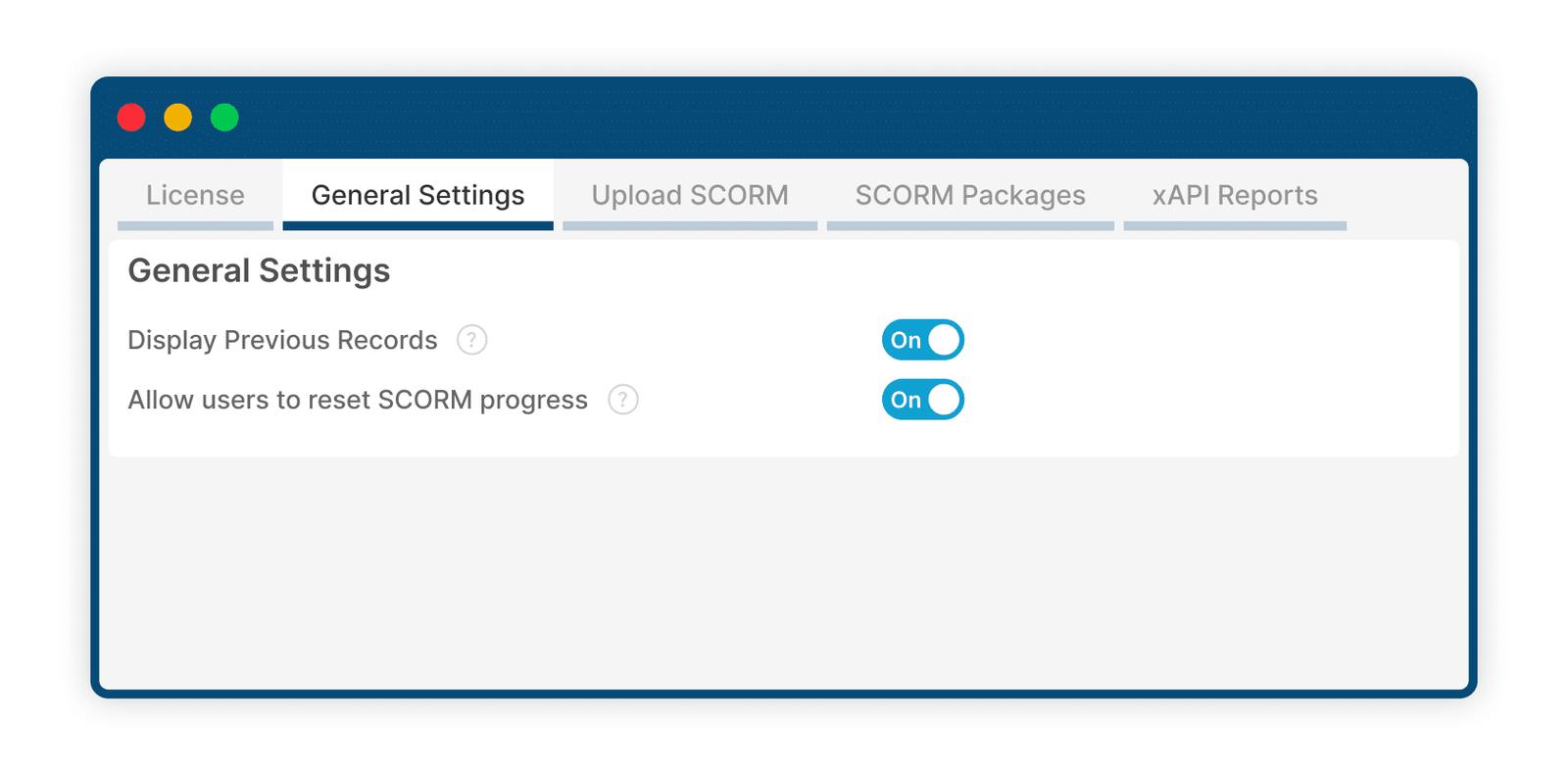
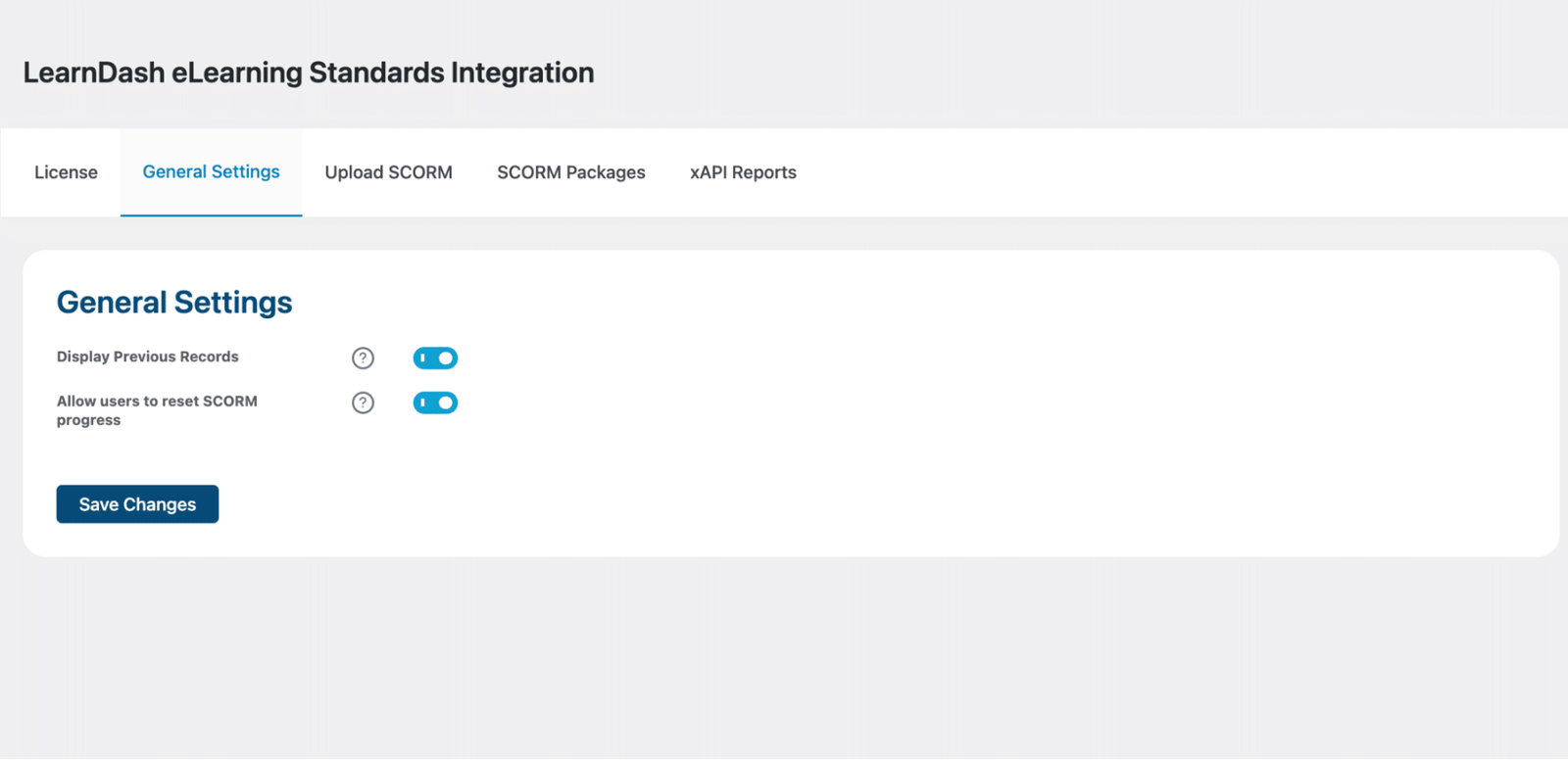
Learners can view their previous SCORM attempts or reset progress and start fresh if you allow it. This gives training admins greater control over compliance workflows and learner retry attempts.
8 SCORM Package Library
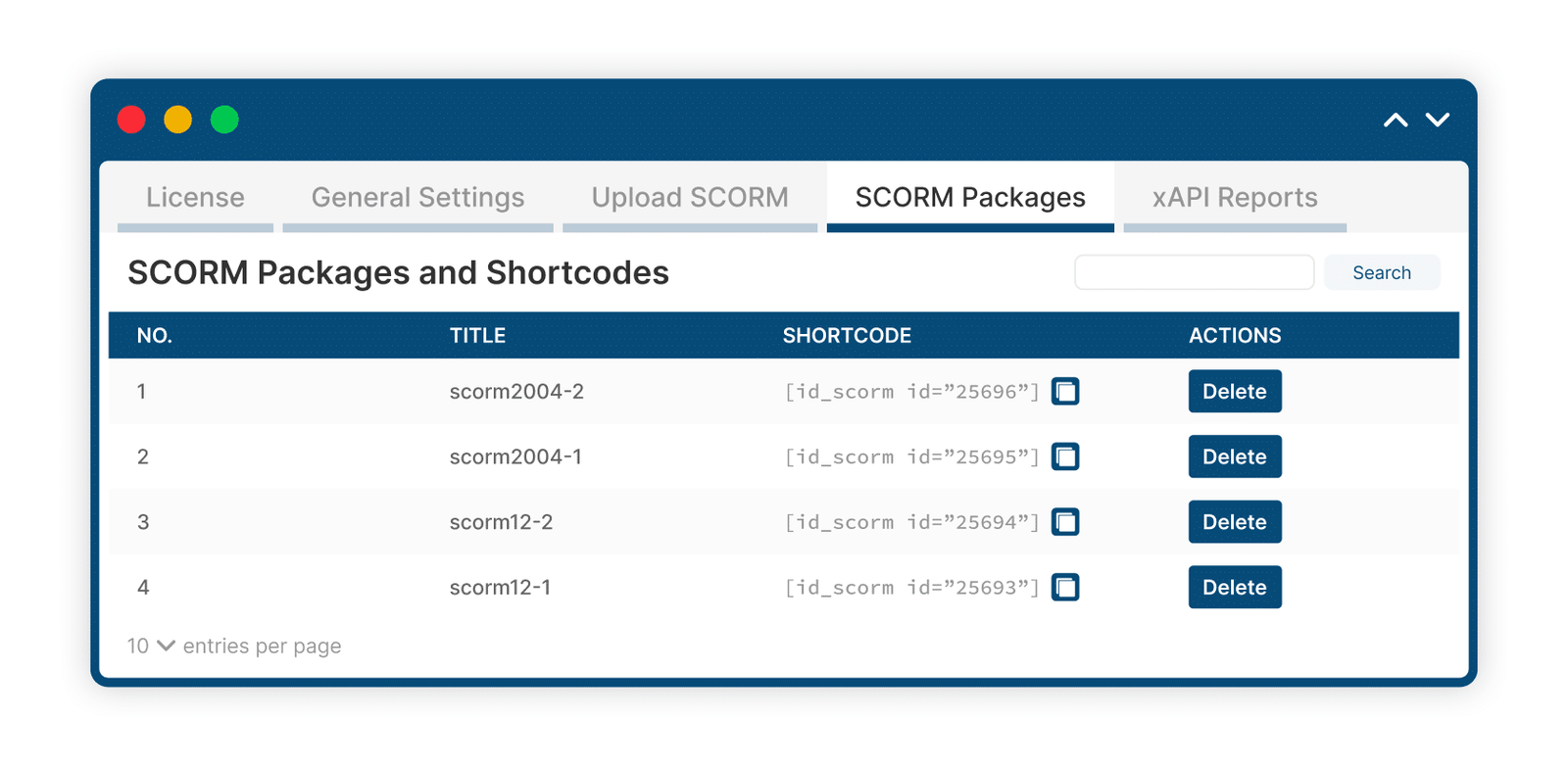
Every uploaded package appears in a central dashboard where you can preview files, search, delete, or copy the shortcode. No guesswork. Everything is organized.
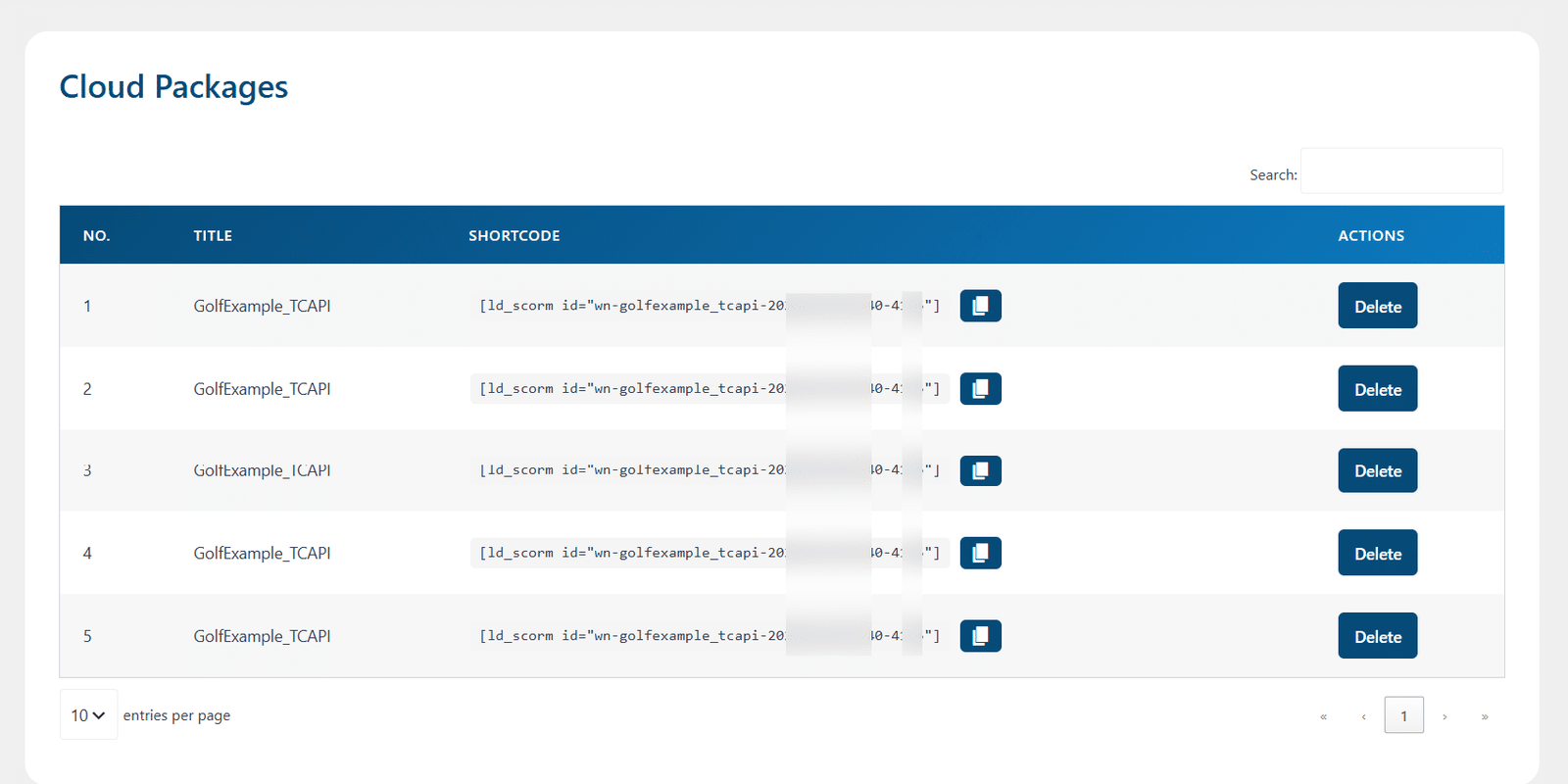
9 Seamlessly Integrate and Manage SCORM Cloud Content
Connect your platform with SCORM Cloud to automatically upload learning packages, securely manage cloud-based content, and deliver a smooth learning experience. With progress resumption support, learners can continue their training from where they left off across SCORM Cloud packages.
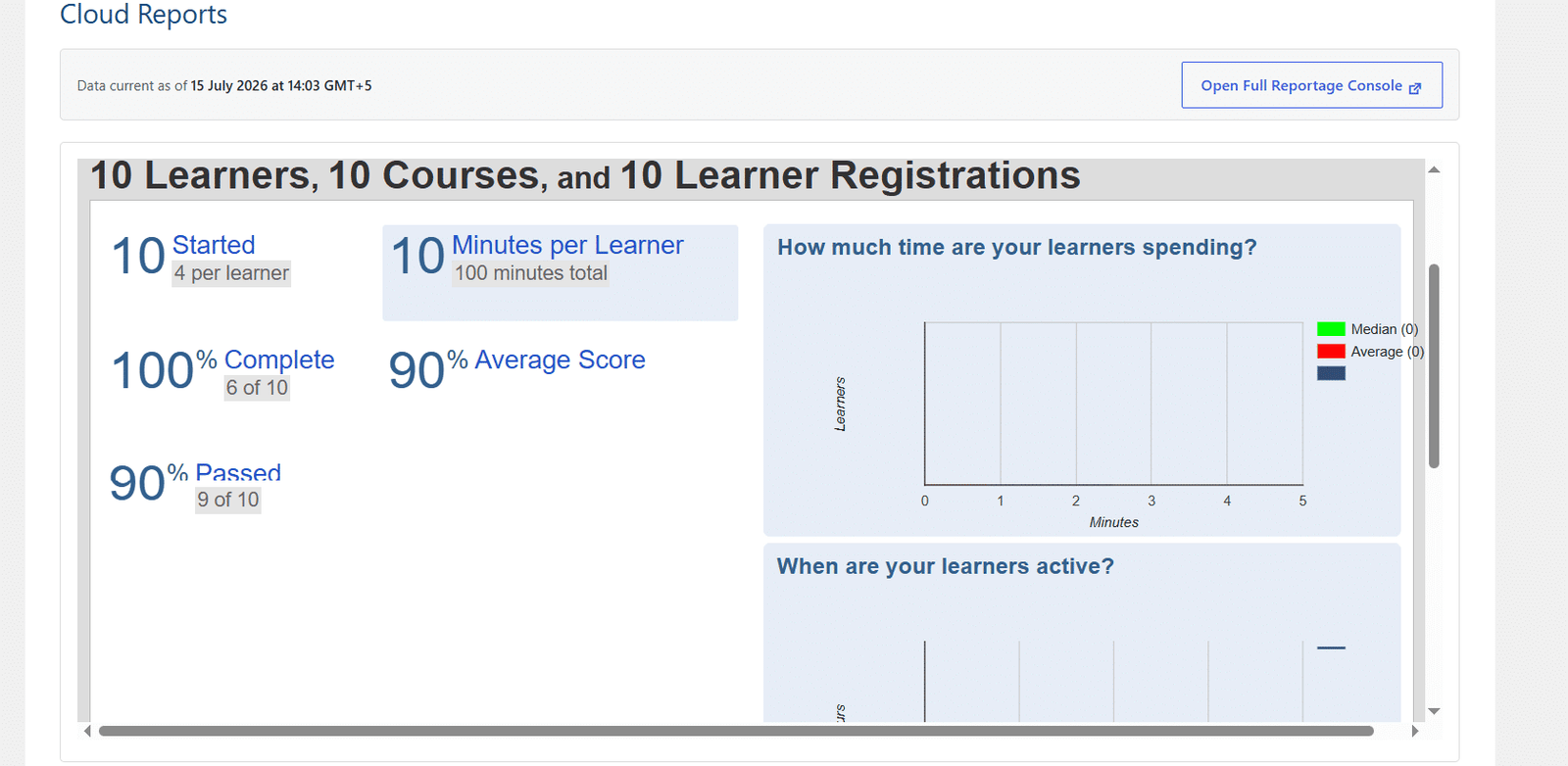
10 Transform Learning Data into Actionable Insights
Gain complete visibility into your training performance with Cloud Reports. Powered by the SCORM Cloud Reporting Dashboard, it delivers real-time analytics on learner progress, course completions, assessment scores, and time spent.
Get The Plugin Now!
License for 1 site
1 year technical support & updates
Full documentation
Support forum
License for 3 sites
1 year technical support & updates
Full documentation
Support forum
License for sites
1 year technical support & updates
Full documentation
Support forum
Are You interested In Full Access Pass?
Get NowLearnDash eLearning Standards Integration Screenshots

What Our Happy
Customer Says

A terrific company with great plug-ins. I needed support for trying to figure out some functionality, and it went like all Support should go. I asked the question and I got a timely and thorough response. Keep up the good work everyone!

WooNinjas provided great customer service to me to solve an issue uploading quizzes into my website. They responded quickly and located and resolved the issue very well.

Great customer service, we had issues but the Wooninjas team didn’t give up and were very helpful in fixing my issue.

The plugins offered by the company are fantastic and their support team is the best, I have had the opportunity to use LearnDash Certificate Verify and Share and I am very satisfied with the results obtained. I highly recommend them.
Build Your Bundle & Save 20%
Pick any 3+ add-ons from the same category and get 20% off automatically at checkout. No coupons and extra steps required. Just choose the features you need and save instantly.
FAQ’s
We’re here to help.
The add-on allows you to track learner activity and completion data for SCORM, Tin Can (xAPI), and H5P content. However, please note that while H5P content can be tracked, it cannot be uploaded through this add-on. H5P content must be created or uploaded separately using an H5P-compatible plugin.
Some SCORM activities don’t send completion. Only enable completion tracking if the activity supports it.
Disable it when your SCORM package doesn’t return a pass/fail status. Otherwise, learners may be unable to complete the lesson.
Some packages don’t trigger a completion signal. Disable completion tracking for those packages or ensure your SCORM file sends the proper variable.
Yes, if you enable the reset feature in General Settings. Otherwise, their previous activity stays saved.
Either enable SCORM in the Lesson/Topic Settings or paste the generated shortcode into the content editor.
It allows LearnDash to support SCORM and H5P packages natively inside WordPress. Upload, play, track, and report on eLearning content, all without external LMS tools.
Still have questions?
Contact us and we will clear up your doubts!
Error: Formulario de contacto no encontrado.
