LearnDash Redis Object Cache

Years In Business
Sites Built
Plugins Developed
Repeat Clients
 1.2.12
Current Version
 24 Aug 2026
Last Update
 6.8 Or Higher
WordPress Version
 4.20.0 Or Higher
LearnDash Version
 7.4 Or Higher
PHP Version
Add-On Overview & Features
Using this add-on, you will significantly lower the number of database requests and queries running simultaneously on a page. It serves requested data from object cache, resulting in faster data fetching and page loading times. This add-on is tailored for LearnDash and WooCommerce plugins as it optimizes the server’s performance for high traffic.
This add-on seamlessly integrates with Redis Object Cache, Memcached, or APCu, all of which are freely available. It initially prioritizes Redis and, if detected, operates with it. If Redis isn’t available, it seamlessly transitions to Memcache and, as a final option, utilizes APCu. Activation of these extensions can be facilitated by your hosting provider, or you have the option to manually add Redis or Memcached to PHP.
Features Of LearnDash Redis Object Cache
1 Efficient Caching
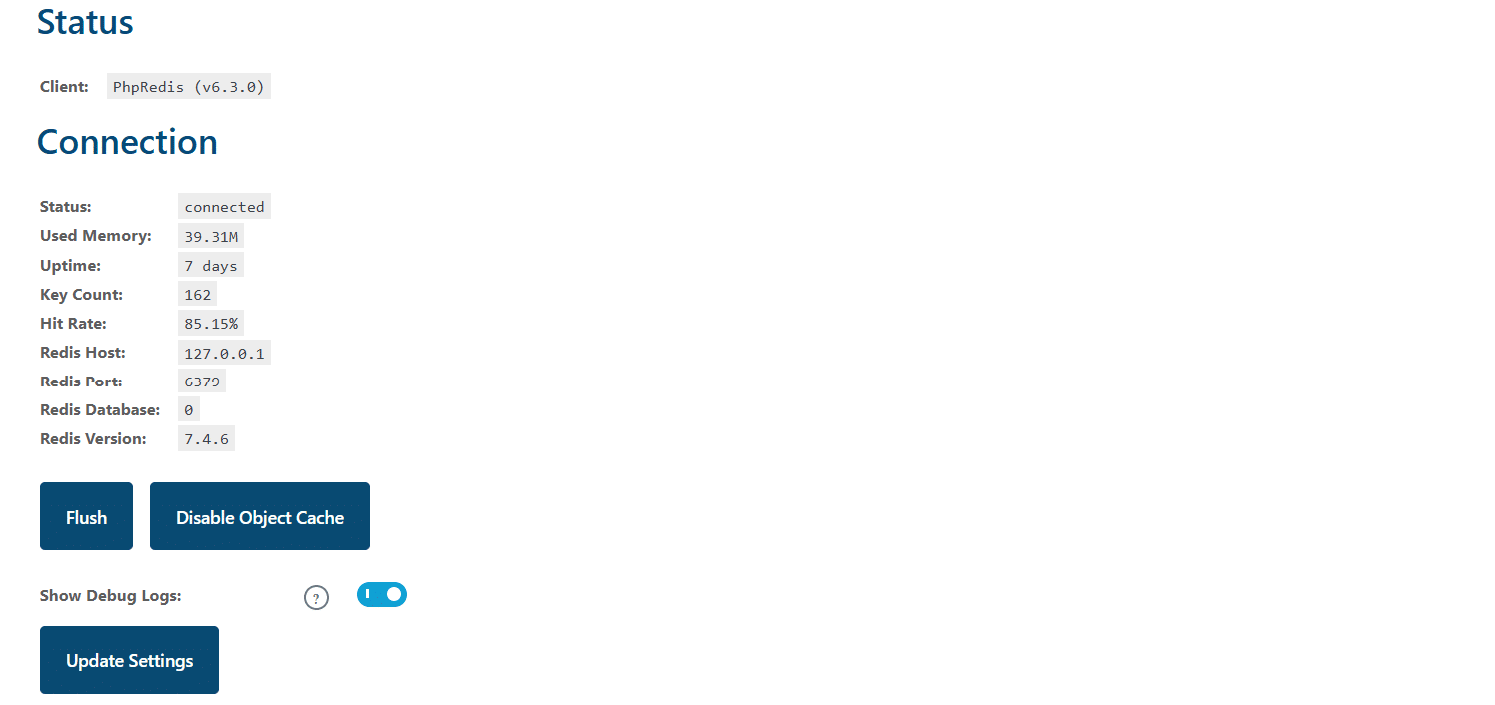
This add-on employs Redis, Memcached, and APCu Object Cache to speed up page loading. It automatically detects your server’s caching capabilities and configures the optimal caching type for you.
2 Reduced Queries
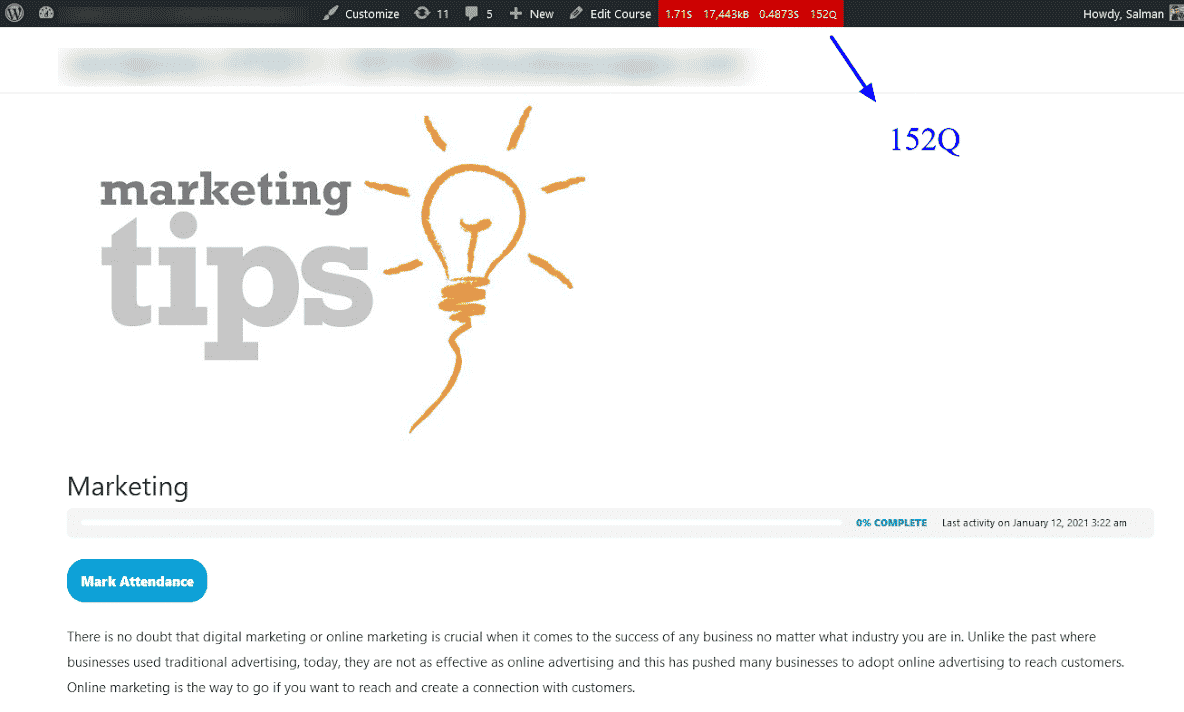
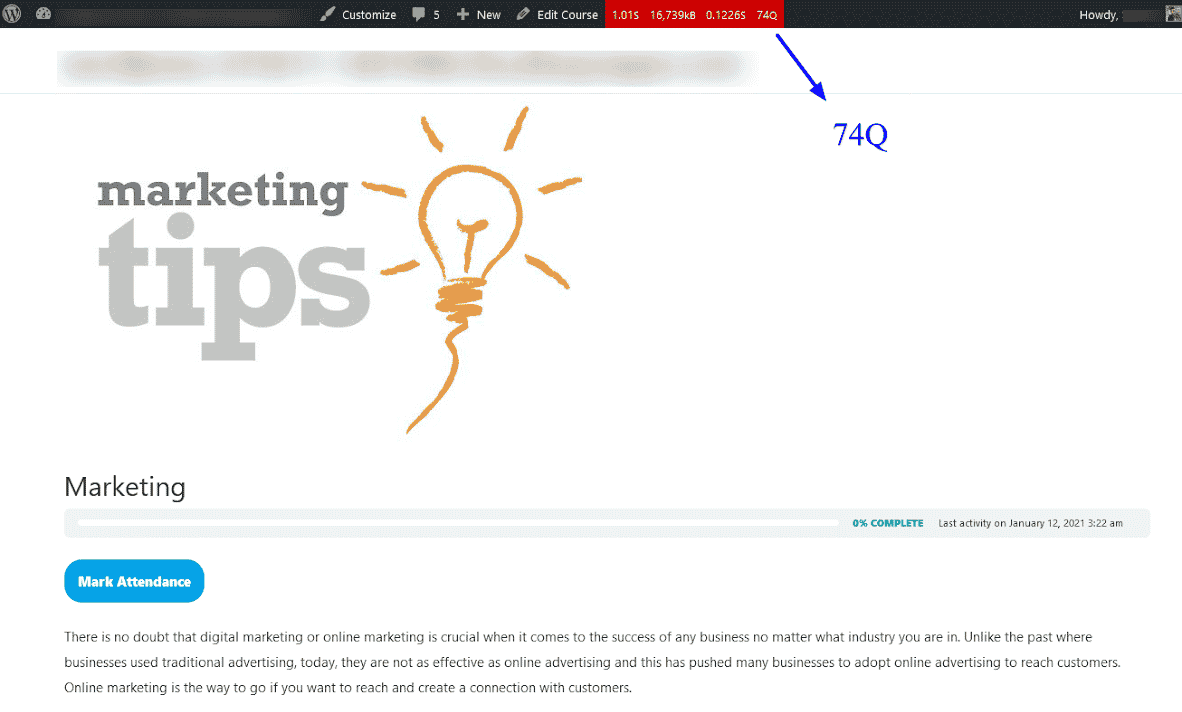
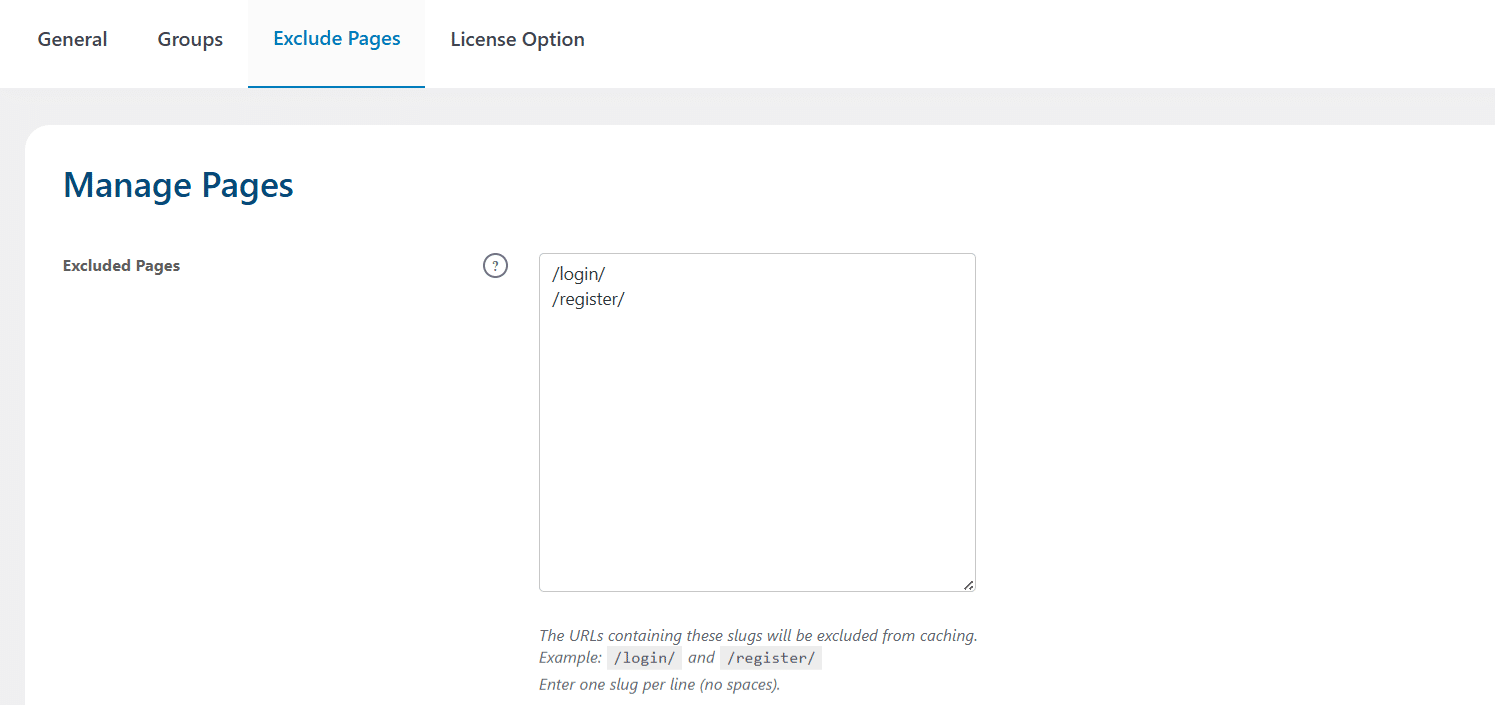
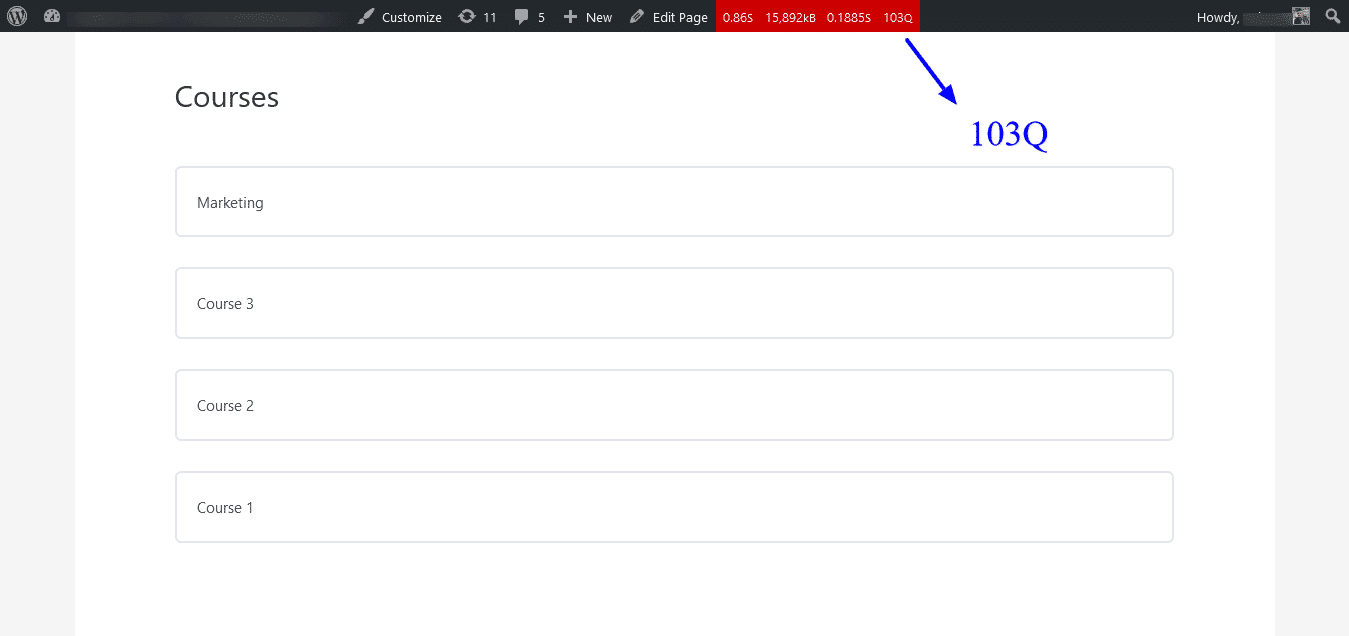
By utilizing Object Cache as a data container, this add-on significantly reduces the number of queries executed on each page. This leads to faster page loading times.
3 High Traffic Optimization
Even during periods of high traffic, this add-on’s Object Cache minimizes the impact on page response times. Your site remains snappy and responsive when it matters most.
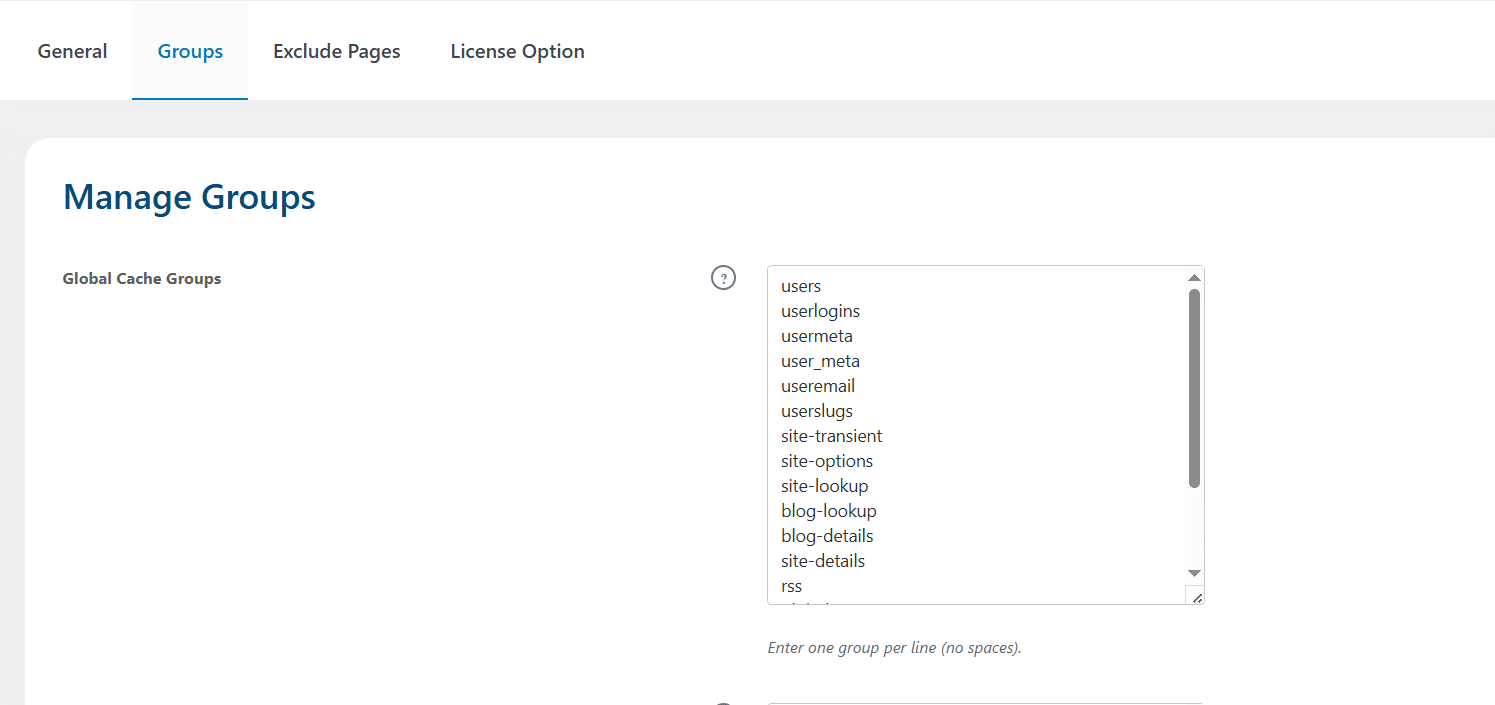
4 One-Click Cache Management
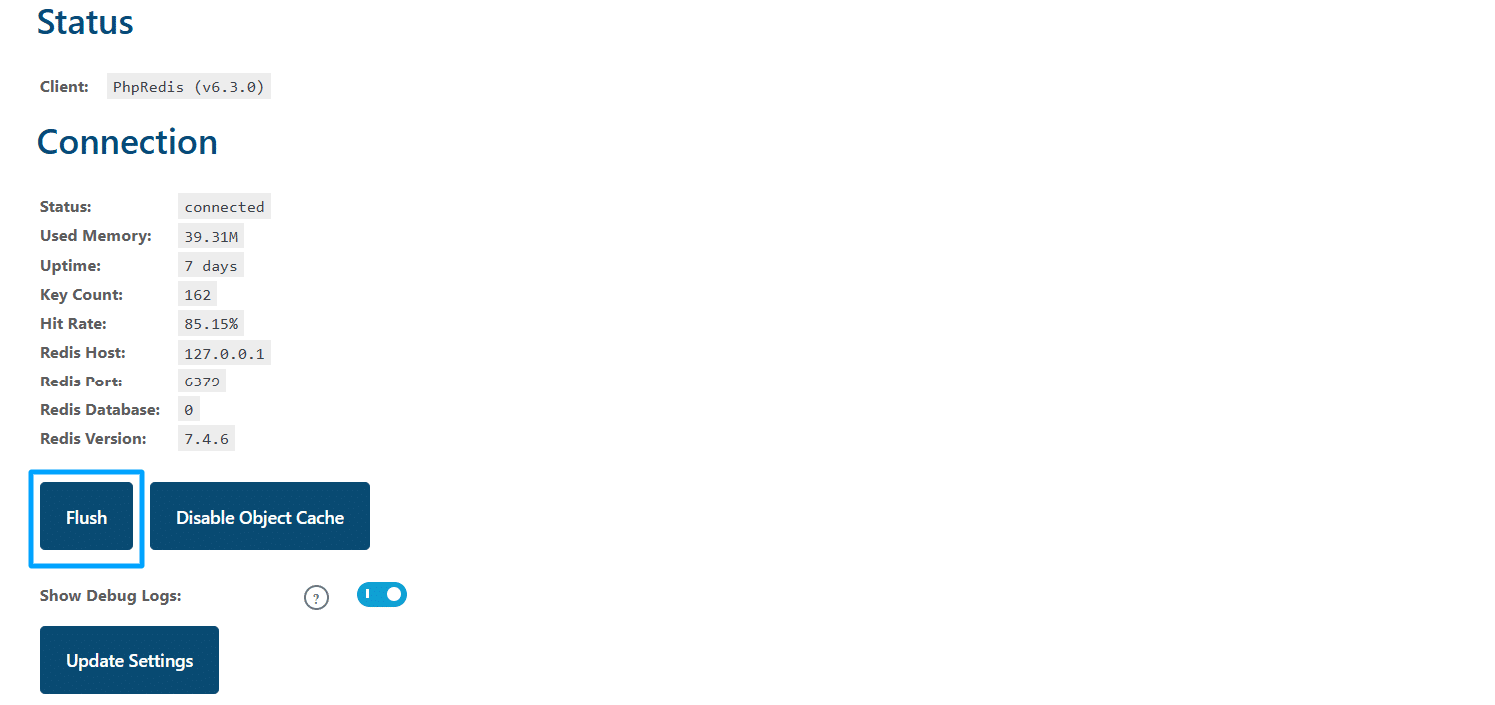
Easily reset and renew the Object Cache with a single click, ensuring your website remains swift and responsive.
5 Tailored For LearnDash LMS And WooCommerce Plugin
If you use WooCommerce and LearnDash LMS simultaneously, the objects and arrays related to the response time of LearnDash LMS and WooCommerce plugins are added by default in the configuration of the add-on’s cache. Similarly, the objects and the arrays of the LearnDash WooCommerce plugin reports are excluded by default.
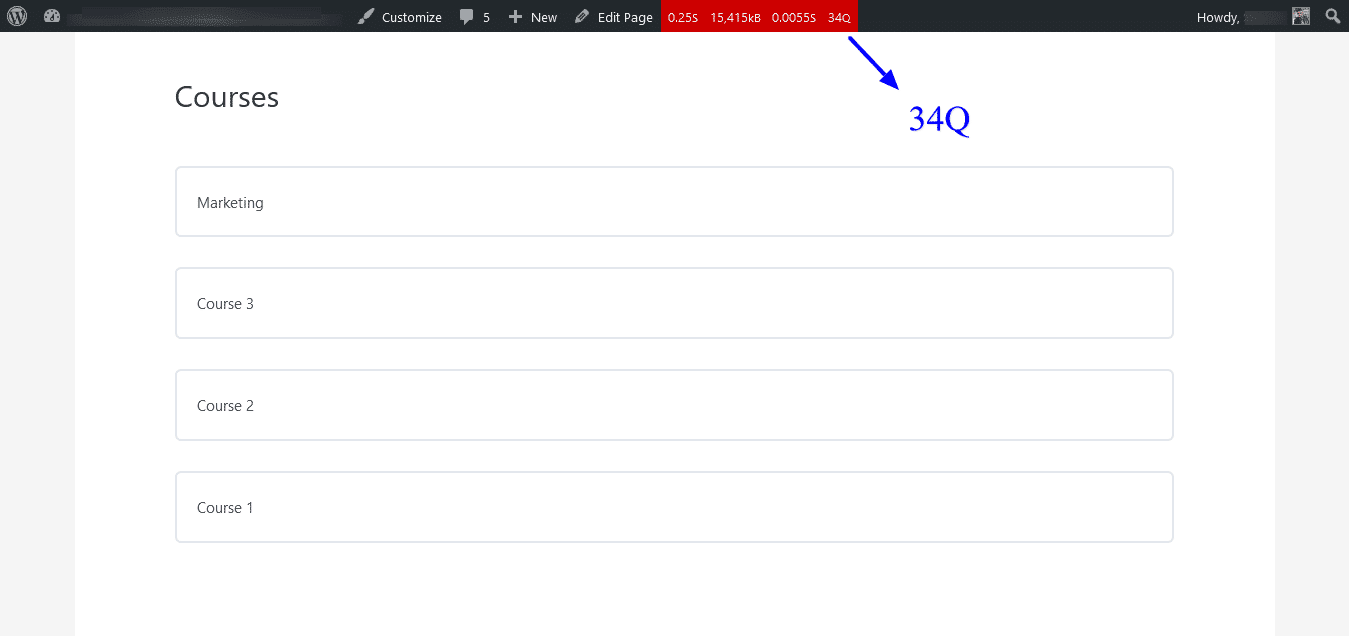
6 Exclude Specific Pages And Posts
With the LearnDash Redis Object Cache Add-on, you have the power to exclude any page or post from the caching process, providing you with greater control over your content.
Get The Plugin Now!
License for 1 site
1 year technical support & updates
Full documentation
Support forum
License for 3 sites
1 year technical support & updates
Full documentation
Support forum
License for Unlimited sites
1 year technical support & updates
Full documentation
Support forum
LearnDash Redis Object Cache
LearnDash Progress Reset
LearnDash Course Planner Pro
Are You interested In Full Access Pass?
Get NowLearnDash Redis Object Cache Screenshots
What Our Happy
Customer Says

A terrific company with great plug-ins. I needed support for trying to figure out some functionality, and it went like all Support should go. I asked the question and I got a timely and thorough response. Keep up the good work everyone!

WooNinjas provided great customer service to me to solve an issue uploading quizzes into my website. They responded quickly and located and resolved the issue very well.

Great customer service, we had issues but the Wooninjas team didn’t give up and were very helpful in fixing my issue.

The plugins offered by the company are fantastic and their support team is the best, I have had the opportunity to use LearnDash Certificate Verify and Share and I am very satisfied with the results obtained. I highly recommend them.
Build Your Bundle & Save 20%
Pick any 3+ add-ons from the same category and get 20% off automatically at checkout. No coupons and extra steps required. Just choose the features you need and save instantly.
FAQ’s
We’re here to help.
No, currently cached objects are set to lifetime, you have to manually flush the cache, using the “flush” button, to renew the objects.
No, this plugin is only for internal applications and caches query data into the object cache.
By default, this plugin caches all the objects if there are no cache groups selected in the excluded groups from the excluded groups settings.
The “Flush” button, located on the General tab, resets the Redis Object Cache with a single click.
To avoid getting this error warning, please make sure to enable the Redis Extension that is provided by your hosting provider before using this add-on.
Still have questions?
Contact us and we will clear up your doubts!

