LearnDash Instructors Tab

Years In Business
Sites Built
Plugins Developed
Repeat Clients
Add-On Requirements
 1.0.7
1.0.7
Current Version
 10 Feb 2026
Last Update
 6.8 Or Higher
WordPress Version
 4.20.0 Or Higher
LearnDash Version
 7.4 Or Higher
PHP Version
Add-On Overview & Features
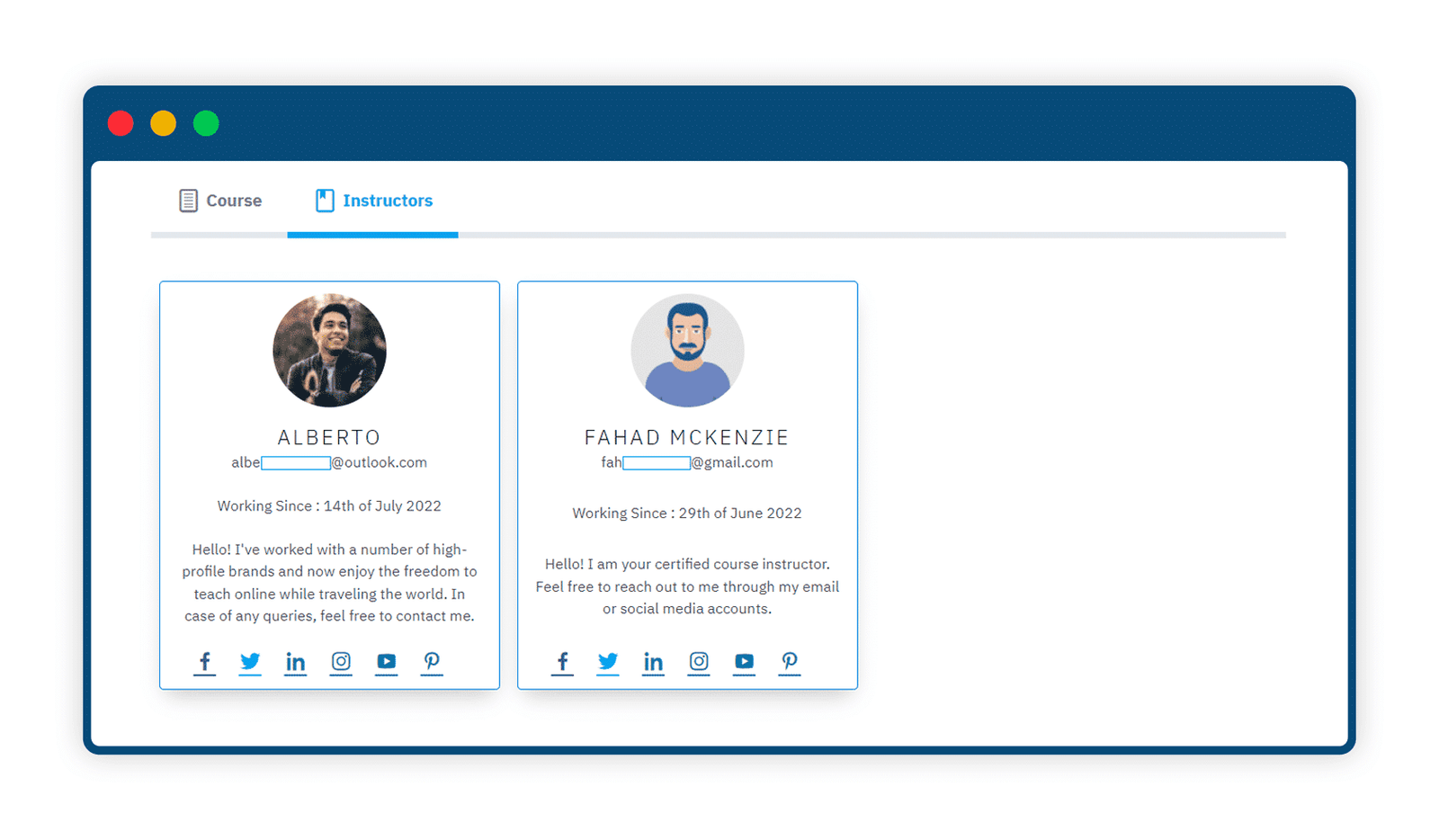
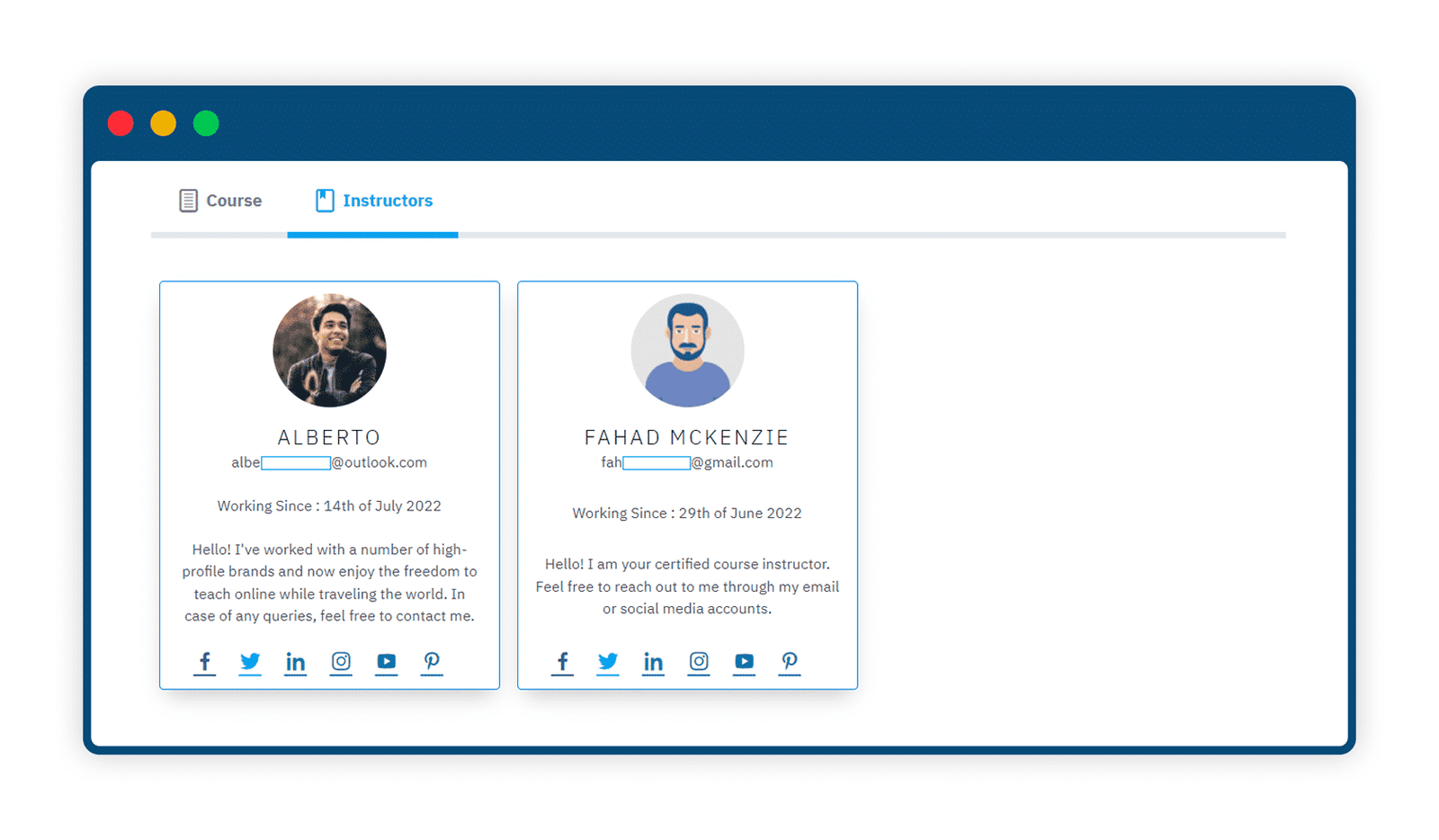
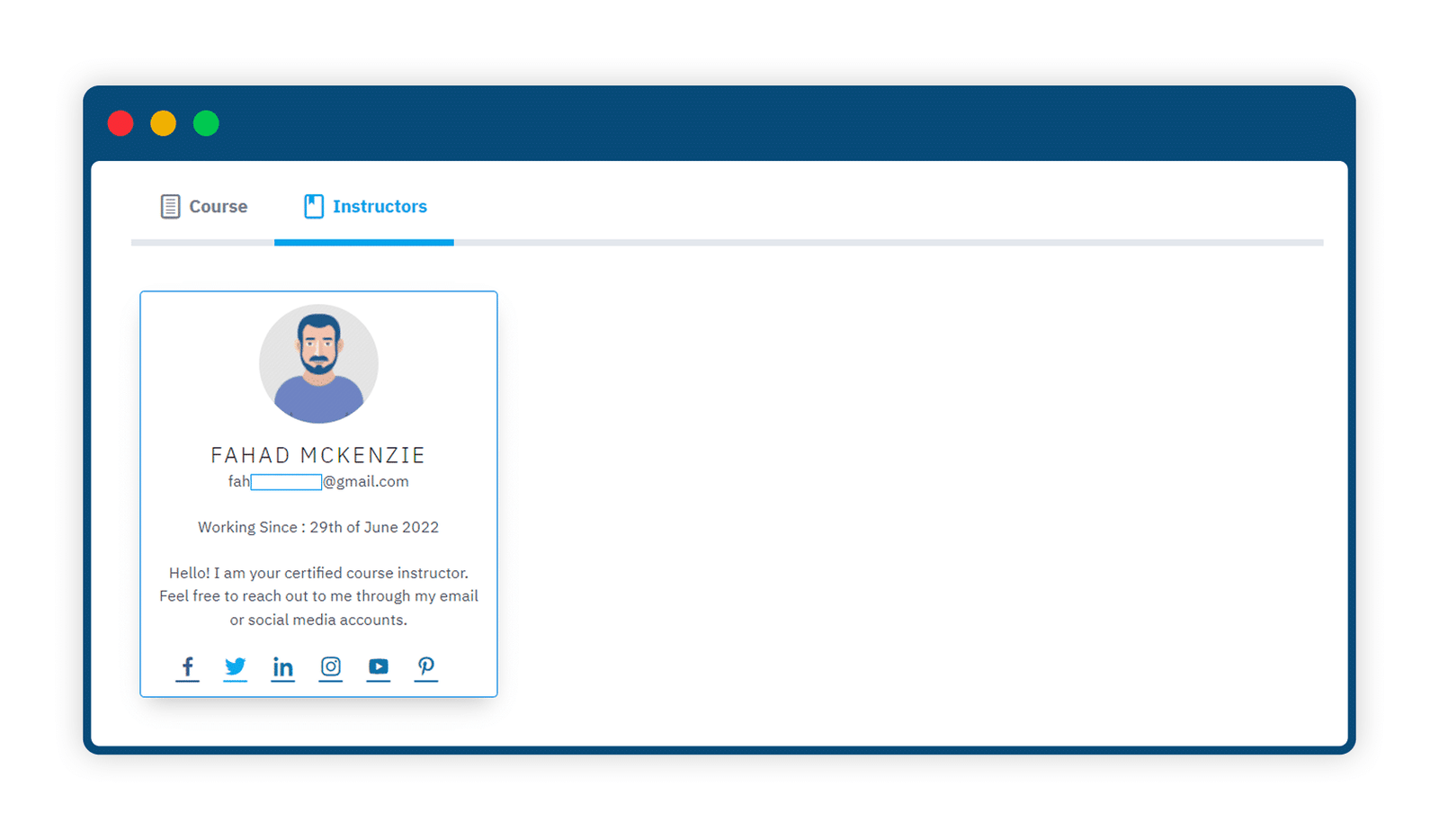
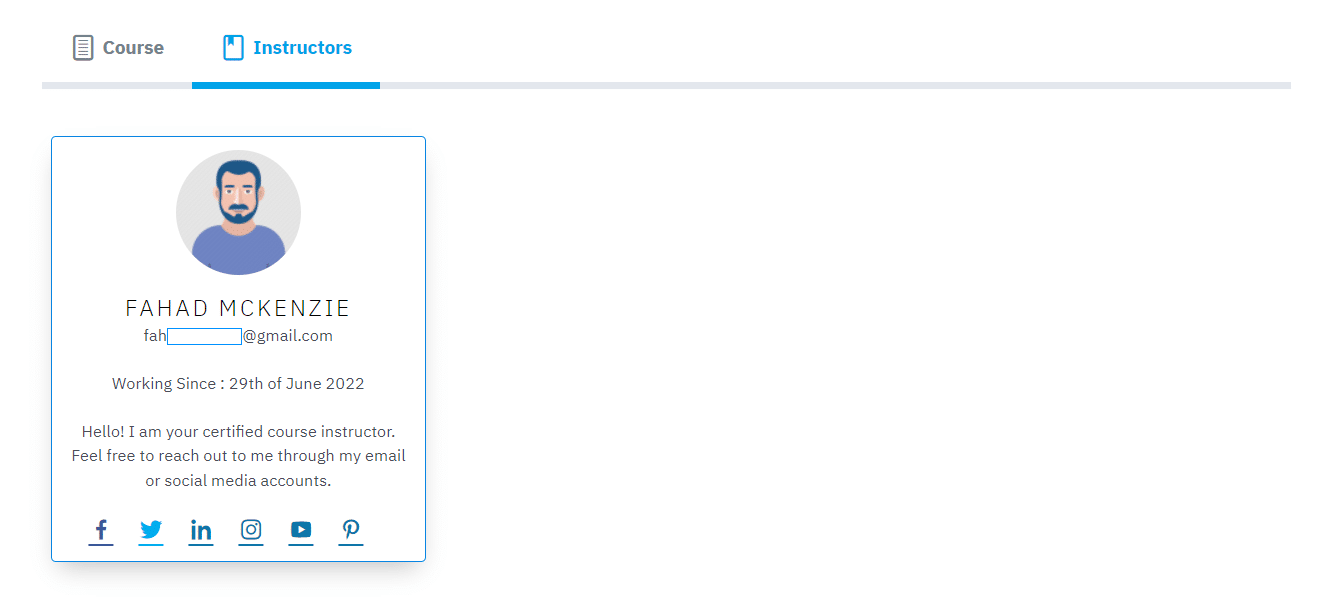
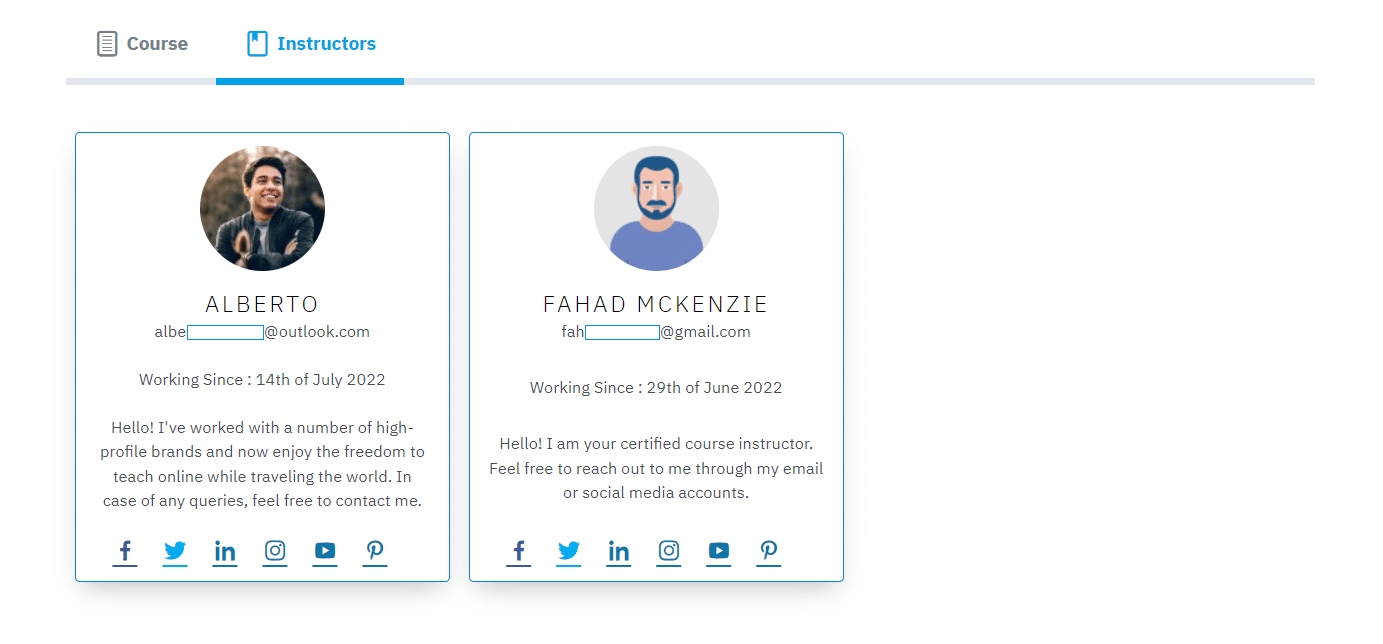
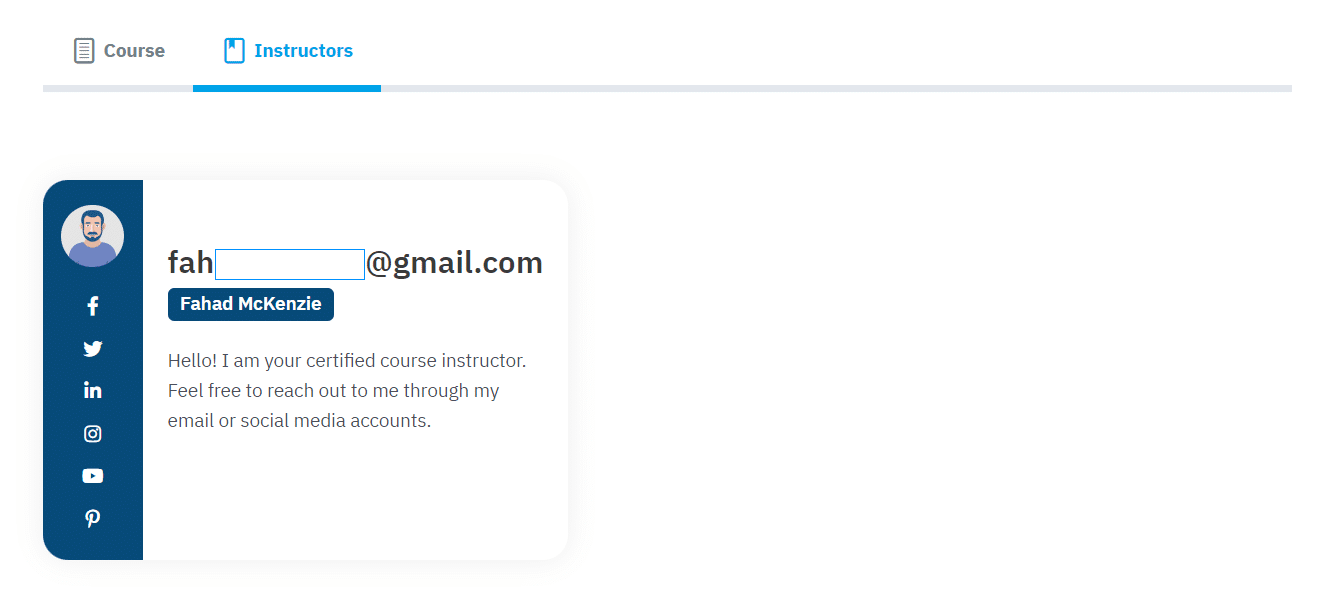
The LearnDash Instructors Tab add-on allows you to display the instructor’s details on a separate tab. From this tab, students can easily access the instructor’s biography and social media profile links. Plus, you can display several instructor profiles in a single tab if a course has multiple instructors.
Features Of LearnDash Instructors Tab
1 Display An Unlimited Number Of Instructors
You can display an unlimited number of instructors along with their biographical info, personal info, and social media links.
2 All Information About The Instructor Is Easy And Quick To Edit
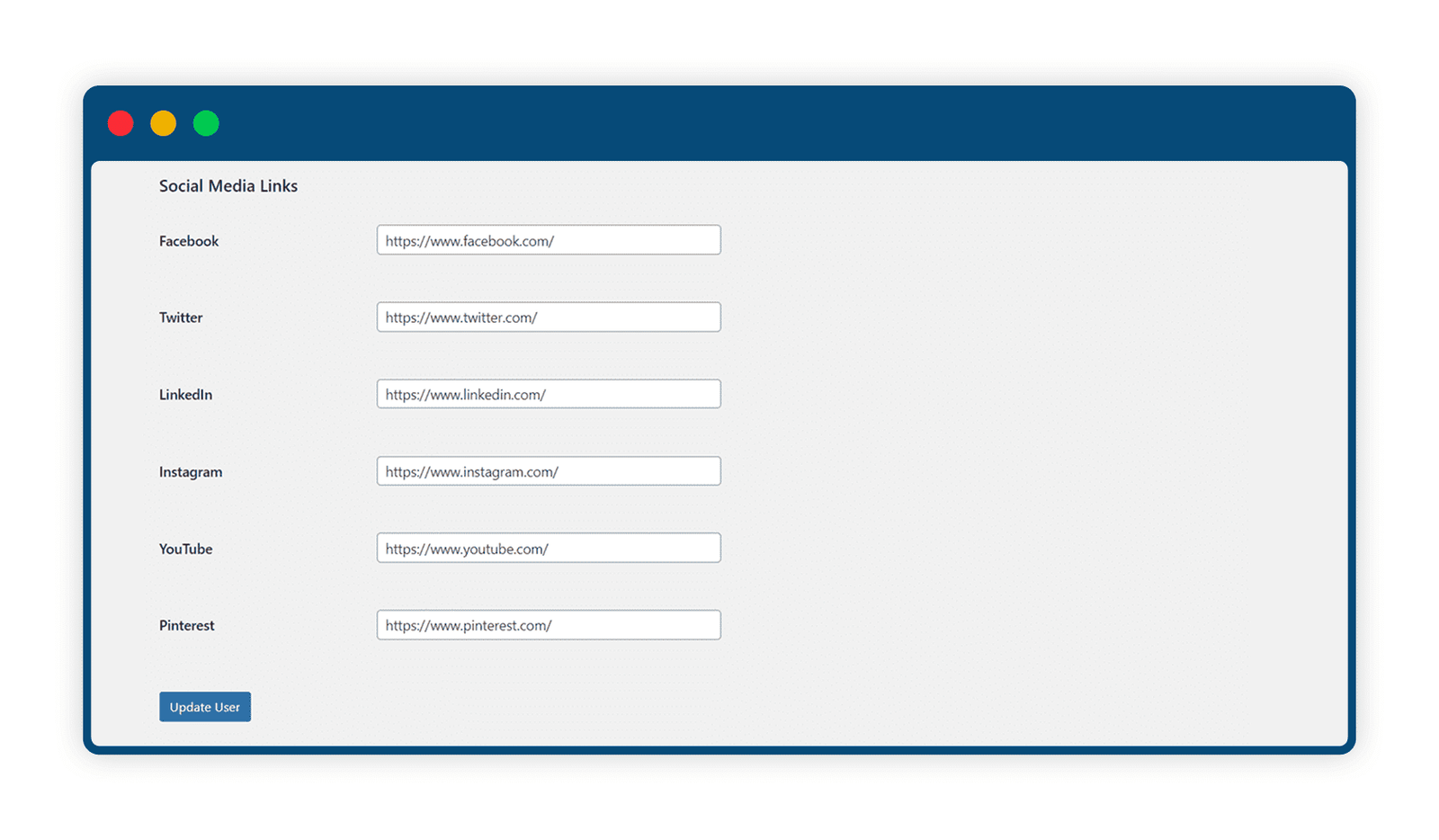
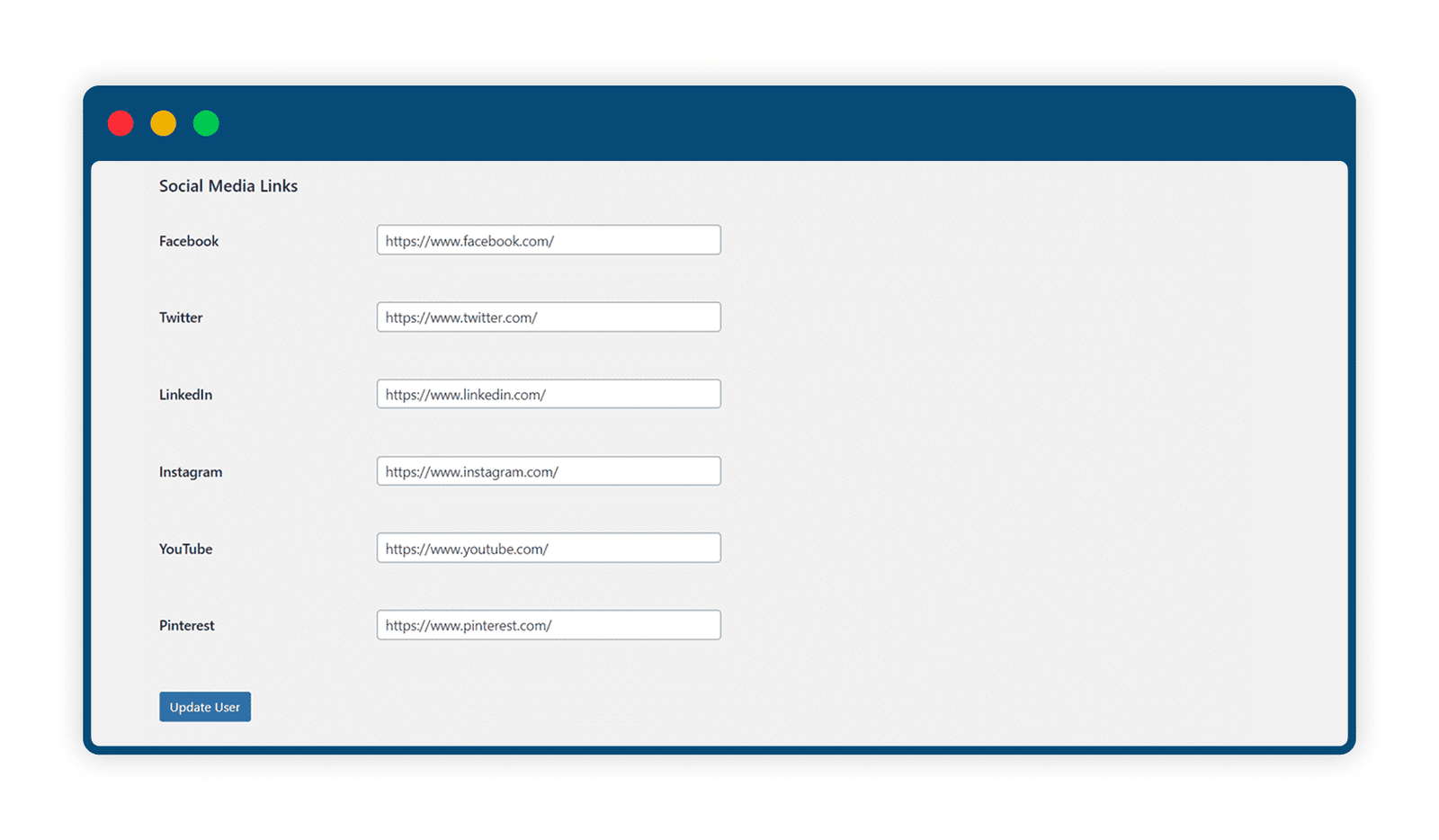
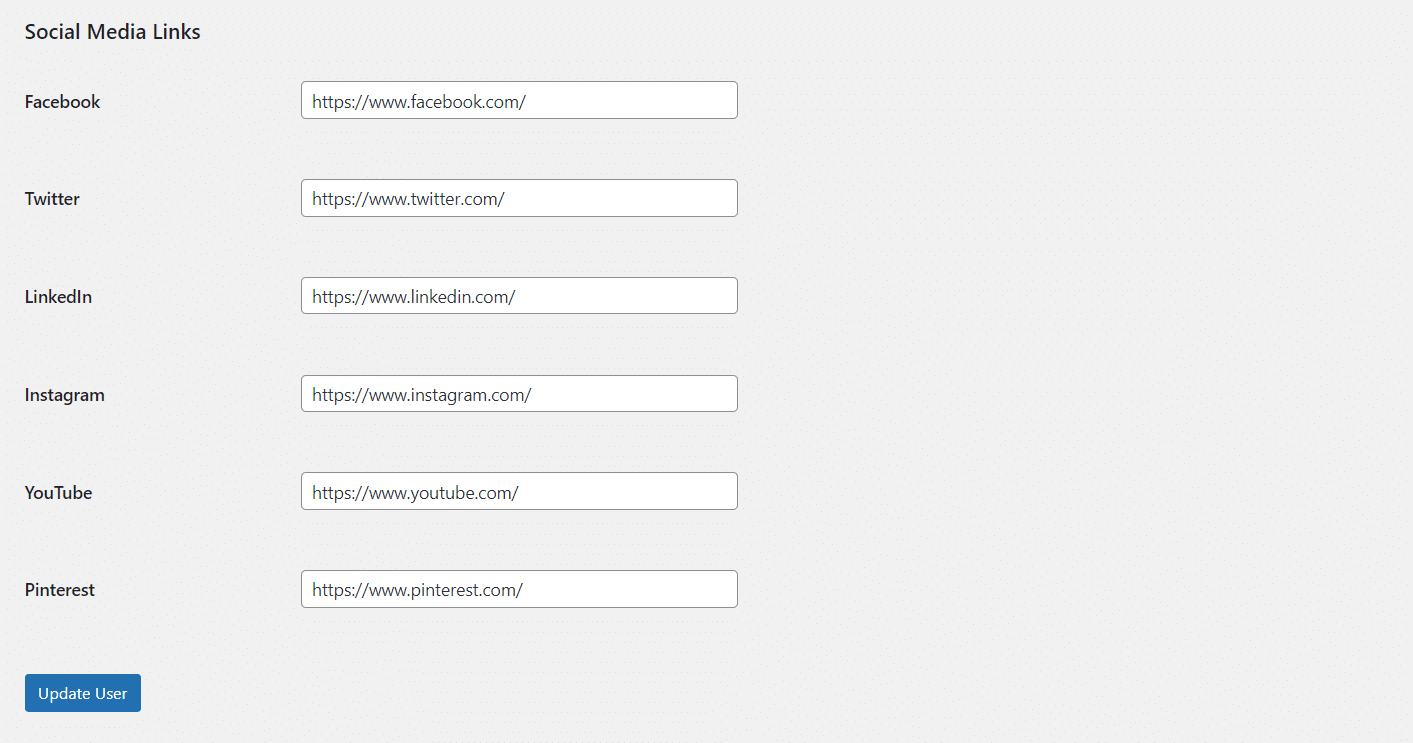
You can fill in the name, surname, biography, and also add links of their social media networks.
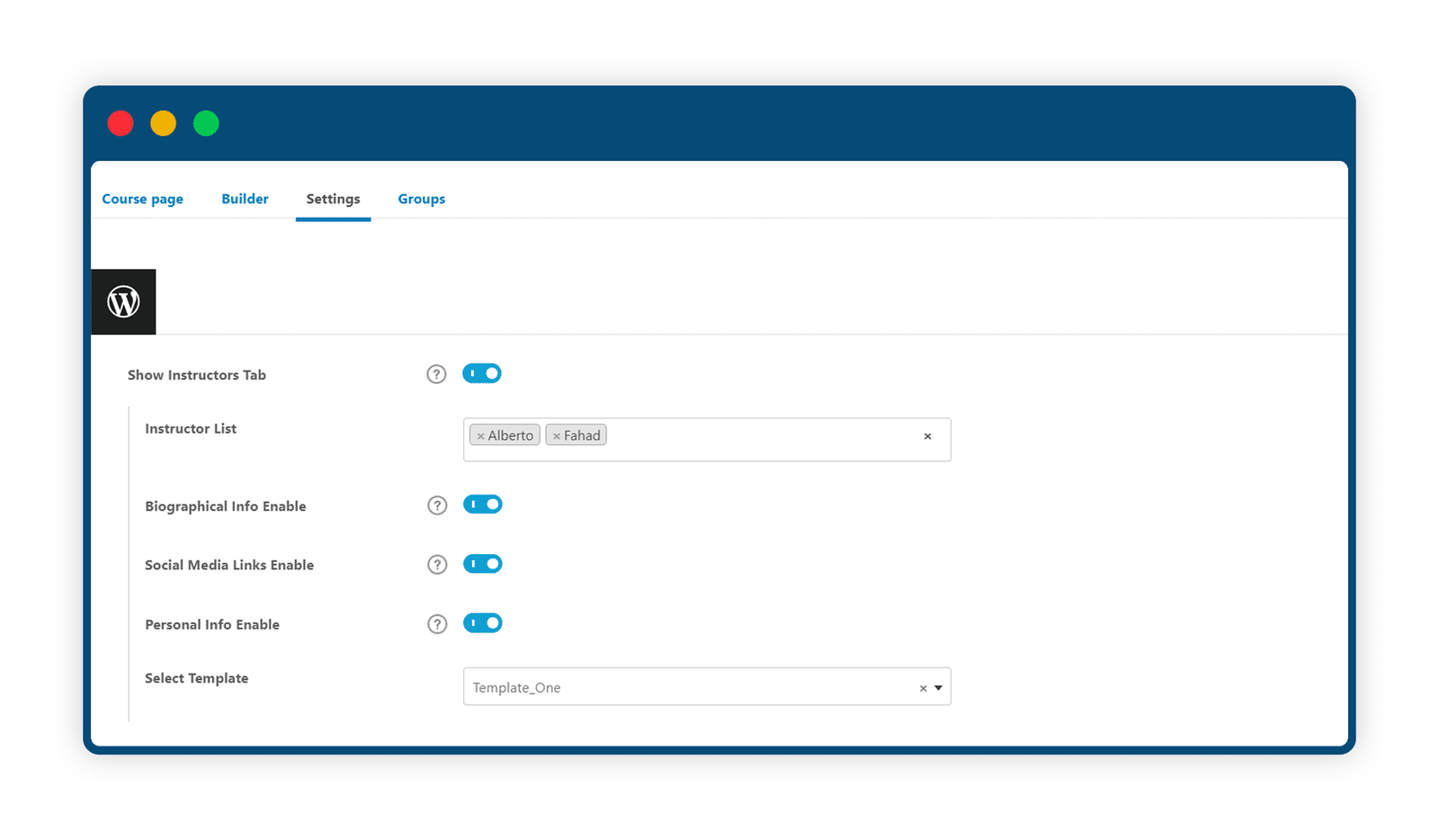
3 Show Or Hide Instructors For A Specific Course
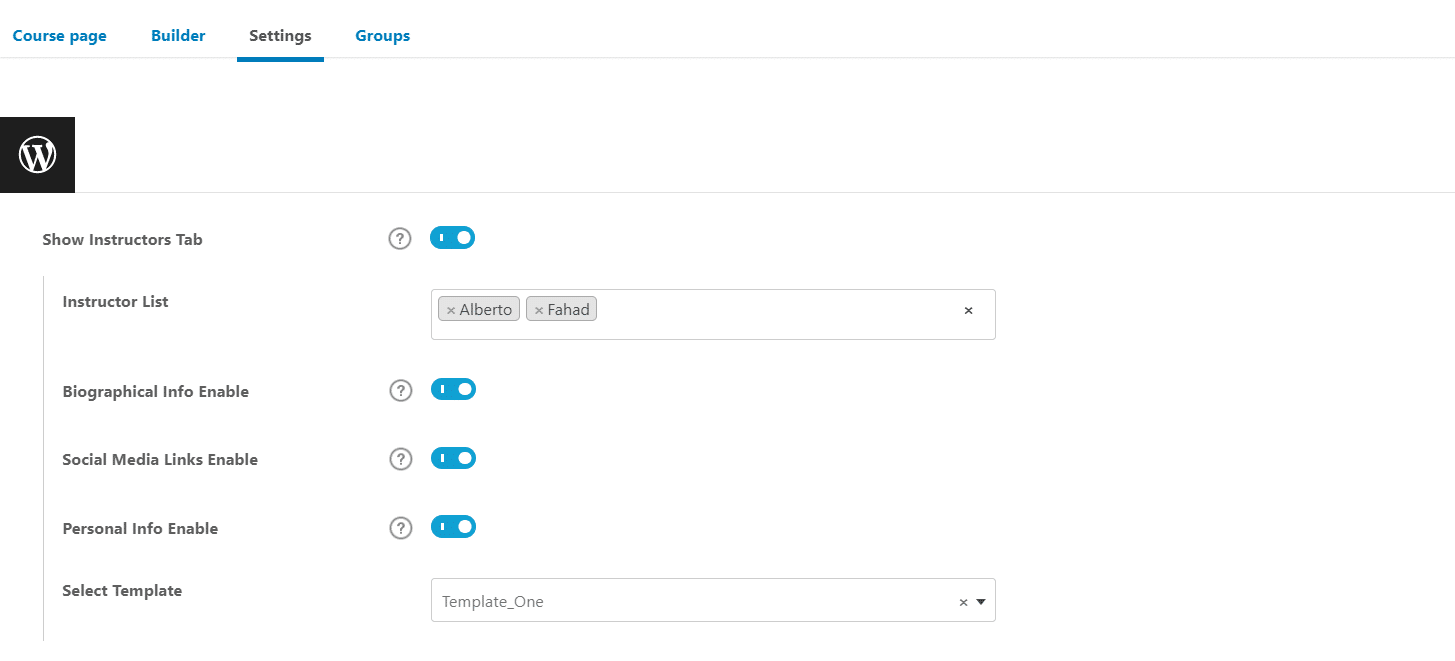
Show the instructor tab for a specific course by enabling its toggle within the course settings.
4 Choose Your Preferred Instructor Tab Layout
Showcase data in the layout of your choice by selecting one of the three different Instructor Tab templates.
Are You interested In Full Access Pass?
Get NowLearnDash Instructors Tab Screenshots

What Our Happy
Customer Says

A terrific company with great plug-ins. I needed support for trying to figure out some functionality, and it went like all Support should go. I asked the question and I got a timely and thorough response. Keep up the good work everyone!

WooNinjas provided great customer service to me to solve an issue uploading quizzes into my website. They responded quickly and located and resolved the issue very well.

Great customer service, we had issues but the Wooninjas team didn’t give up and were very helpful in fixing my issue.

The plugins offered by the company are fantastic and their support team is the best, I have had the opportunity to use LearnDash Certificate Verify and Share and I am very satisfied with the results obtained. I highly recommend them.
Build Your Bundle & Save 20%
Pick any 3+ add-ons from the same category and get 20% off automatically at checkout. No coupons and extra steps required. Just choose the features you need and save instantly.
FAQ’s
We’re here to help.
No, there is no character limit. All content added to the “Biographical Info” field on the user profile’s page is displayed.
Yes, you can display the details of more than one Instructor on the Instructor’s tab on a single course.
Disable the social media links toggle from the course settings.
Still have questions?
Contact us and we will clear up your doubts!

