LearnDash Goals

Years In Business
Sites Built
Plugins Developed
Repeat Clients
Add-On Requirements
 1.2.6
1.2.6
Current Version
 24 Jun 2026
Last Update
 6.8 Or Higher
WordPress Version
 4.20.0 Or Higher
LearnDash Version
 7.4 Or Higher
PHP Version
Add-On Overview & Features
Students can easily track their progress toward their goal using the progress bar, which can be displayed anywhere on your site. Additionally, students receive an encouragement email when they set their goals and a congratulatory email when they achieve them.
Features Of LearnDash Goals
1 Set Study Time Targets
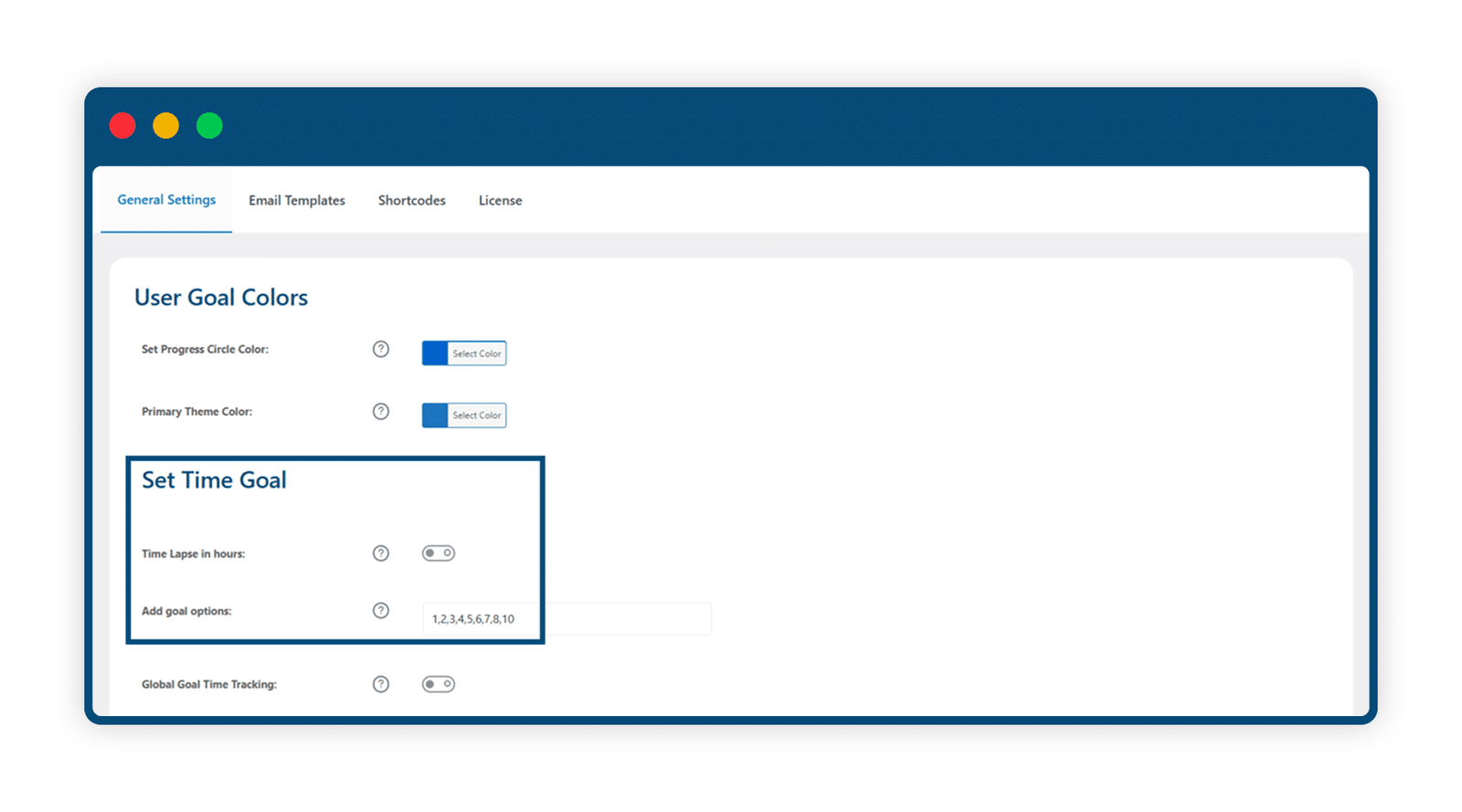
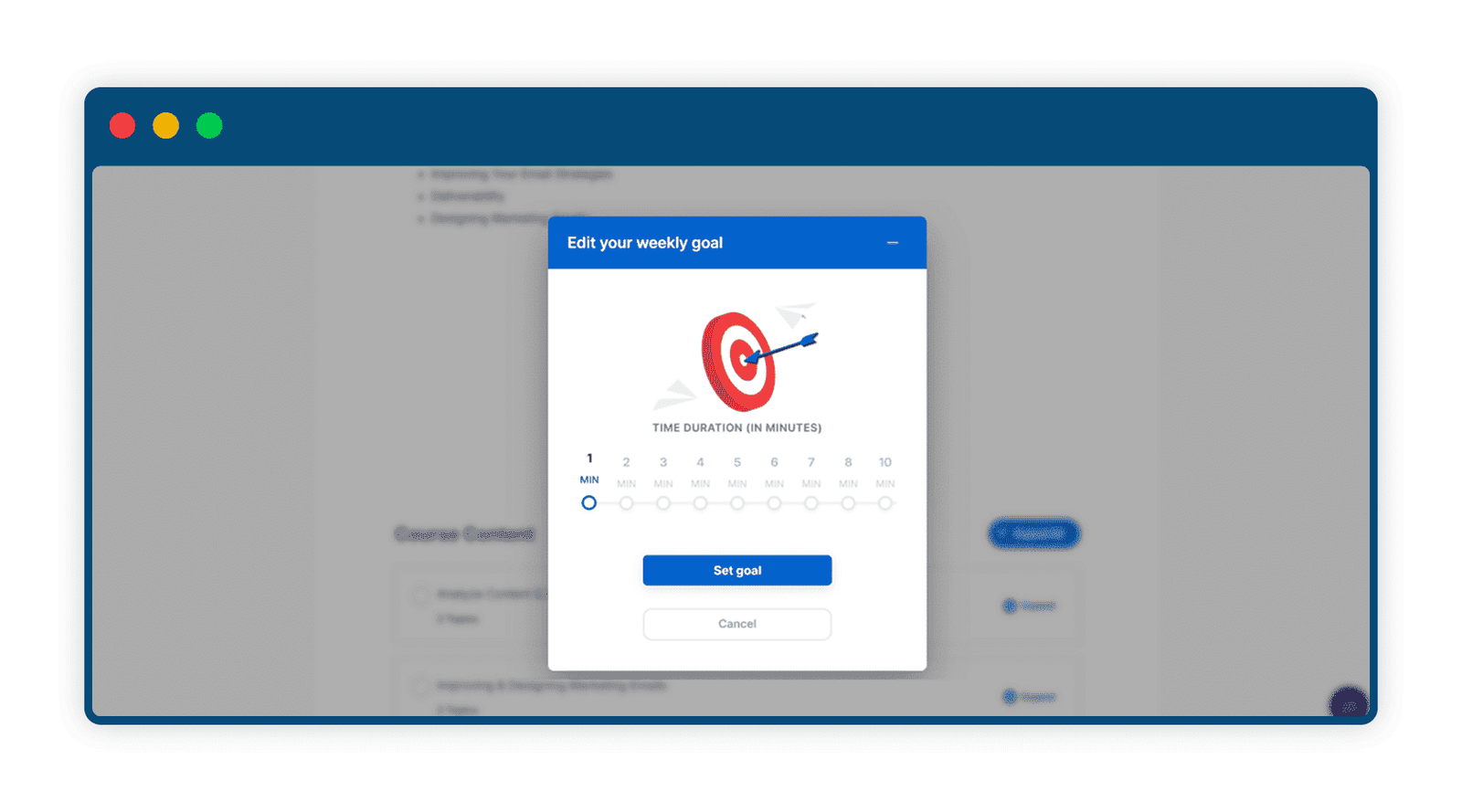
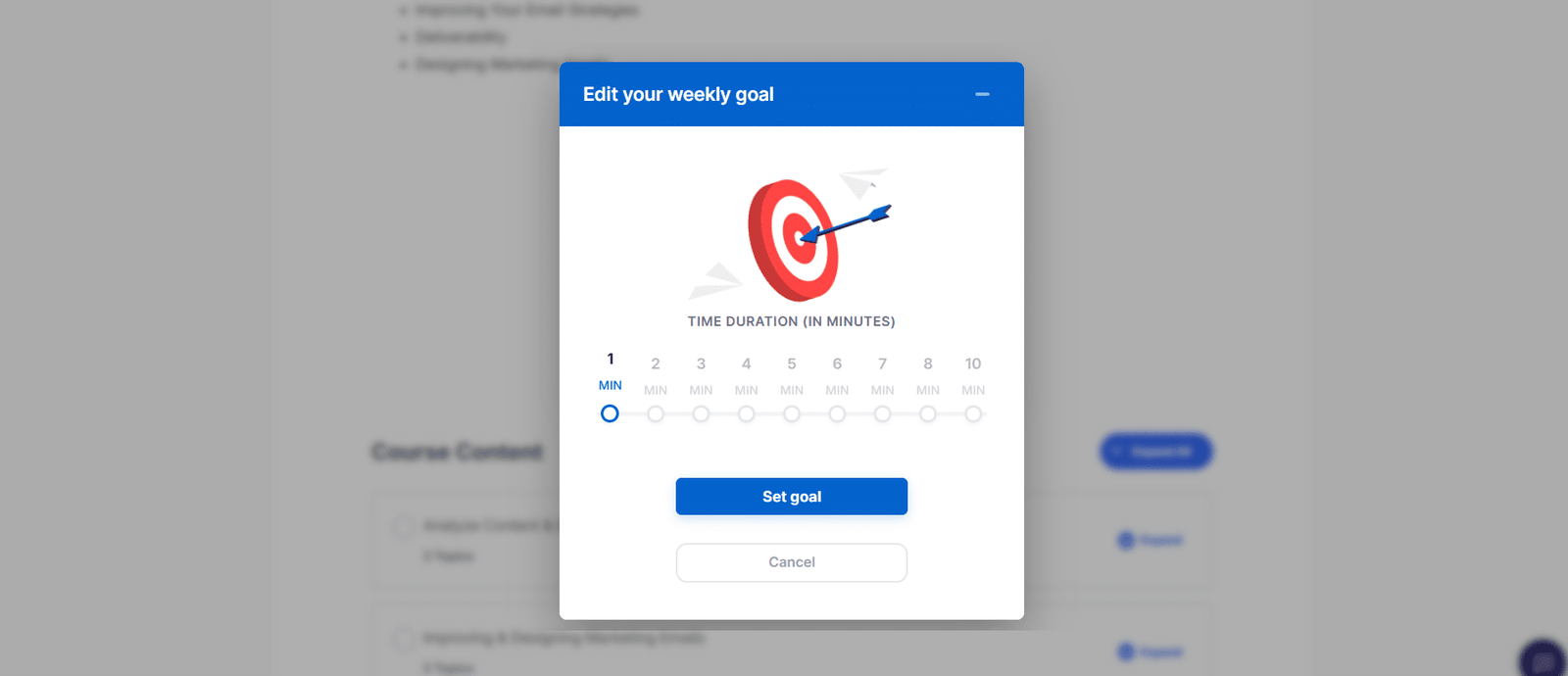
Enable your students to set their own study targets by determining how much time they want to spend studying each week. Every minute spent watching lessons or topic videos is tracked towards the objective. Students can also revisit and update their weekly study goals at any time, keeping their expectations flexible and achievable.
2 Guide Students On A Path To Progress
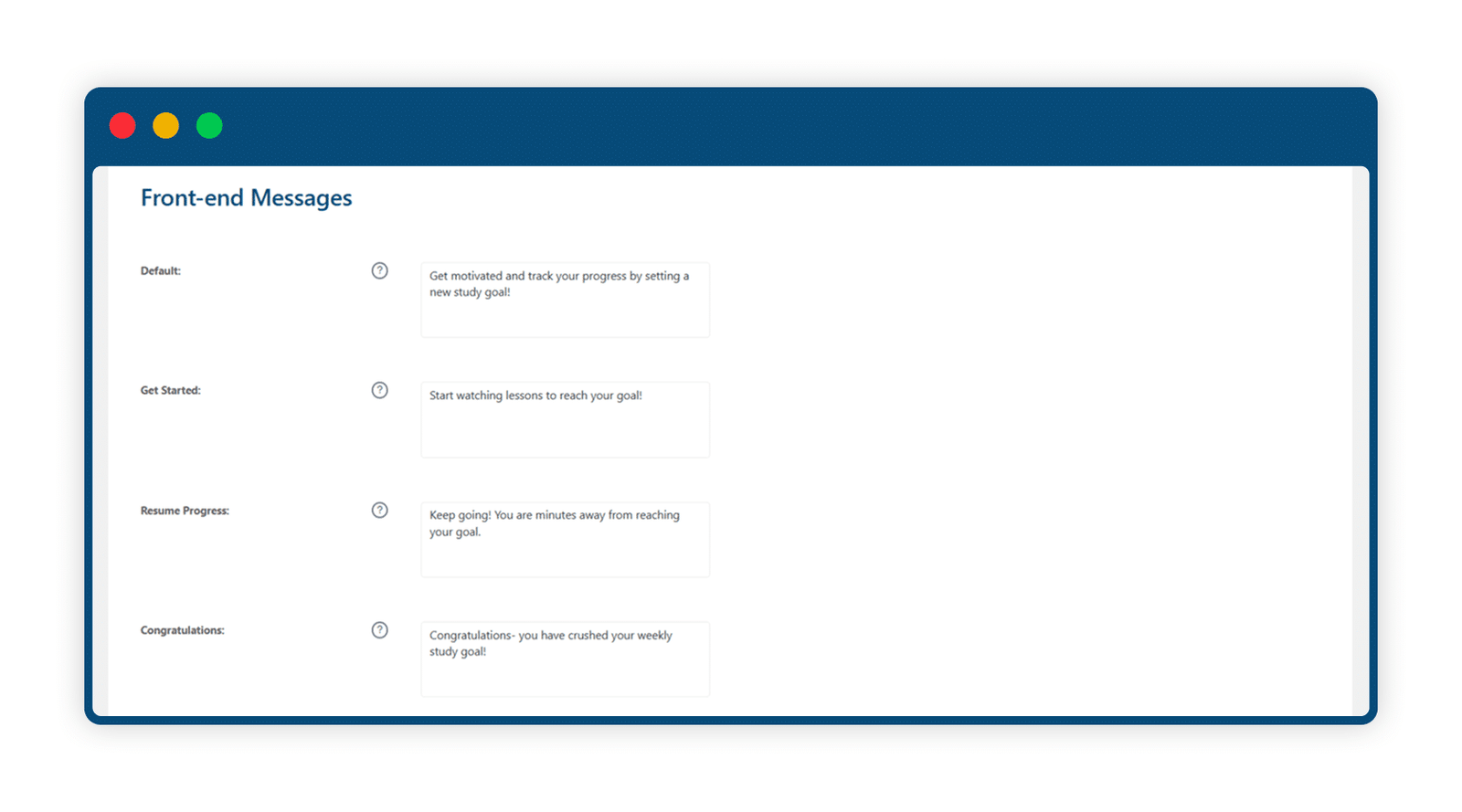
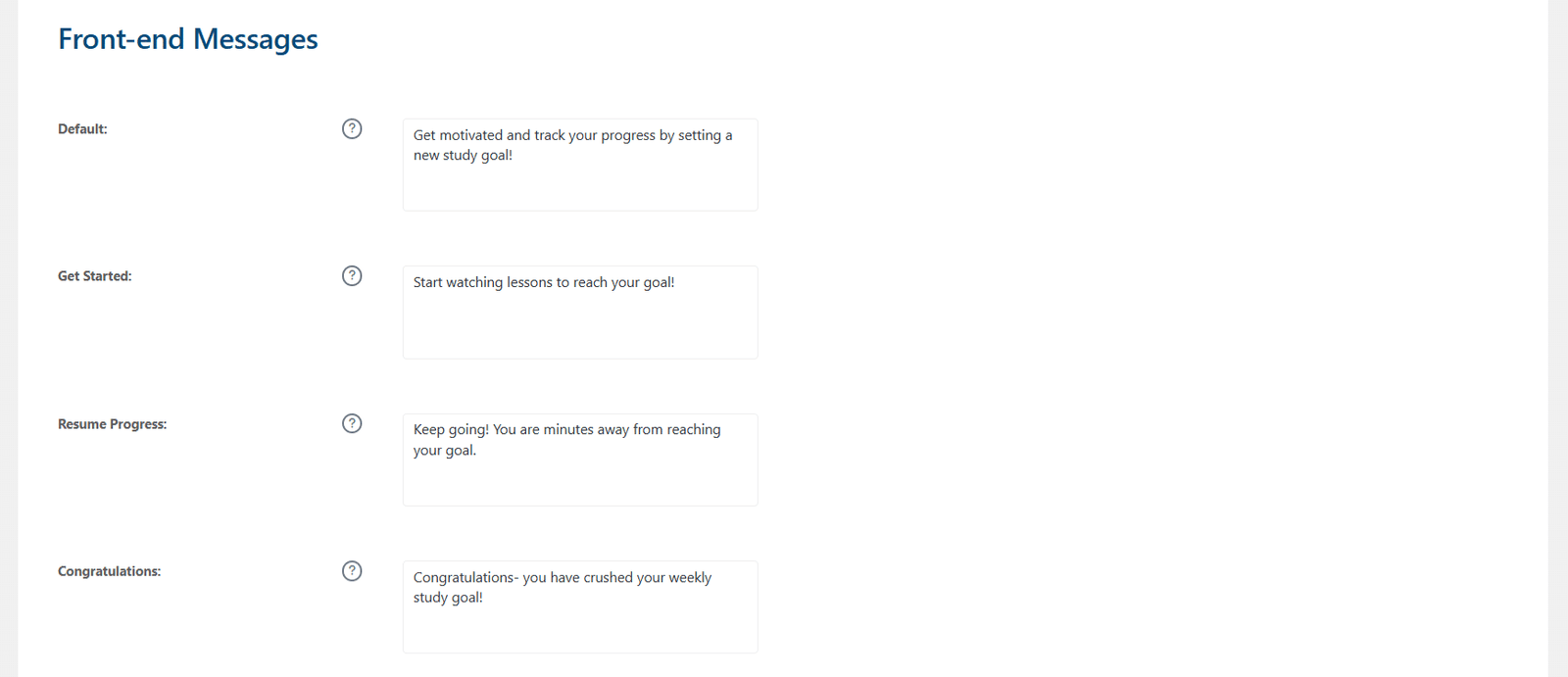
Students’ efforts, such as time spent working, are displayed on a progress line on the front end of your site. A shortcode sets up this goal-setting information and helps students to visualize and maintain successful study habits. Additionally, keep your students on track by providing progress status messages that show how close they are to their goals. The feature encourages students to get started or resume their progress, and congratulates them upon achievement.
3 Send Email Notifications
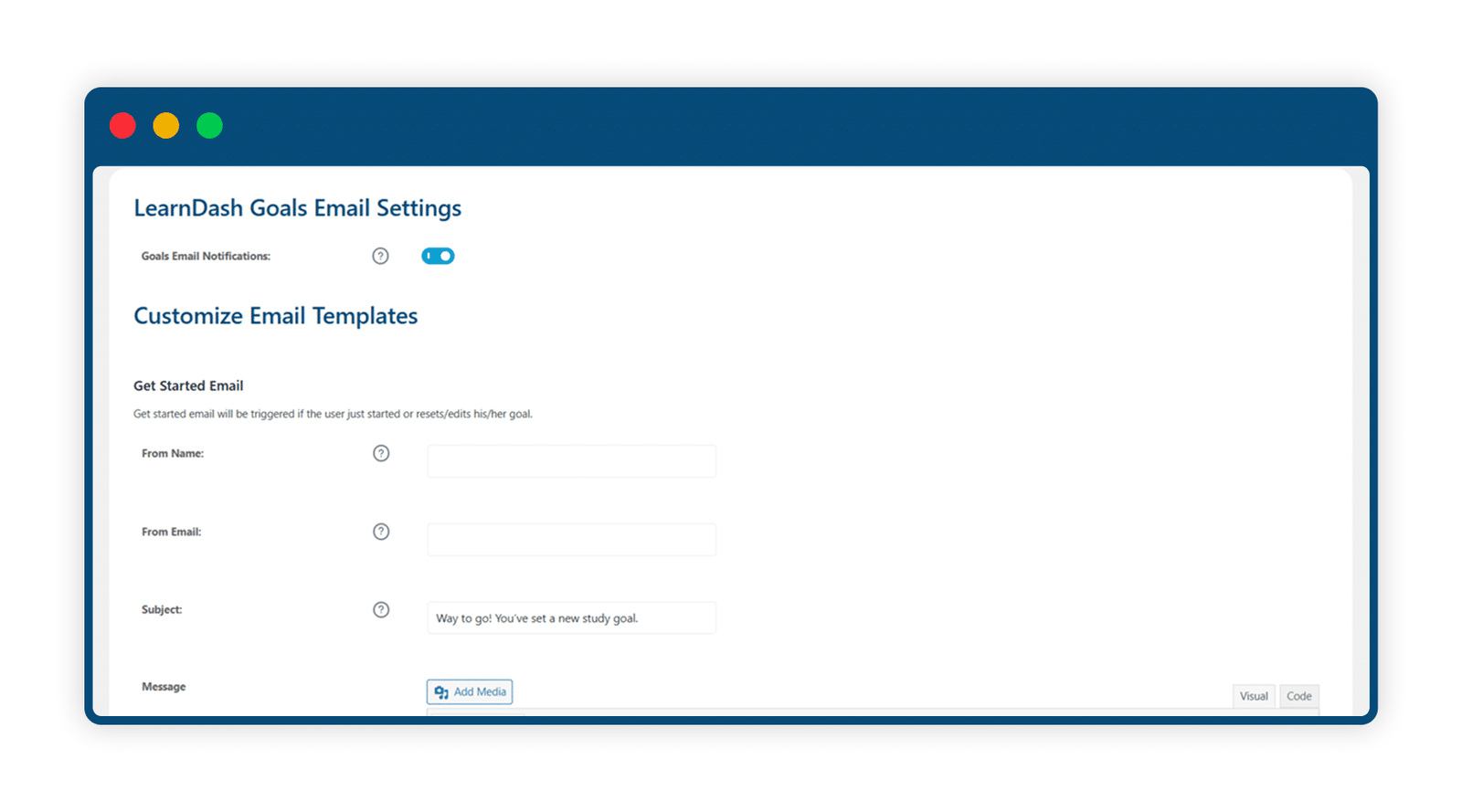
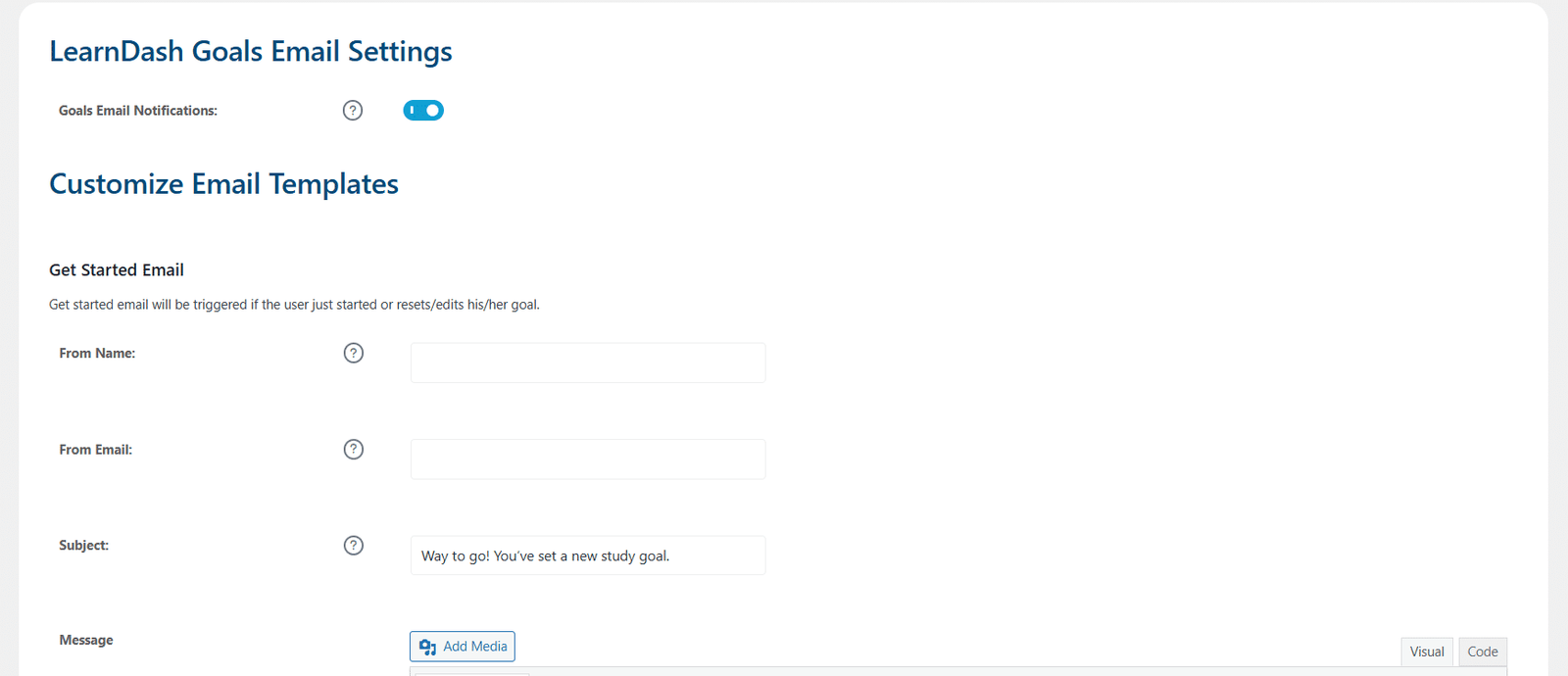
Send emails encouraging students to work when they set a new goal or to congratulate them once they have completed their study targets.
4 Increase Motivation
Breaking down bigger goals, such as completing a course, into smaller objectives, like weekly study time, makes achievement more attainable for your students.
5 Promote Better Time Management
When students set their own expectations regarding time dedicated to their coursework each week, they can then manage their capacity and set a realistic study schedule.
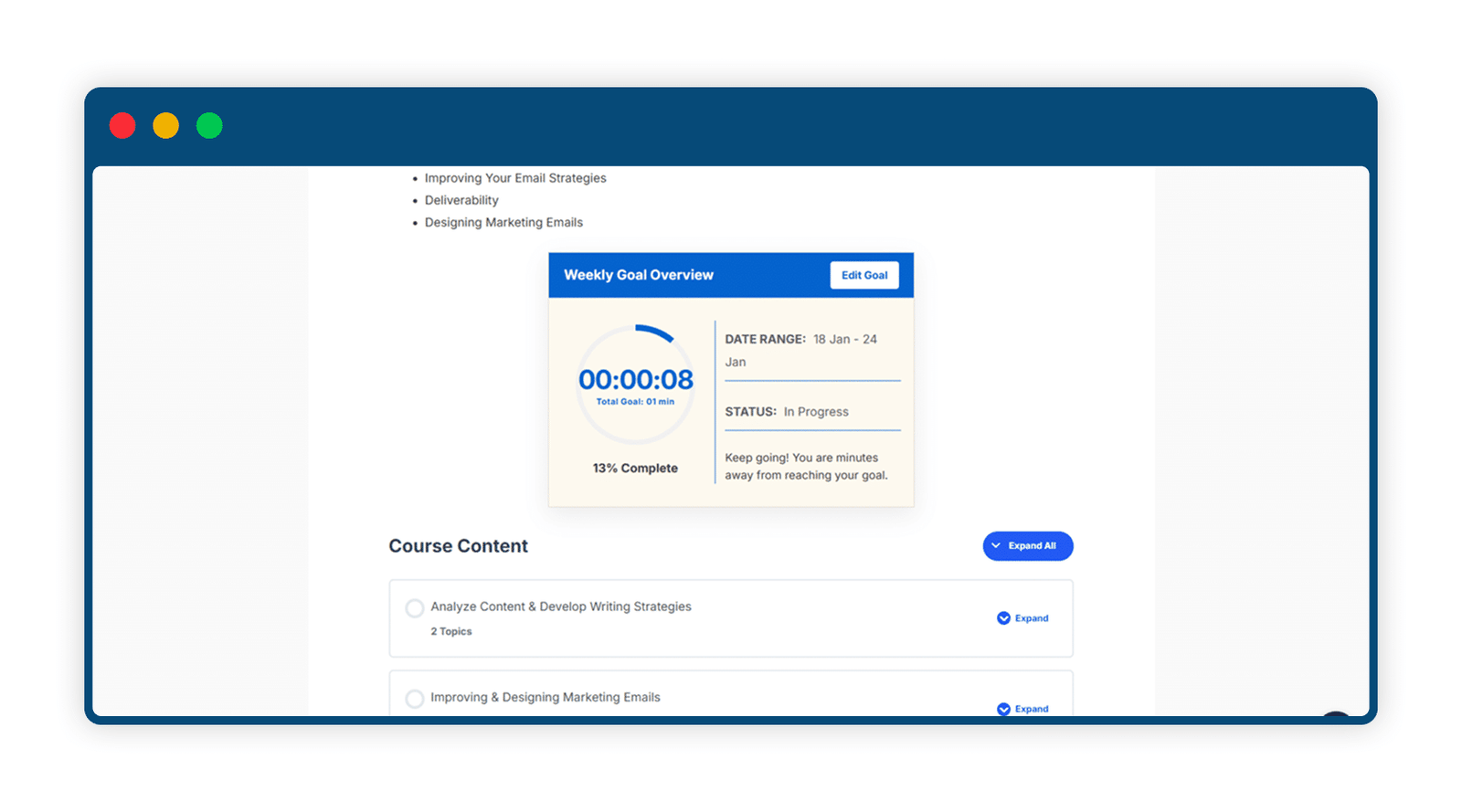
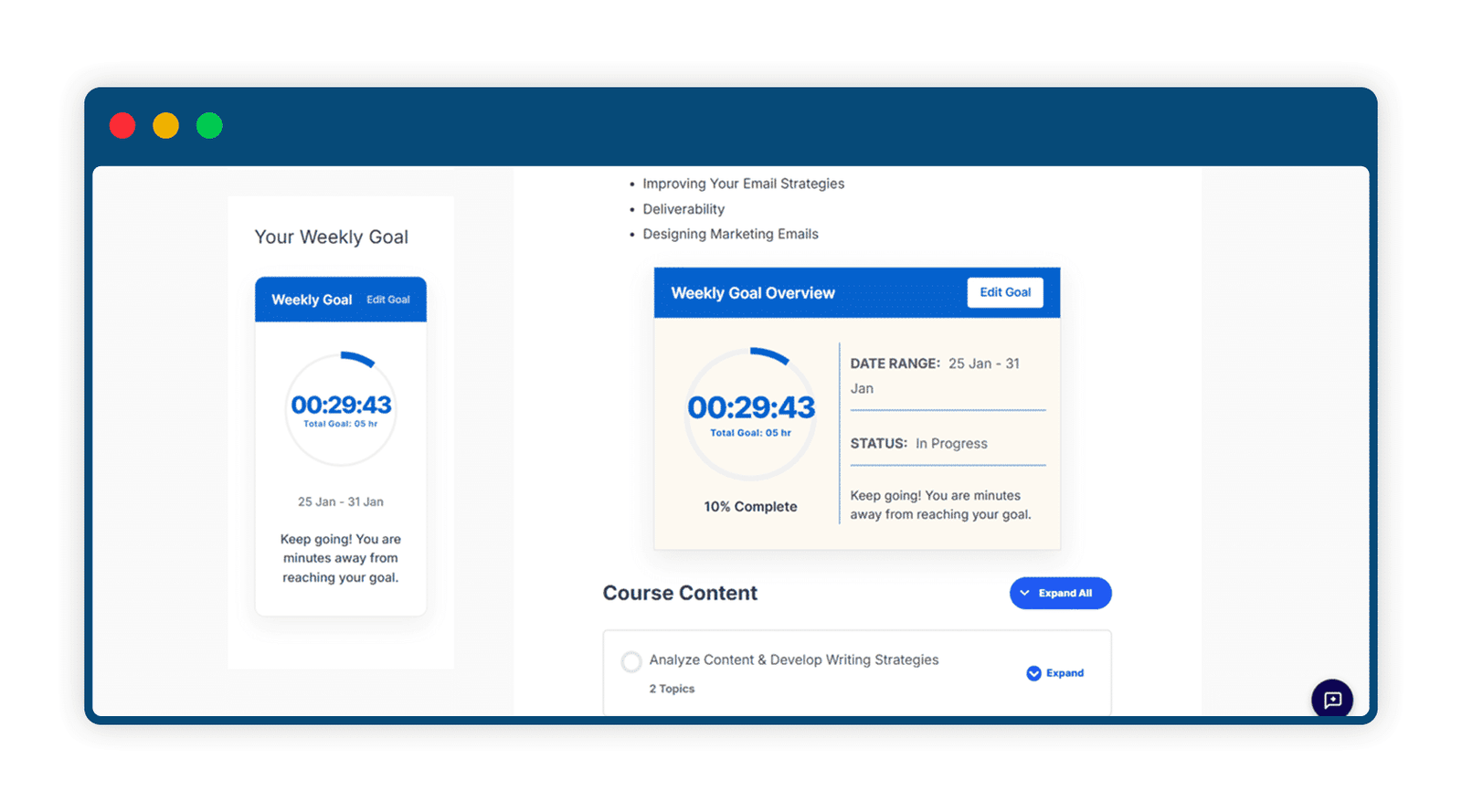
6 Enhance User Experience With A Widget
Add a widget on the global sidebar for your students to see their progress at all times.
7 Global Time Tracking for Enhanced Learning
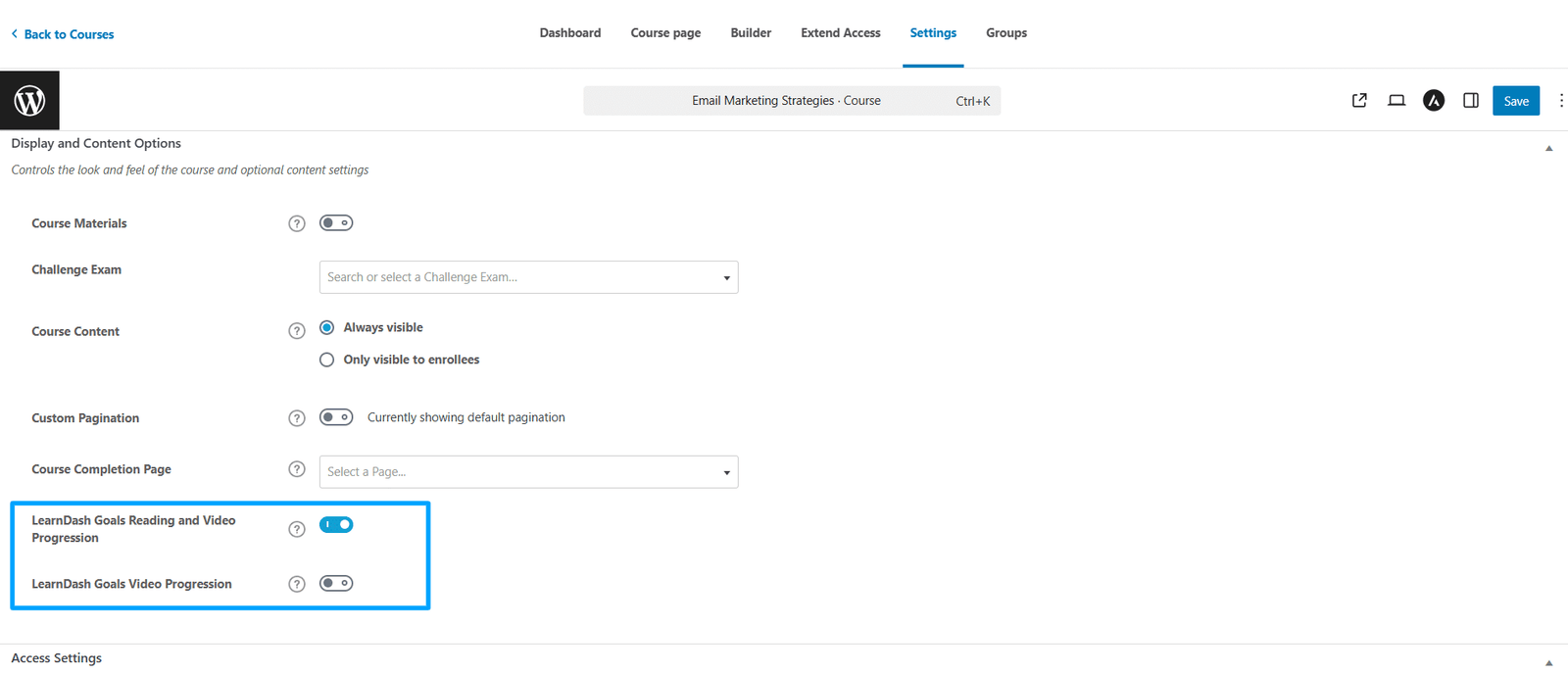
Enabling the Global Time Tracking option automatically enables time tracking across all courses, lessons, and topics, eliminating the need to adjust settings individually for each. Once this feature is enabled, you won’t need to allow time tracking for each course separately.

8 Smart Goal Tracking with Achievement Rewards
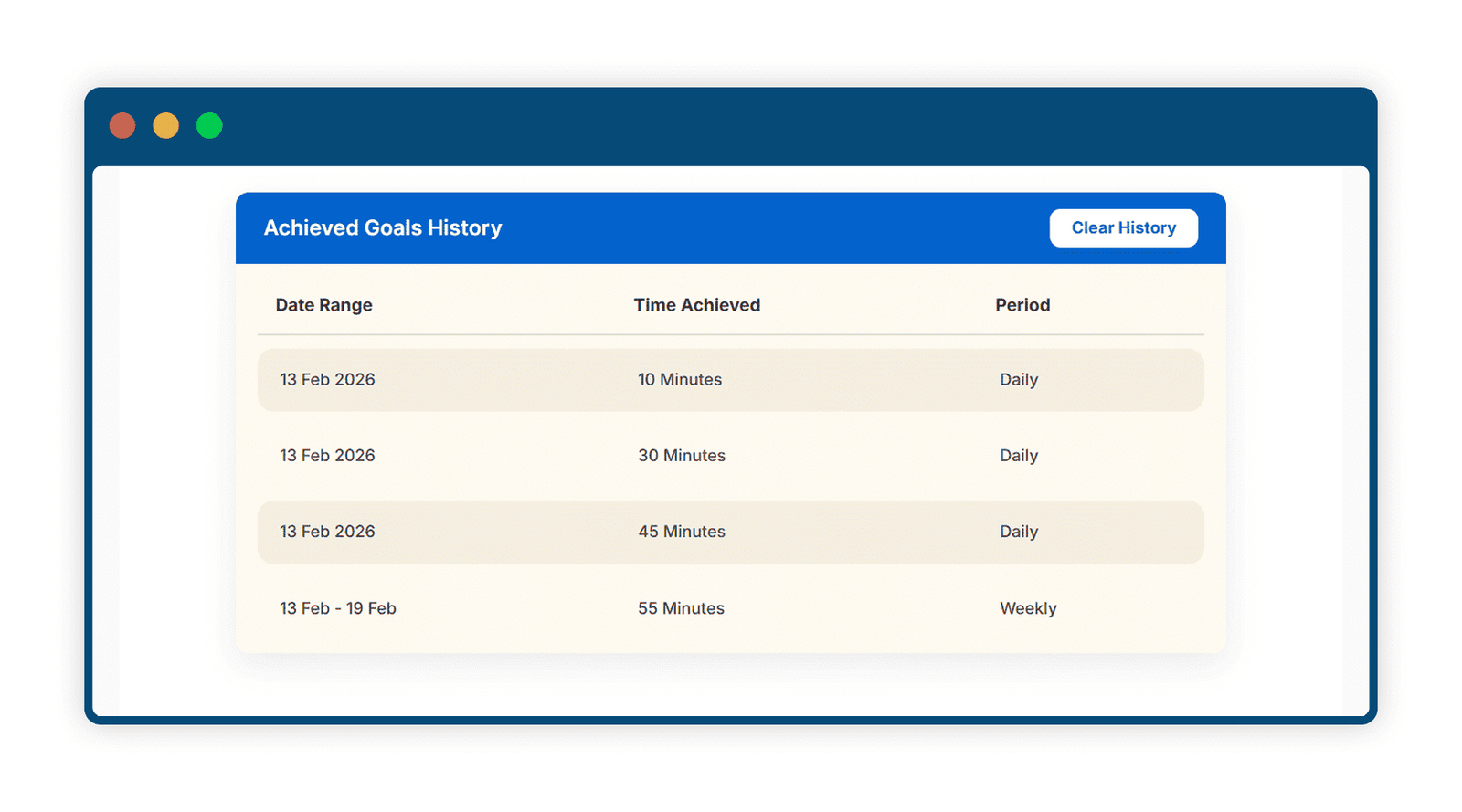
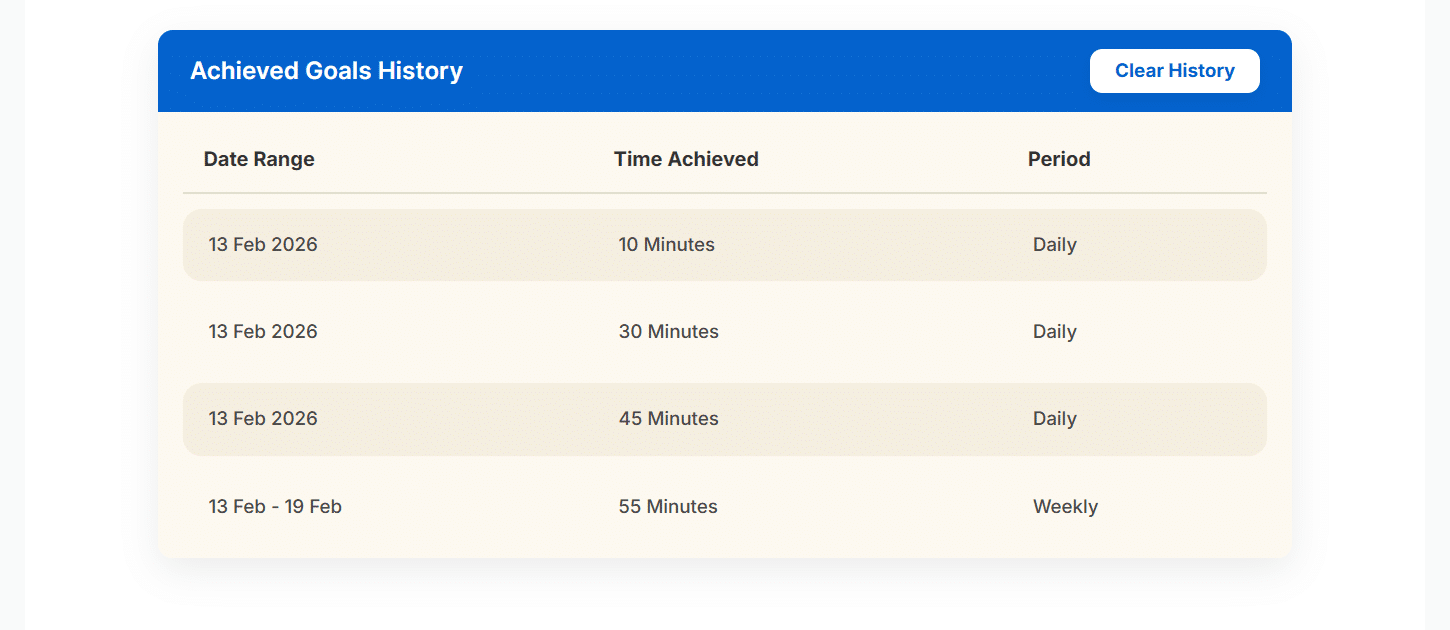
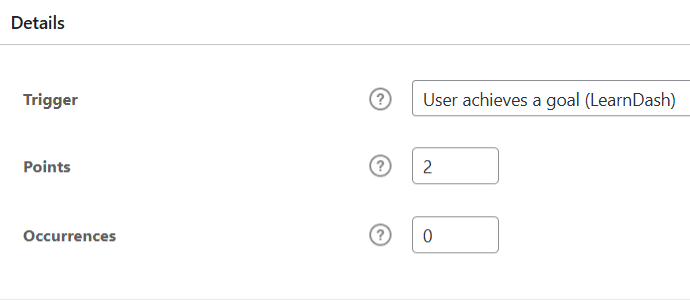
Empower learners with flexible Daily or Weekly goal settings, seamless integration with LearnDash Achievements for automated reward notifications, and a dedicated shortcode to display each user’s achieved goals history. Together, these features create a motivating, trackable, and achievement-driven learning experience that keeps students engaged and accountable.
Get The Plugin Now!
License for 1 site
1 year technical support & updates
Full documentation
Support forum
License for 3 sites
1 year technical support & updates
Full documentation
Support forum
License for Unlimited sites
1 year technical support & updates
Full documentation
Support forum
LearnDash Assignments Deadline
LearnDash Goals
LearnDash Advanced Quizzes
Are You interested In Full Access Pass?
Get NowLearnDash Goals Screenshots



What Our Happy
Customer Says

A terrific company with great plug-ins. I needed support for trying to figure out some functionality, and it went like all Support should go. I asked the question and I got a timely and thorough response. Keep up the good work everyone!

WooNinjas provided great customer service to me to solve an issue uploading quizzes into my website. They responded quickly and located and resolved the issue very well.

Great customer service, we had issues but the Wooninjas team didn’t give up and were very helpful in fixing my issue.

The plugins offered by the company are fantastic and their support team is the best, I have had the opportunity to use LearnDash Certificate Verify and Share and I am very satisfied with the results obtained. I highly recommend them.
Build Your Bundle & Save 20%
Pick any 3+ add-ons from the same category and get 20% off automatically at checkout. No coupons and extra steps required. Just choose the features you need and save instantly.
FAQ’s
We’re here to help.
Please make sure that the plugin you are using to configure your site’s SMTP doesn’t have the “force from name” option enabled.
The add-on automatically selects the current week from the Gregorian calendar and marks the activity for that week.
What Video Sources Are Supported By This Add-On?
The add-on supports videos from YouTube, Vimeo, and videos uploaded locally on your website.
Should the time units for goal-setting be configured in hours or minutes?
The time goal options should be configured in minutes.
Yes, you can embed the video’s URL using the add-on’s shortcode on any page or post.
Time can be recorded when you embed a lesson’s video with the following shortcode.
[ld_goals_video url=” insert valid URL here” video_type=“specify video location here”]Goals Video[/ld_goals_video]
Still have questions?
Contact us and we will clear up your doubts!

