LearnDash Course Chat

Years In Business
Sites Built
Plugins Developed
Repeat Clients
 2.0.7
2.0.7
Current Version
 02 Jul 2026
Last Update
 6.8 Or Higher
WordPress Version
 4.20.0 Or Higher
LearnDash Version
 7.4 Or Higher
PHP Version
Add-On Overview & Features
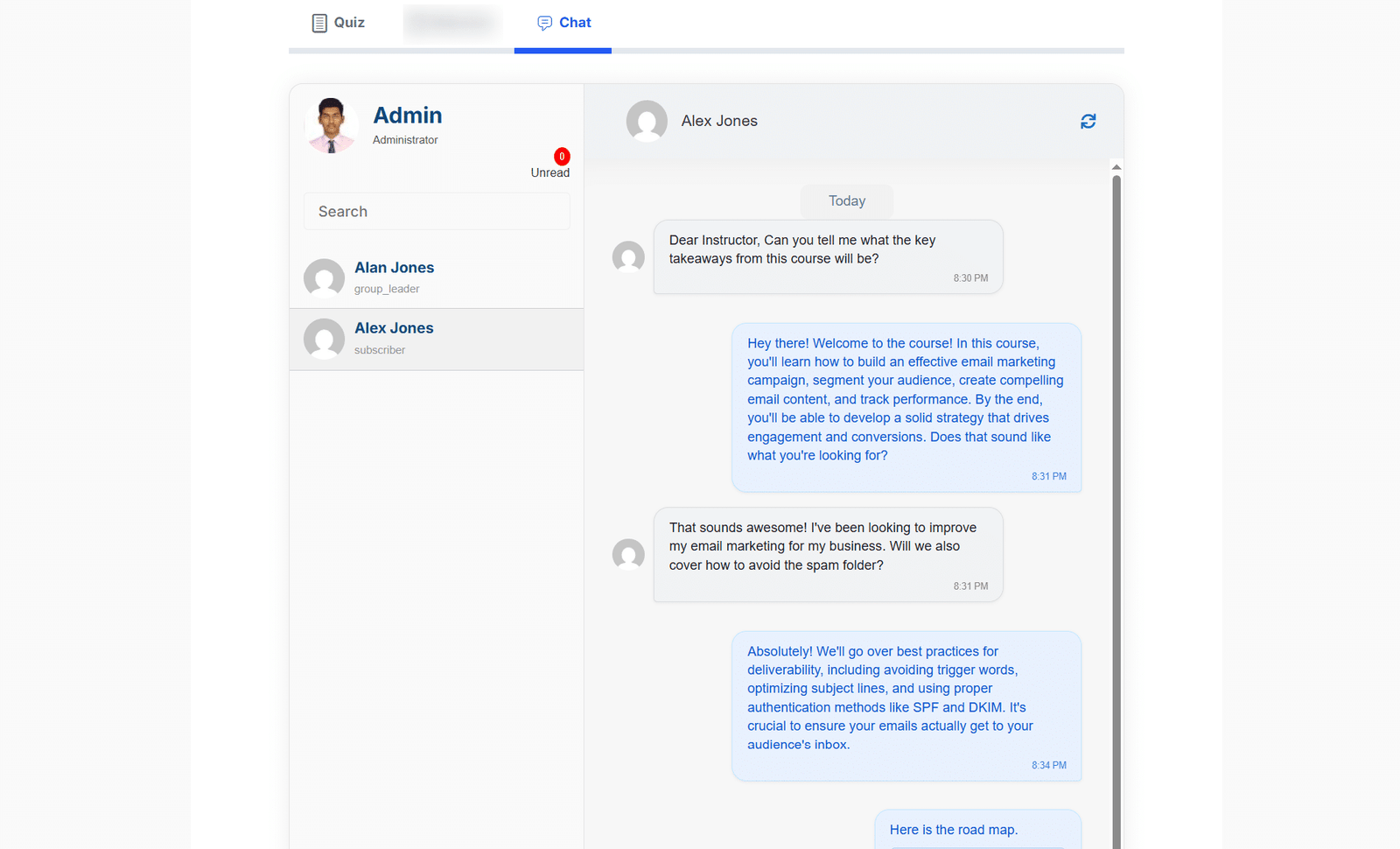
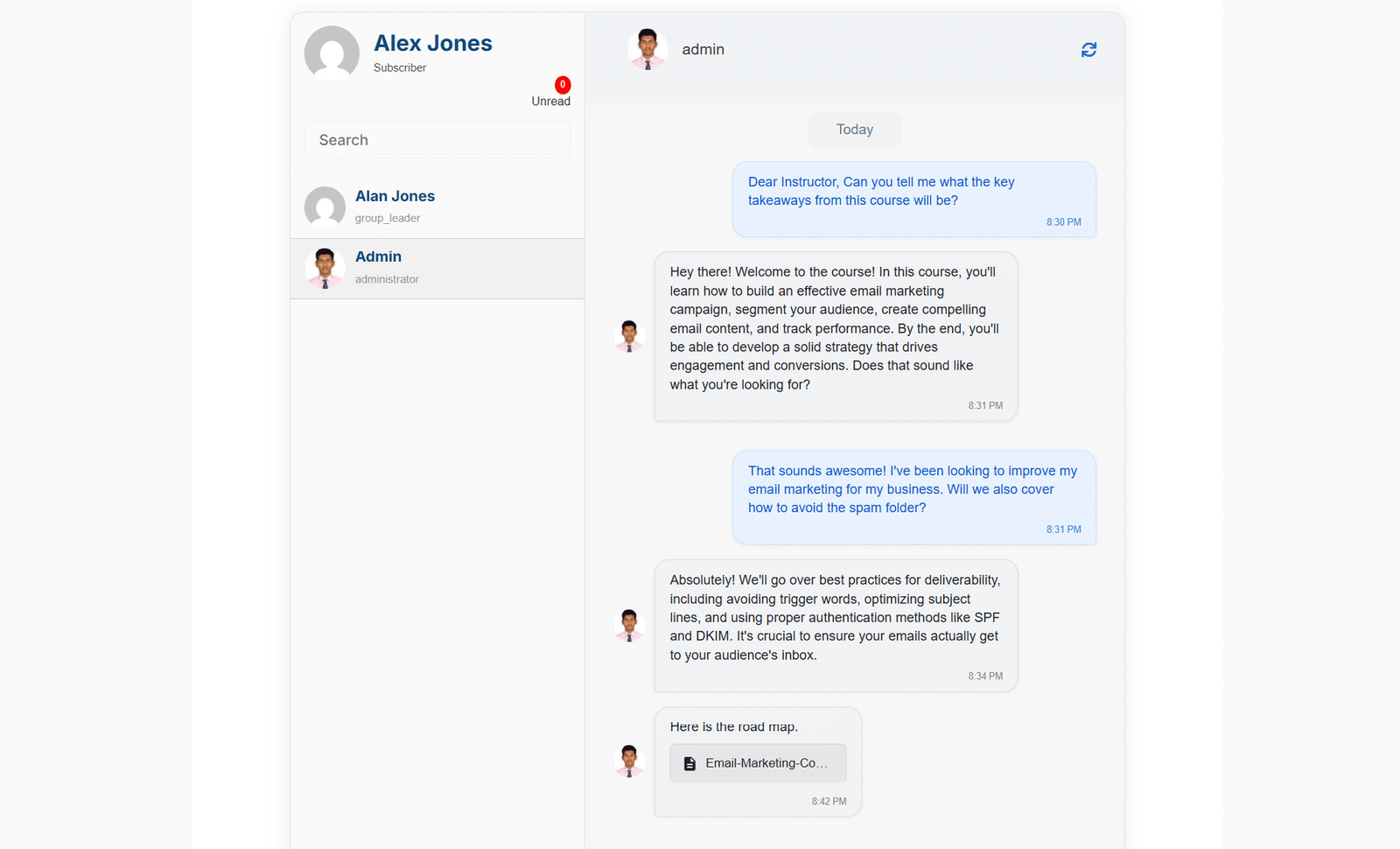
Add a discussion tab to your LearnDash Courses, allowing students and administrators to communicate directly.
Key Features Of Our LearnDash Course Chat
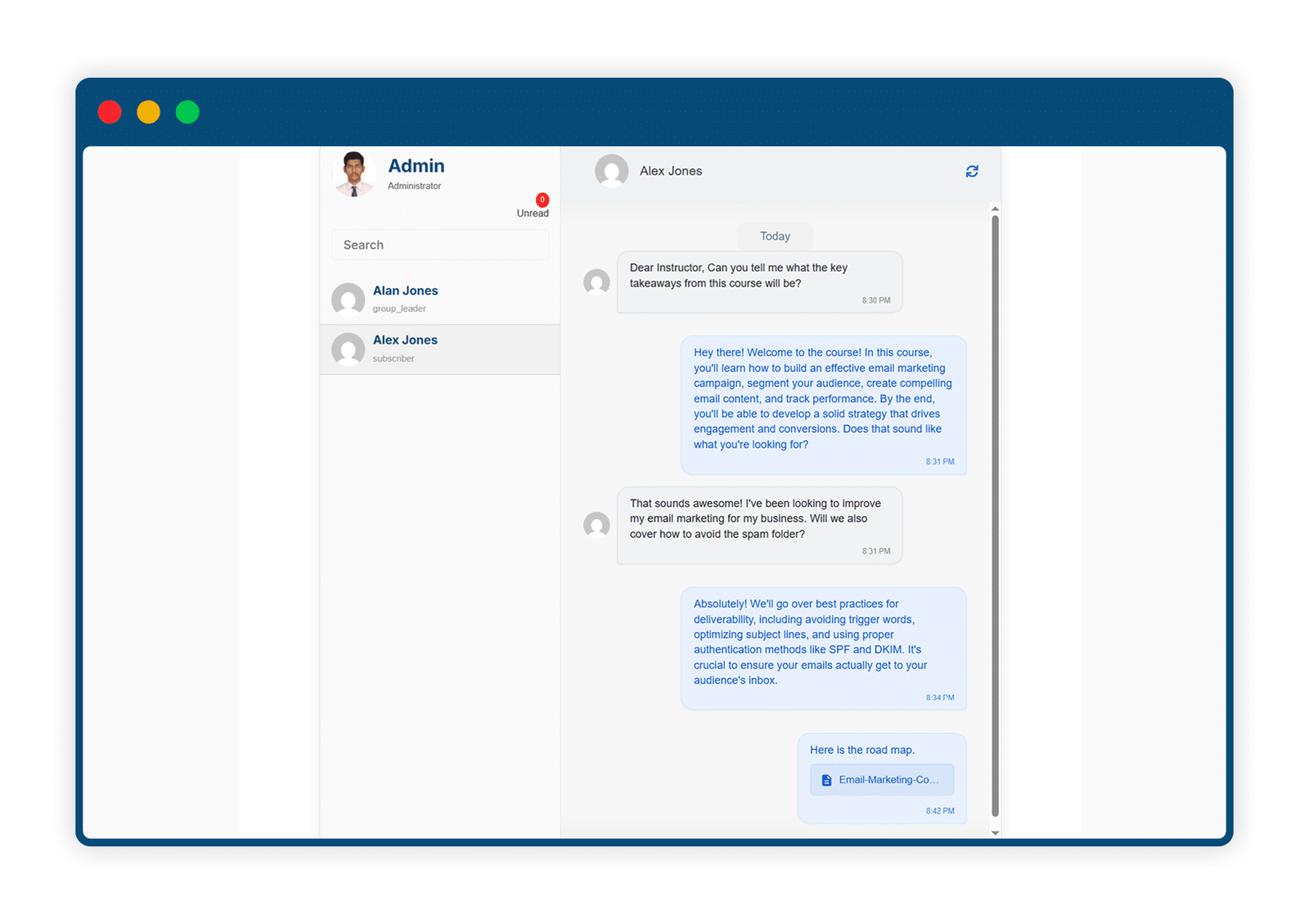
1 Add Class Discussions For Your Online Courses
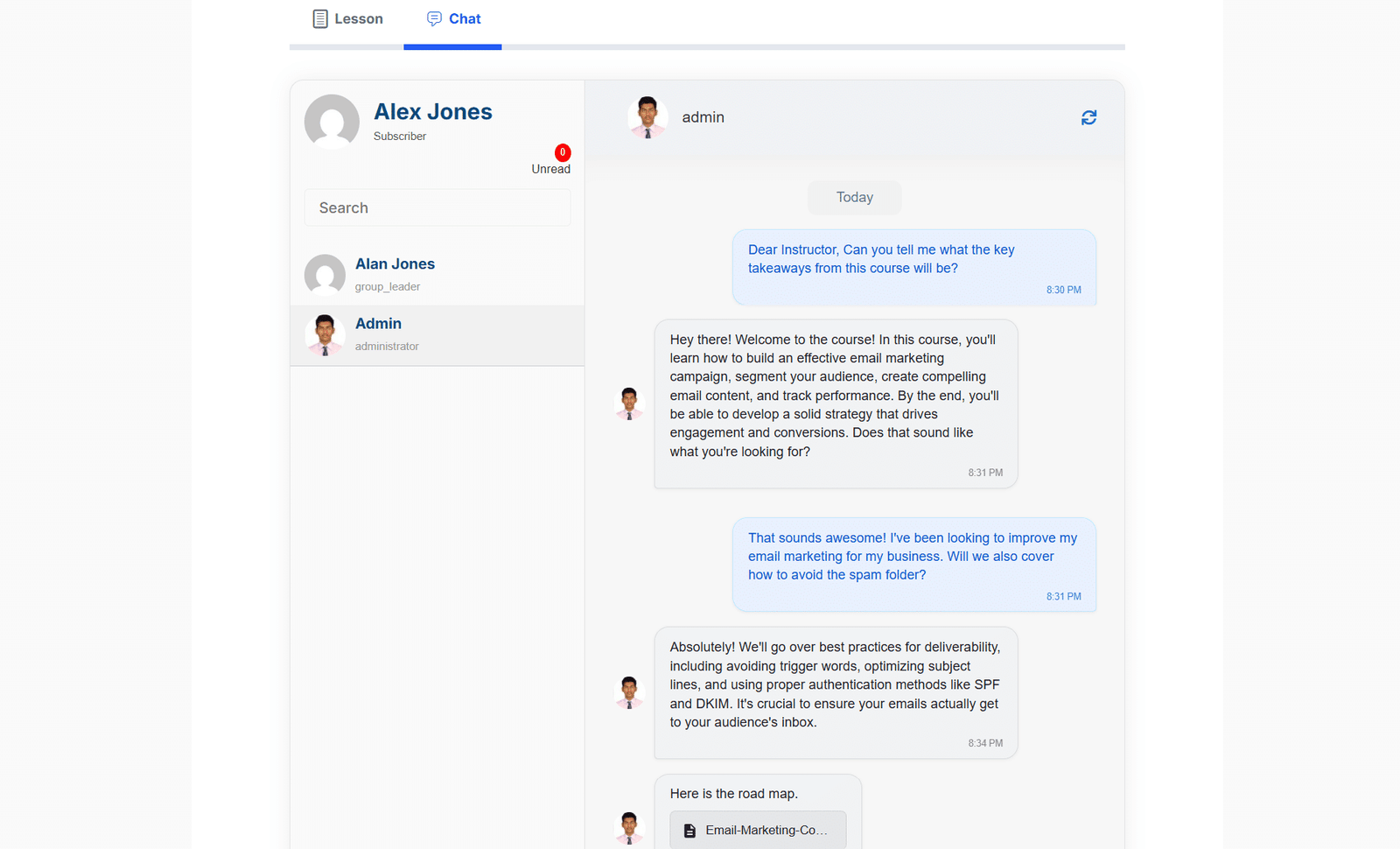
Add a special discussion tab to the front-end of your course pages, allowing students and administrators to communicate in real-time.
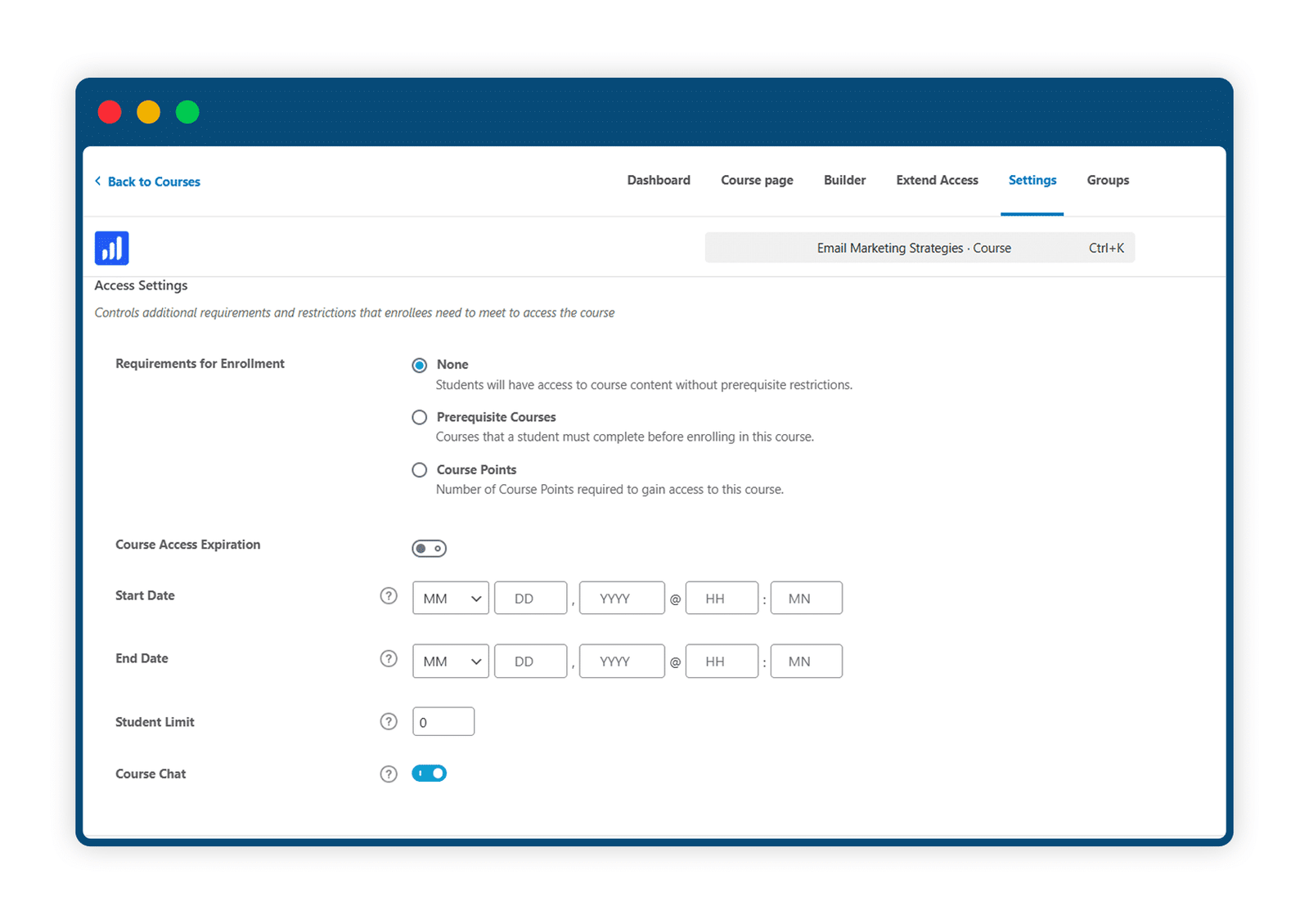
2 Enable Discussions For Selected Courses Only
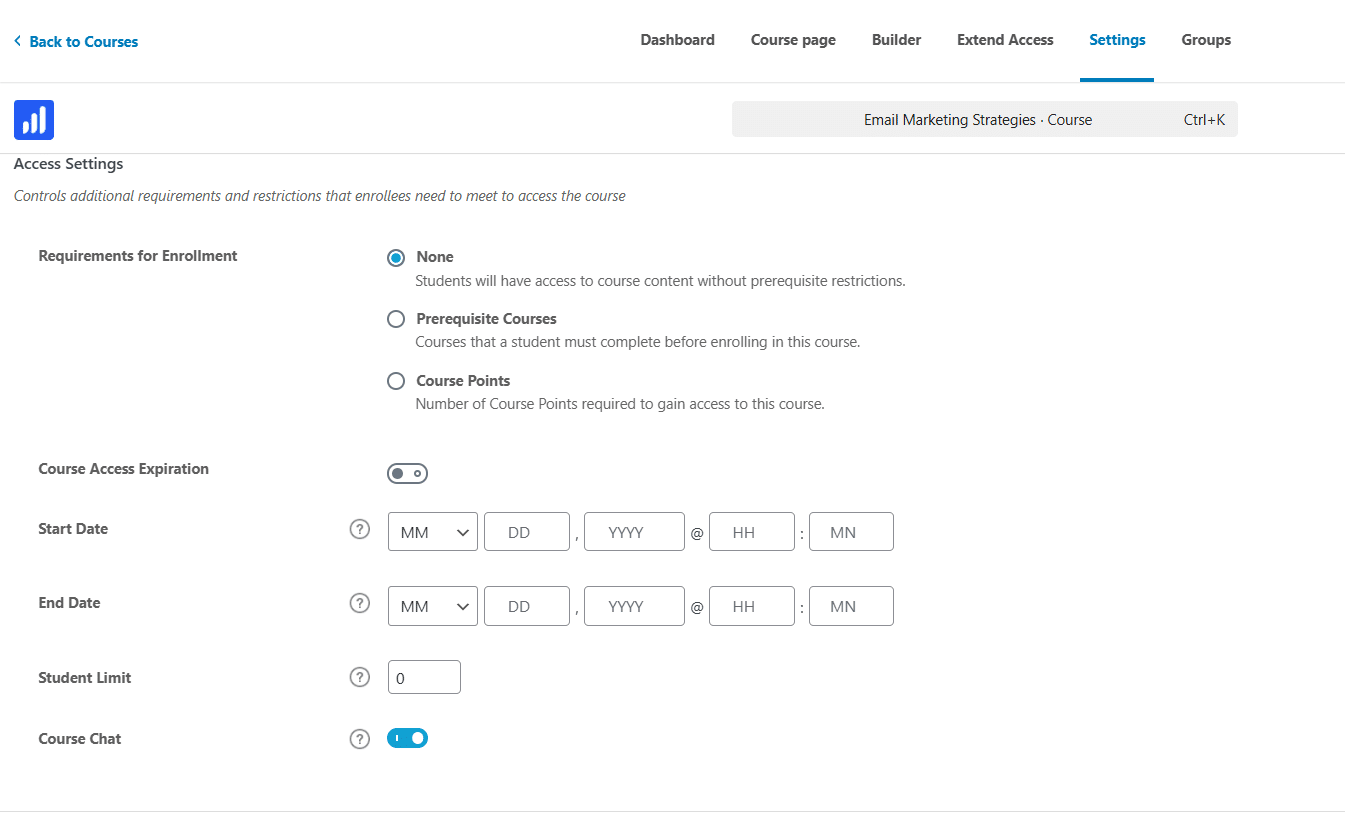
If your admins can’t be available in real time for every course, or if live discussions are only meant to be a special feature for certain ones, you can turn on course discussions just for those specific courses.
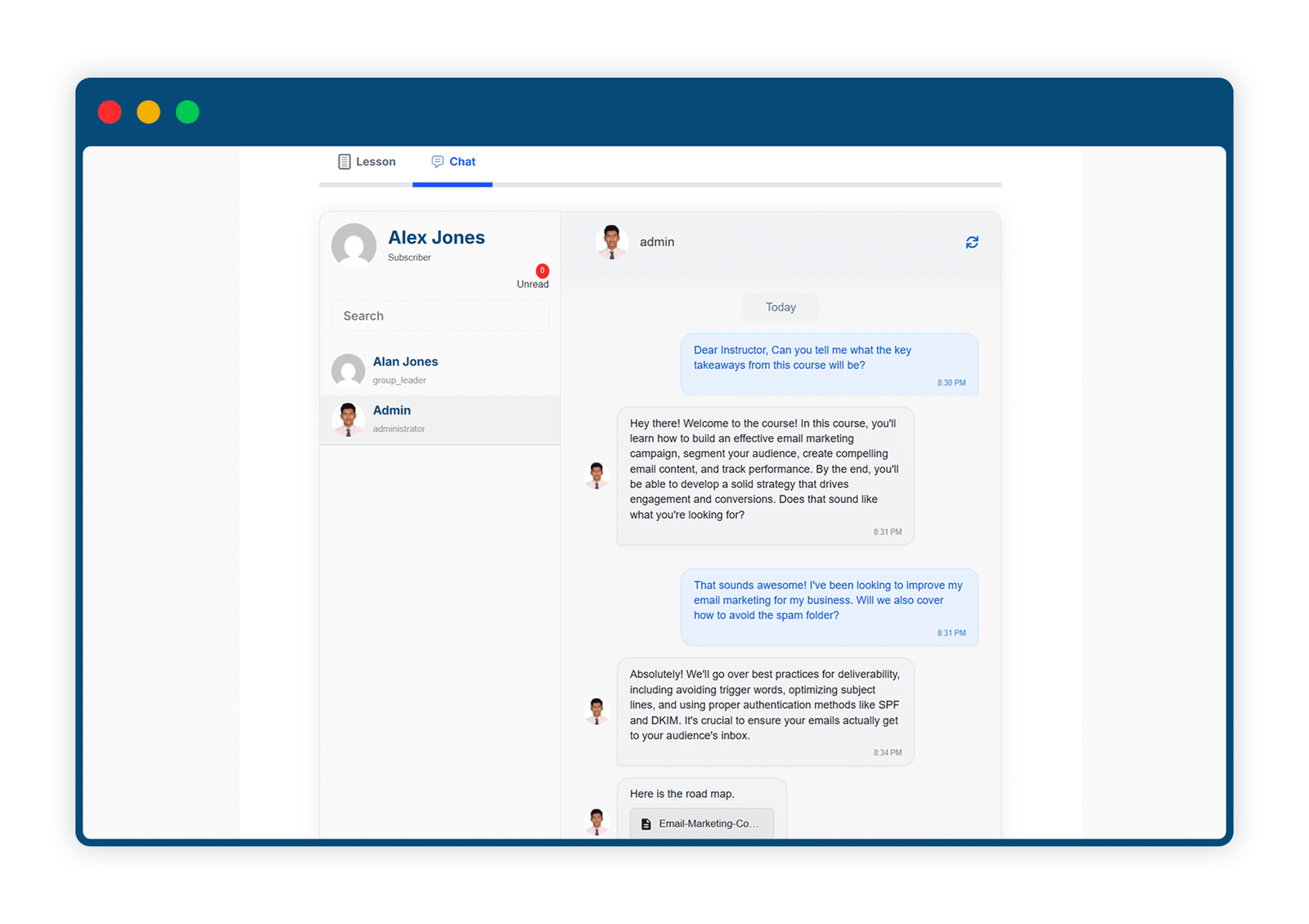
3 Enable Discussions for Lessons, Topics, and Quizzes
Take classroom engagement even further! In addition to course-level discussions, you can now enable real-time chat for individual lessons, topics, and quizzes. This gives students and instructors the flexibility to ask questions, share feedback, and collaborate directly within each part of the course.
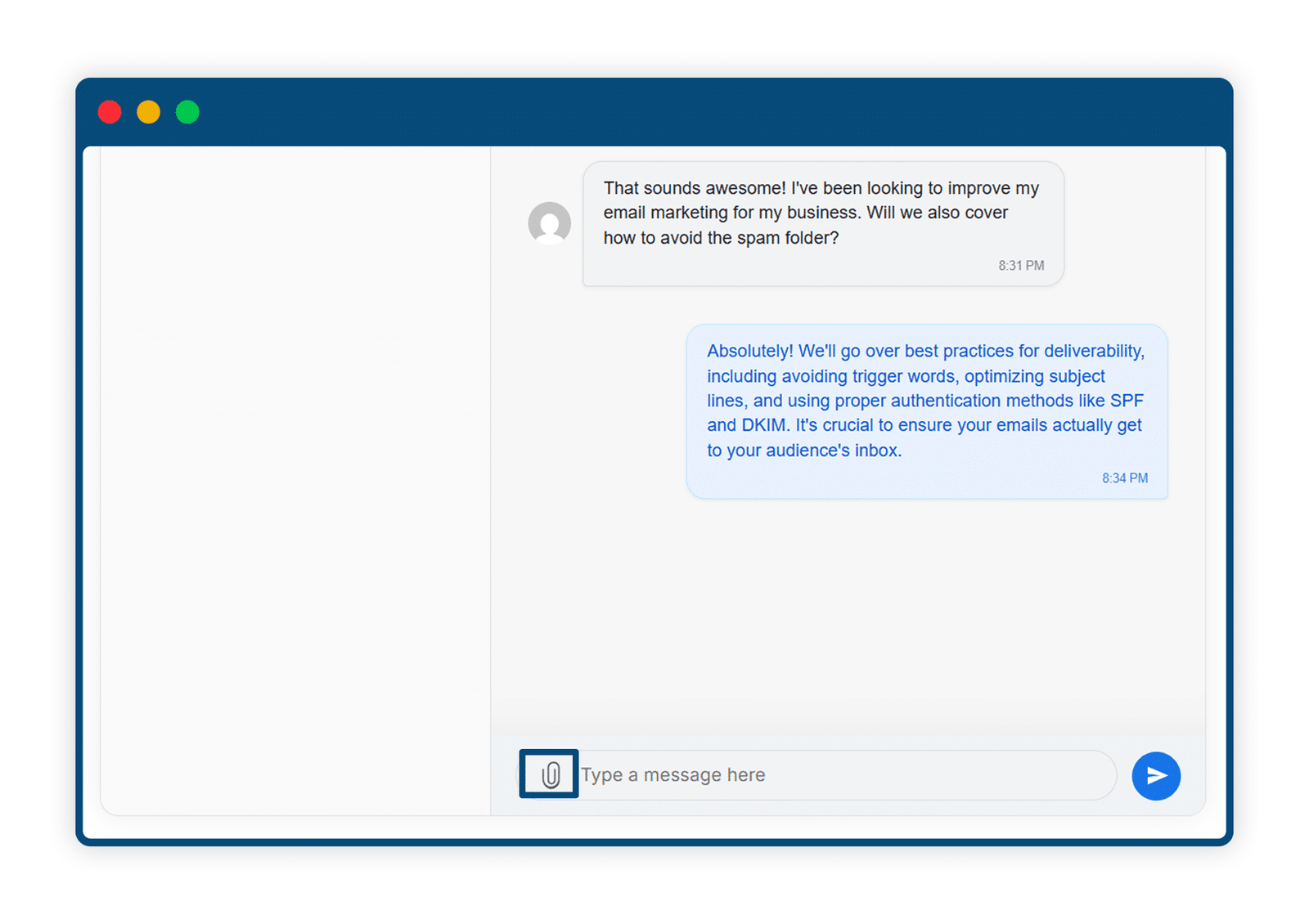
4 Enhance Conversations with File Attachments
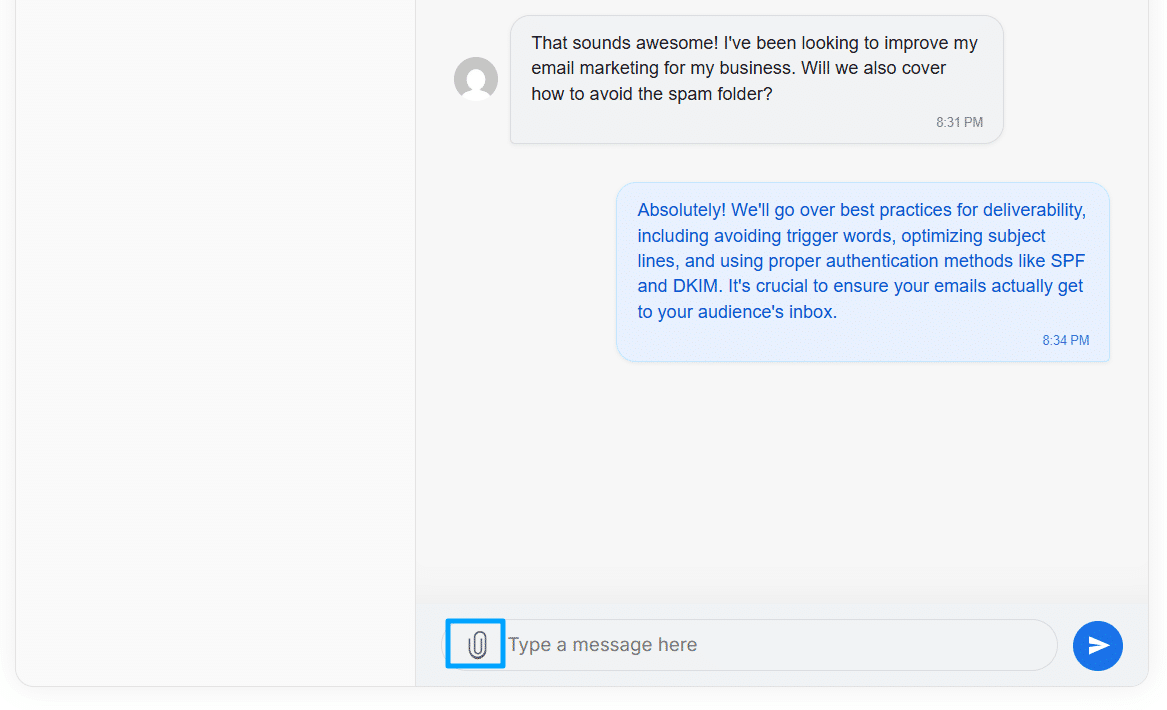
Enable file attachments to let users share documents, images, and other files directly within chat conversations. Simplify collaboration and keep important information organized by allowing one attachment per message.
Get The Plugin Now!
License for 1 site
1 year technical support & updates
Full documentation
Support forum
License for 3 sites
1 year technical support & updates
Full documentation
Support forum
License for sites
1 year technical support & updates
Full documentation
Support forum
Are You interested In Full Access Pass?
Get NowLearnDash Course Chat Screenshots

What Our Happy
Customer Says

A terrific company with great plug-ins. I needed support for trying to figure out some functionality, and it went like all Support should go. I asked the question and I got a timely and thorough response. Keep up the good work everyone!

WooNinjas provided great customer service to me to solve an issue uploading quizzes into my website. They responded quickly and located and resolved the issue very well.

Great customer service, we had issues but the Wooninjas team didn’t give up and were very helpful in fixing my issue.

The plugins offered by the company are fantastic and their support team is the best, I have had the opportunity to use LearnDash Certificate Verify and Share and I am very satisfied with the results obtained. I highly recommend them.
Build Your Bundle & Save 20%
Pick any 3+ add-ons from the same category and get 20% off automatically at checkout. No coupons and extra steps required. Just choose the features you need and save instantly.
FAQ’s
We’re here to help.
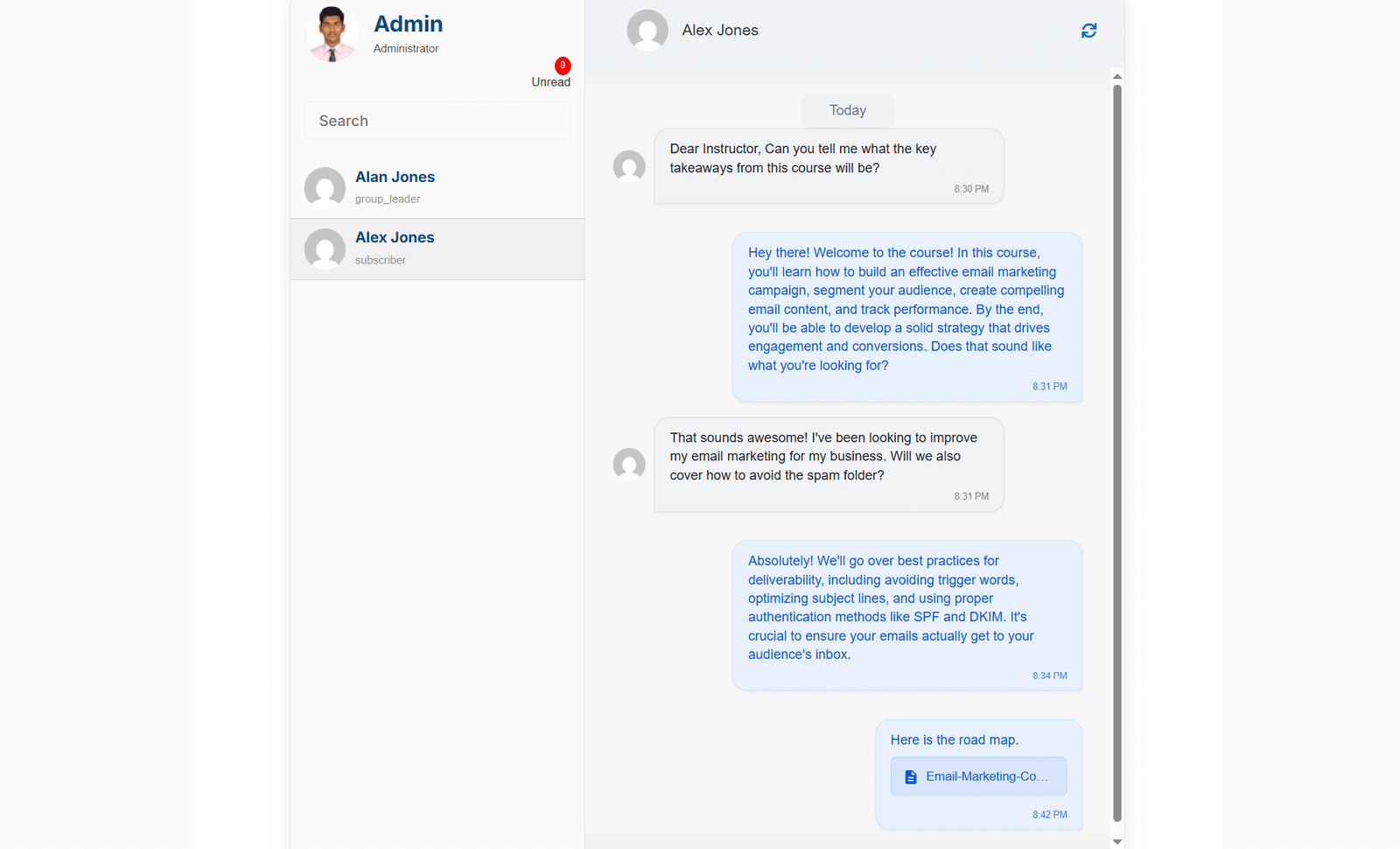
The LearnDash Course Chat addon facilitates 1-to-1 chat between administrators and students. Administrators can engage in private conversations with individual students, providing personalized support, guidance, and assistance as needed.
No, chat messages only appear on the front end.
Yes, you can enable the chat feature for specific students only. For it to work, you can use the “Exclude Specific Users” option to exclude all the user(s) for whom you do not want the chat feature to work.
Yes, chats are available for Lessons, Topics & Quizzes.
Still have questions?
Contact us and we will clear up your doubts!

