Featured Image Generator LITE

Years In Business
Sites Built
Plugins Developed
Repeat Clients
Add-On Requirements
 1.1.1
1.1.1
Current Version
 25 Apr 2026
Last Update
 6.8 Or Higher
WordPress Version
 4.20.0 Or Higher
LearnDash Version
 7.4 Or Higher
PHP Version
Add-On Overview & Features
The following video showcases the Pro version and includes additional features not available in the Lite version.
Features Of Featured Image Generator LITE
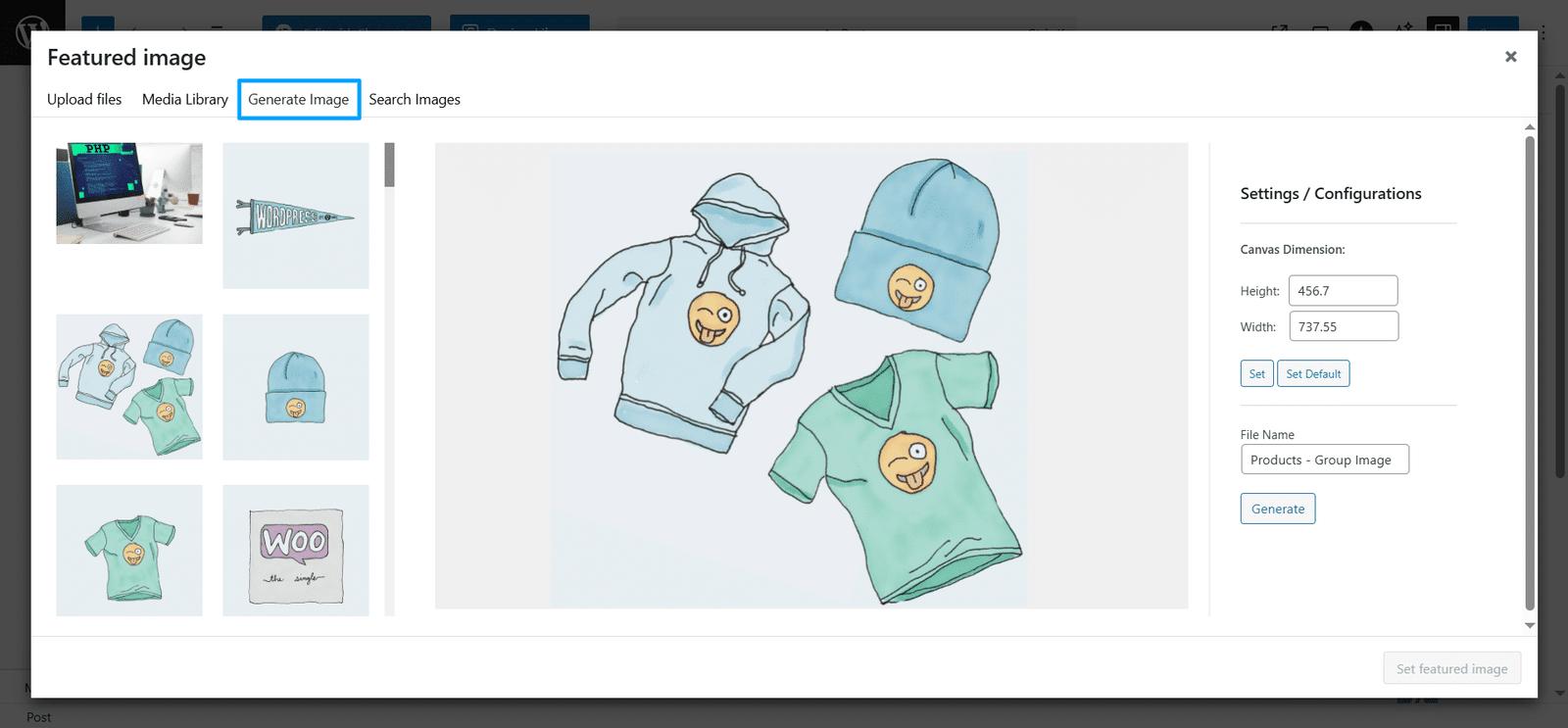
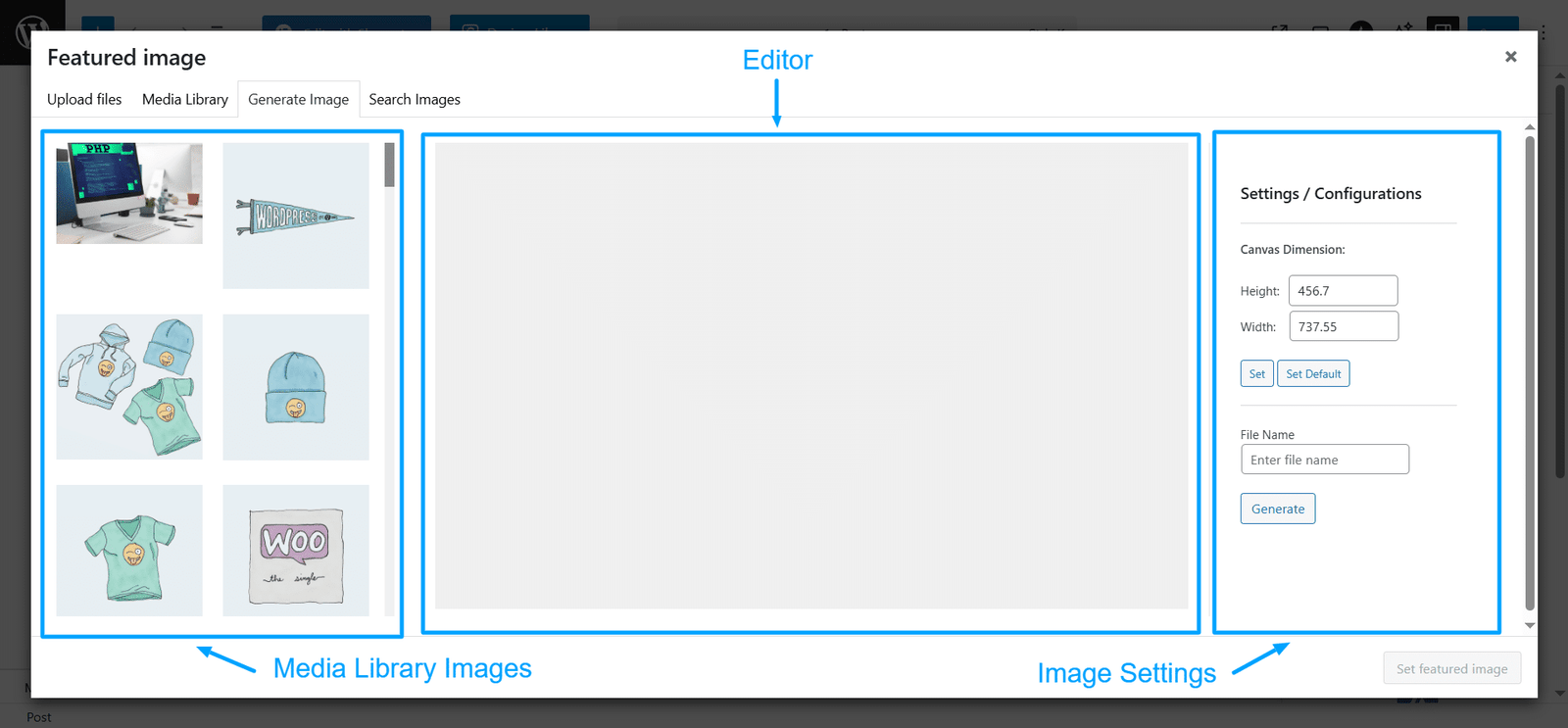
1 Drag And Drop Image Editor
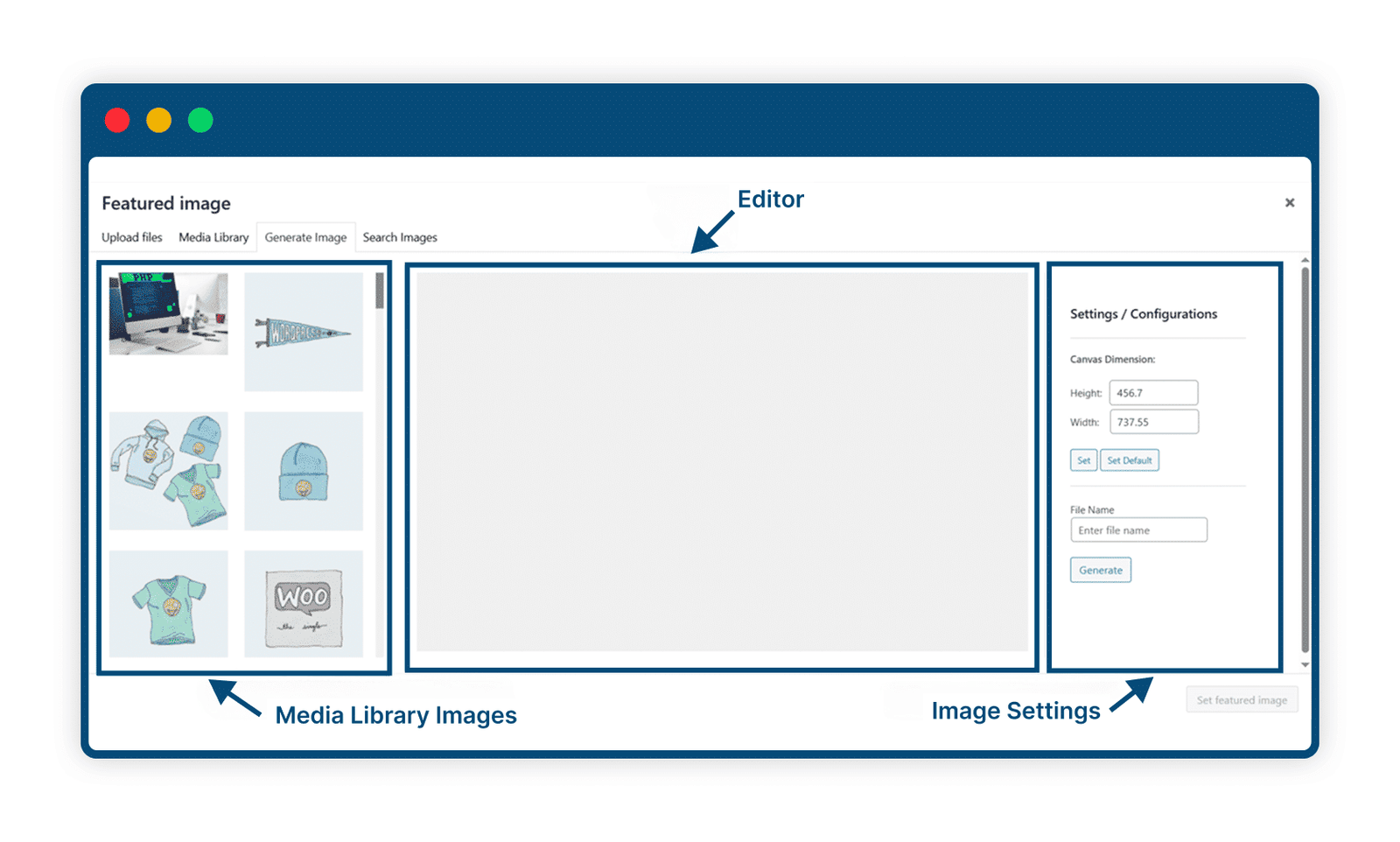
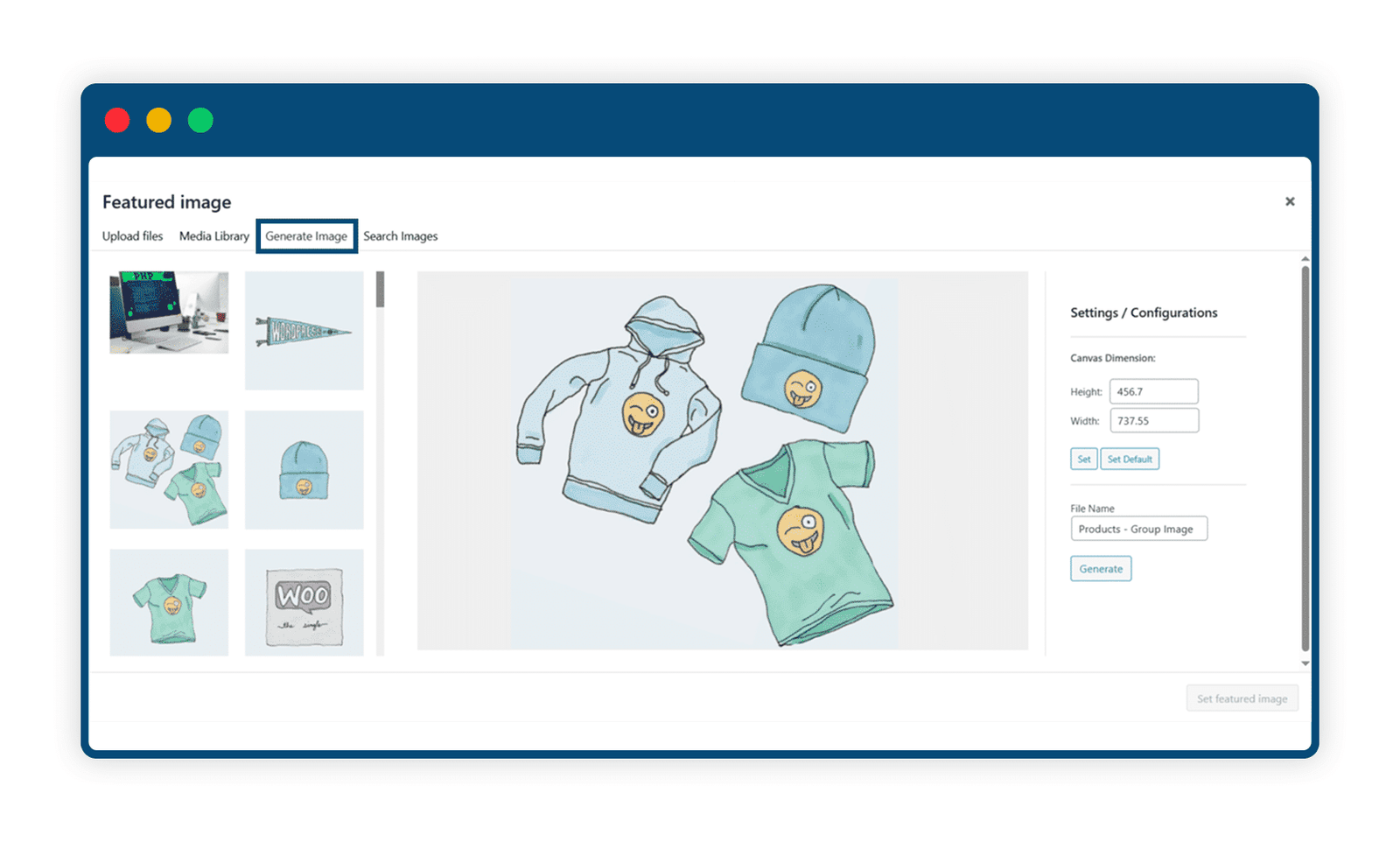
Easily create custom images by dragging and dropping elements into the editor. Combine up to two layers – use side-by-side visuals or stack foreground and background images to craft a unique design.
2 Create personalized images for your website
Design unique featured images for your blog, course pages, and eCommerce posts – right inside the WordPress editor. Get professional-looking results quickly and affordably.
3 Design and set featured images in one place
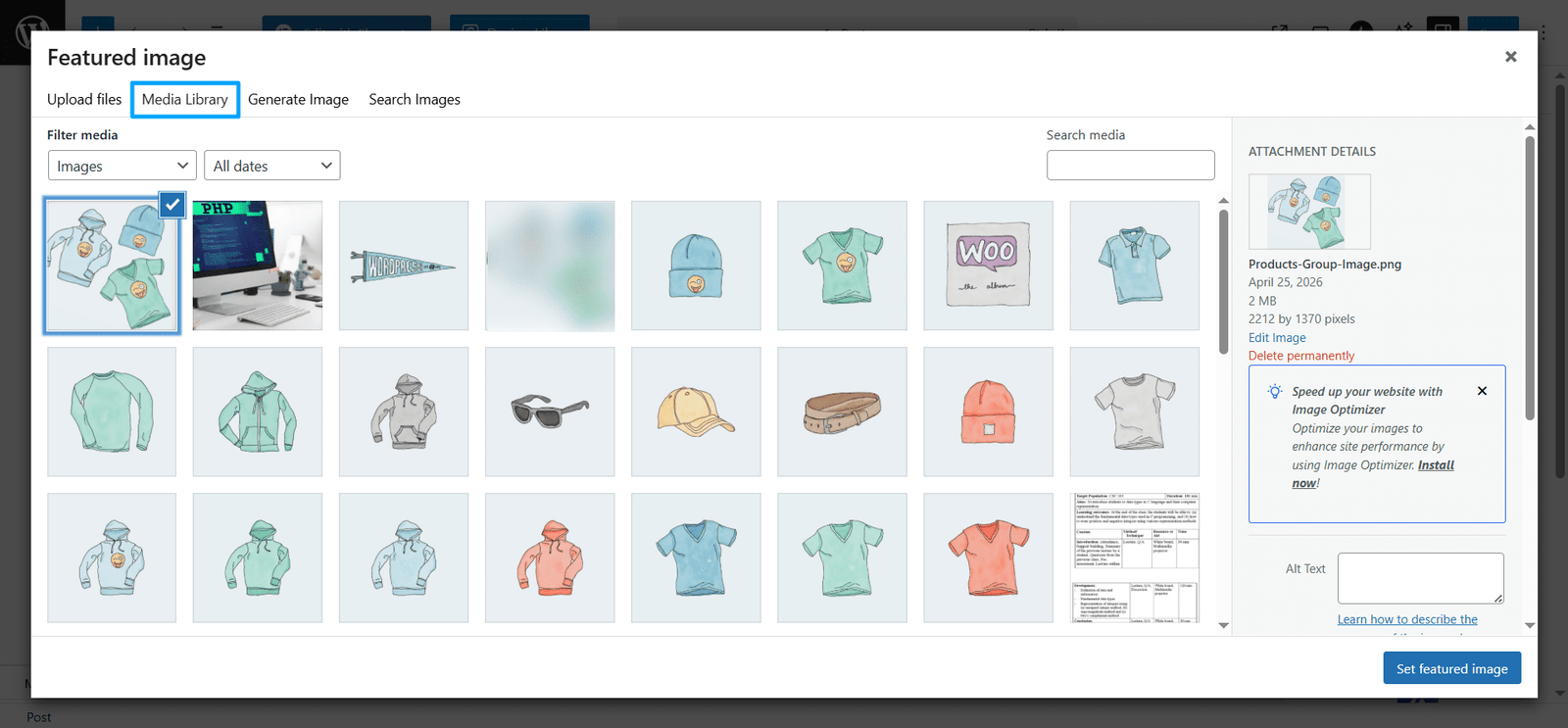
Create your image and instantly set it as the featured image for any post or page directly from the Media Library – no extra steps needed.

4 Download Custom-Featured Images To Use Anywhere
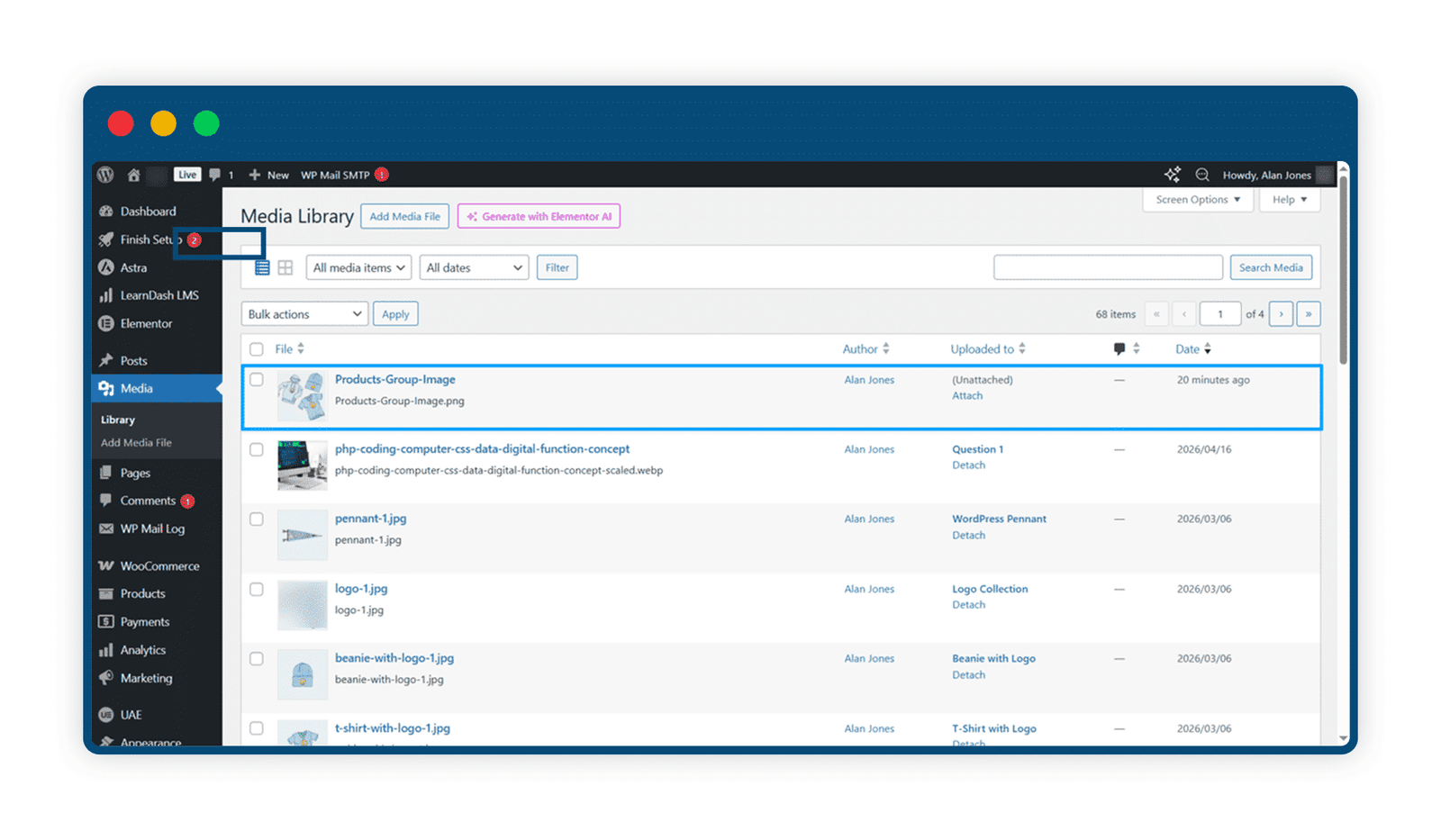
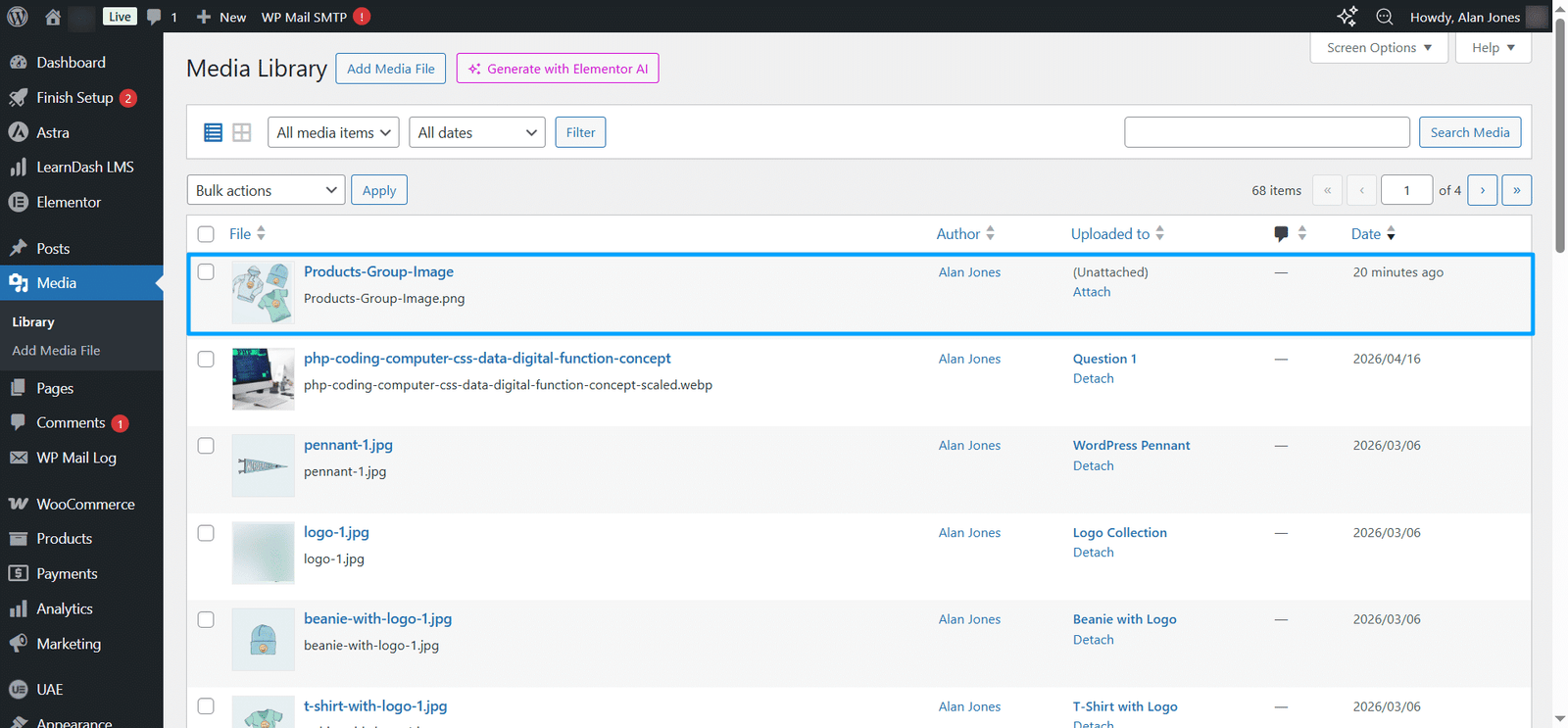
Your generated images are saved in the Media Library, allowing you to download and use them across websites, projects, or platforms anytime.
Are You interested In Full Access Pass?
Get NowFeatured Image Generator LITE Screenshots
What Our Happy
Customer Says

A terrific company with great plug-ins. I needed support for trying to figure out some functionality, and it went like all Support should go. I asked the question and I got a timely and thorough response. Keep up the good work everyone!

WooNinjas provided great customer service to me to solve an issue uploading quizzes into my website. They responded quickly and located and resolved the issue very well.

Great customer service, we had issues but the Wooninjas team didn’t give up and were very helpful in fixing my issue.

The plugins offered by the company are fantastic and their support team is the best, I have had the opportunity to use LearnDash Certificate Verify and Share and I am very satisfied with the results obtained. I highly recommend them.
Build Your Bundle & Save 20%
Pick any 3+ add-ons from the same category and get 20% off automatically at checkout. No coupons and extra steps required. Just choose the features you need and save instantly.
FAQ’s
We’re here to help.
Currently, the generated featured image will only be available in the .png format.
Yes, once you create an image, it will be available in the WordPress media gallery, and you can use it anywhere you want.
Can we create the featured image from any WordPress post type page, like posts and pages?
Yes, you can create a featured image for any WordPress post type, like posts and pages, provided it has the “Set featured image” option in its edit page.
Still have questions?
Contact us and we will clear up your doubts!

