Introducing DOCX Compatibility for LearnDash Course & Quiz Import/Export
Discover DOCX support for LearnDash Course Import/Export and LearnDash Quiz Import/Export. Easily import and export courses and quizzes.
Managing LearnDash content becomes more flexible with DOCX support across WooNinjas import solutions. With LearnDash Course Import/Export and LearnDash Quiz Import/Export, you can now work with structured document files to create, import, export, and manage LMS content more efficiently.
This adds a document-based workflow alongside existing formats, giving you more control over how courses and quizzes are handled.
DOCX Support in WooNinjas LearnDash Add-Ons
DOCX functionality is available in both add-ons, with different capabilities:
- LearnDash Course Import/Export: DOCX for import and export (course content)
- LearnDash Quiz Import /Export: DOCX for quiz import and export
LearnDash Course Import/Export with DOCX
Import Courses Using DOCX
- Import a single course at a time using a DOCX file
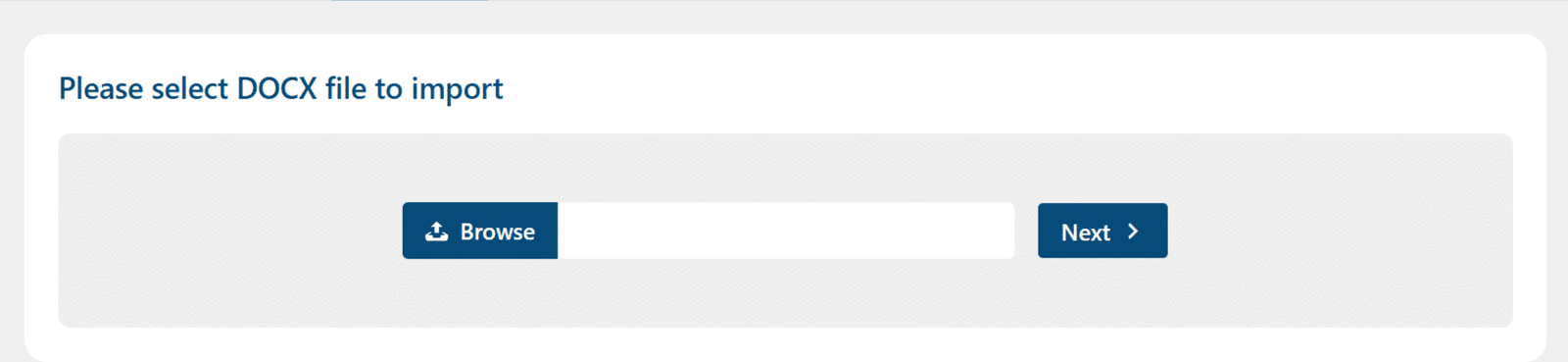
- Upload from the Import DOCX tab under the LearnDash LMS menu
- The DOCX file contains:
- Course content
- Lessons
- Topics

Import Workflow
- Upload DOCX file
- Start import process
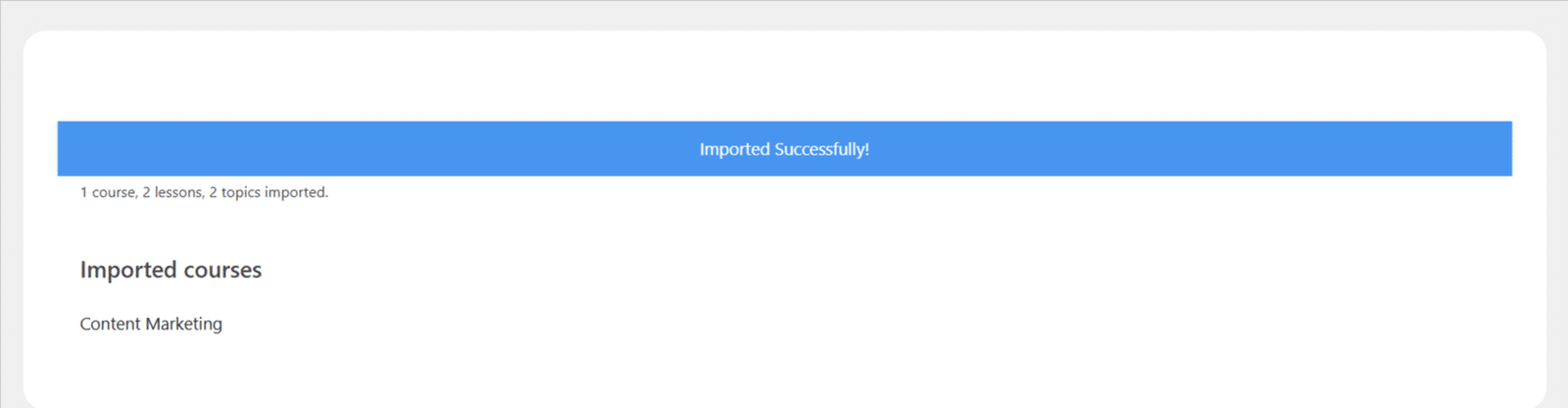
- Review imported course
- Configure and publish
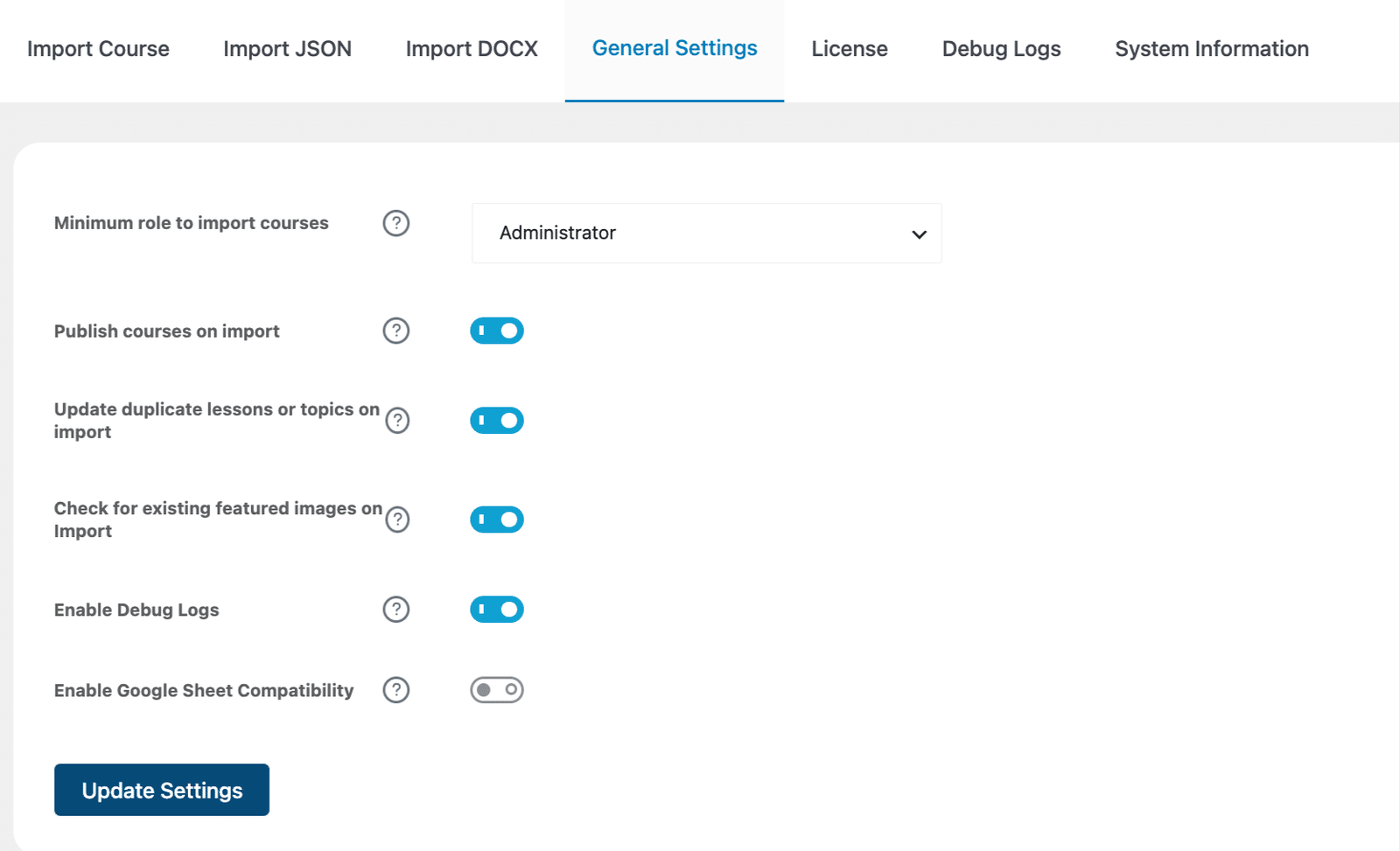
Compatible Settings
DOCX course import works with:
- Publish Courses on Import
- Update duplicate lessons or topics on import
Export Courses as DOCX
- Export a single course as a DOCX file
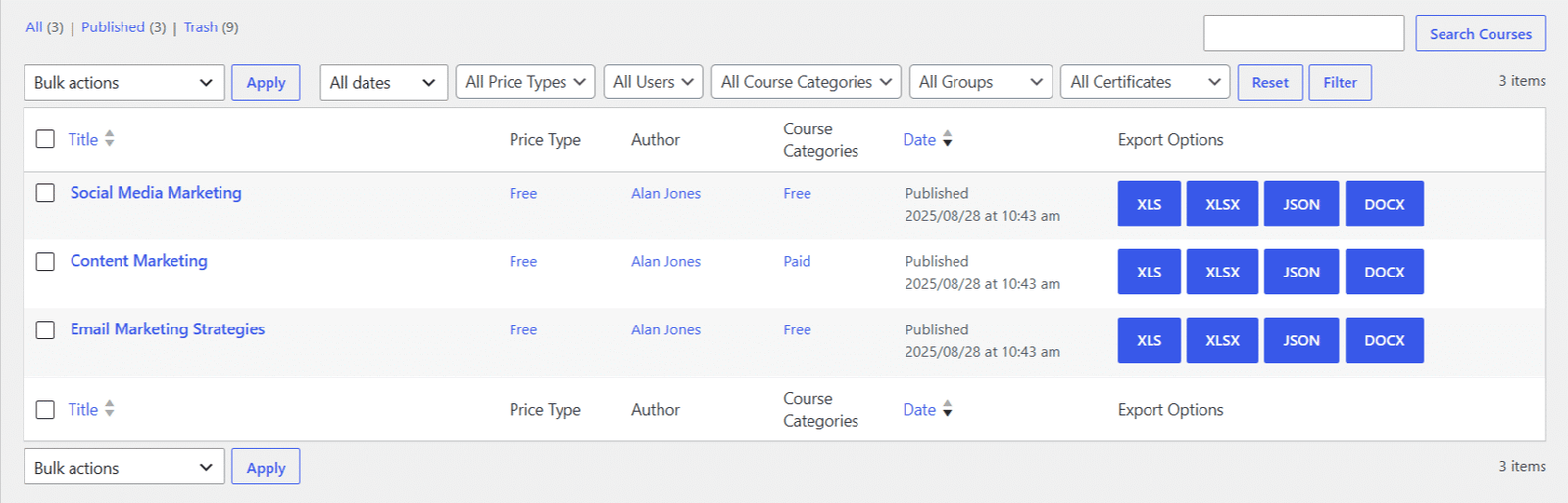
- Export multiple courses as a ZIP containing individual DOCX files

Each DOCX file includes a full course structure and content, making it easy to review or migrate.
Looking for a Ready-Made Solution?
Explore our WordPress, WooCommerce, and LMS plugins built to extend functionality without custom development.
LearnDash Quiz Import/Export with DOCX
The Quiz Import/Export add-on provides broader DOCX capabilities for quizzes.
Import Quizzes from DOCX
- Create quizzes using a structured DOCX file
- Include:
- Questions
- Answers
- Question content formatting
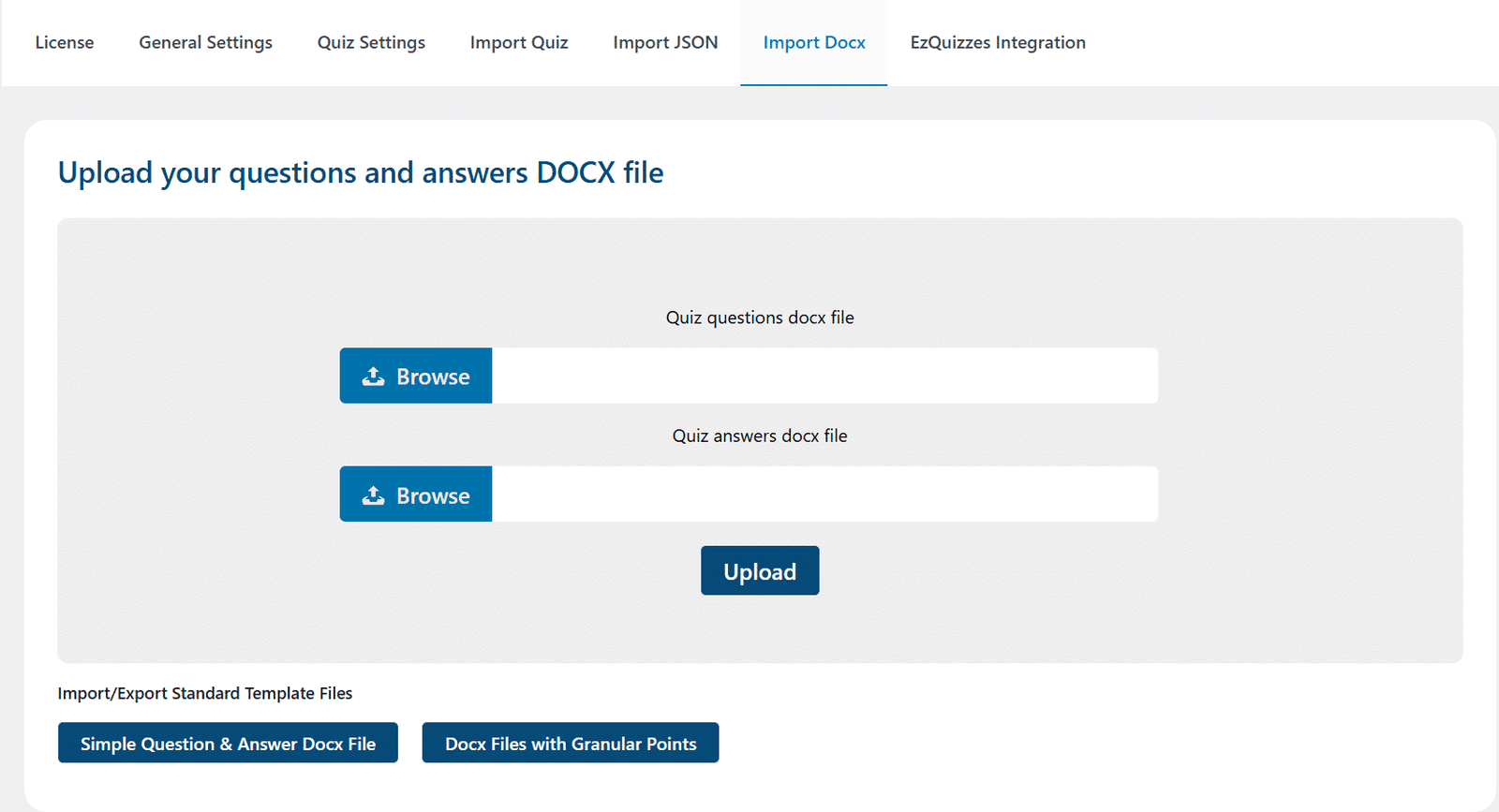
Import Workflow
- Upload DOCX file in the Quiz Import section

- System processes the document
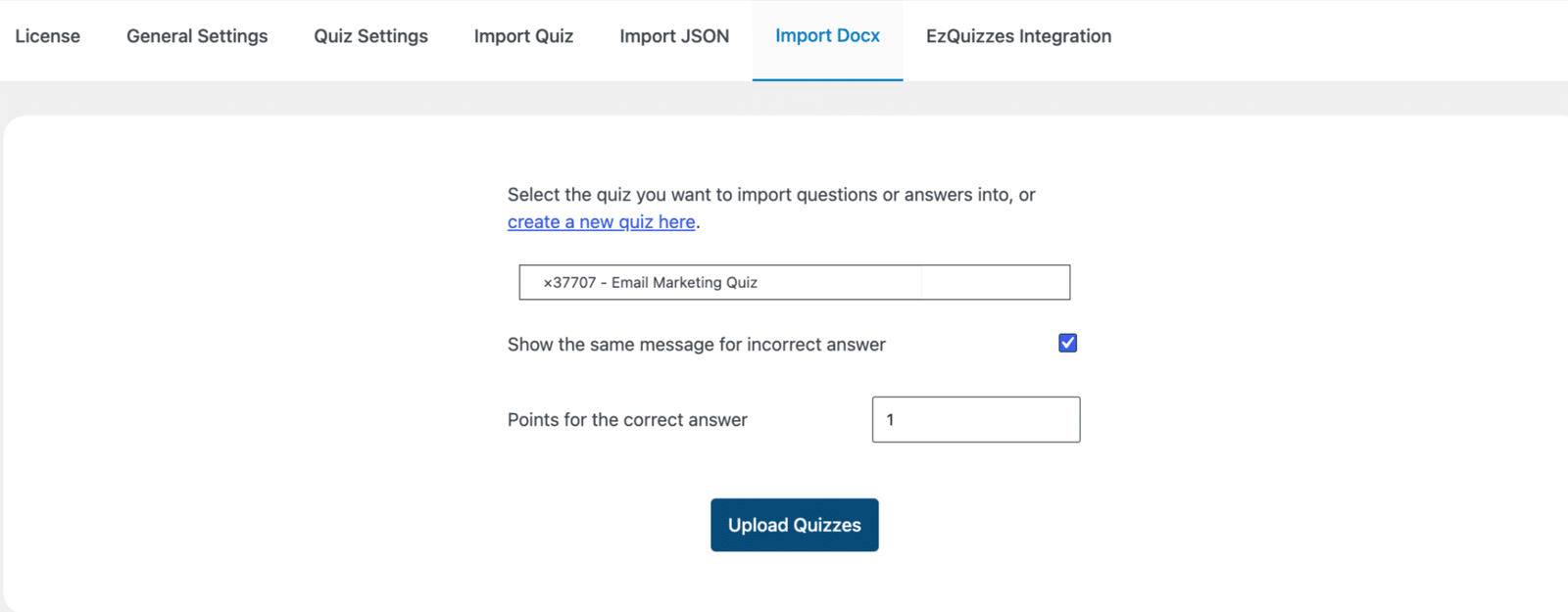
- Quizzes and questions are created in LearnDash

Export Quizzes as DOCX
- Export quizzes into DOCX format
- Download structured quiz data in a readable document
- Useful for review, editing, or sharing quiz content outside WordPress
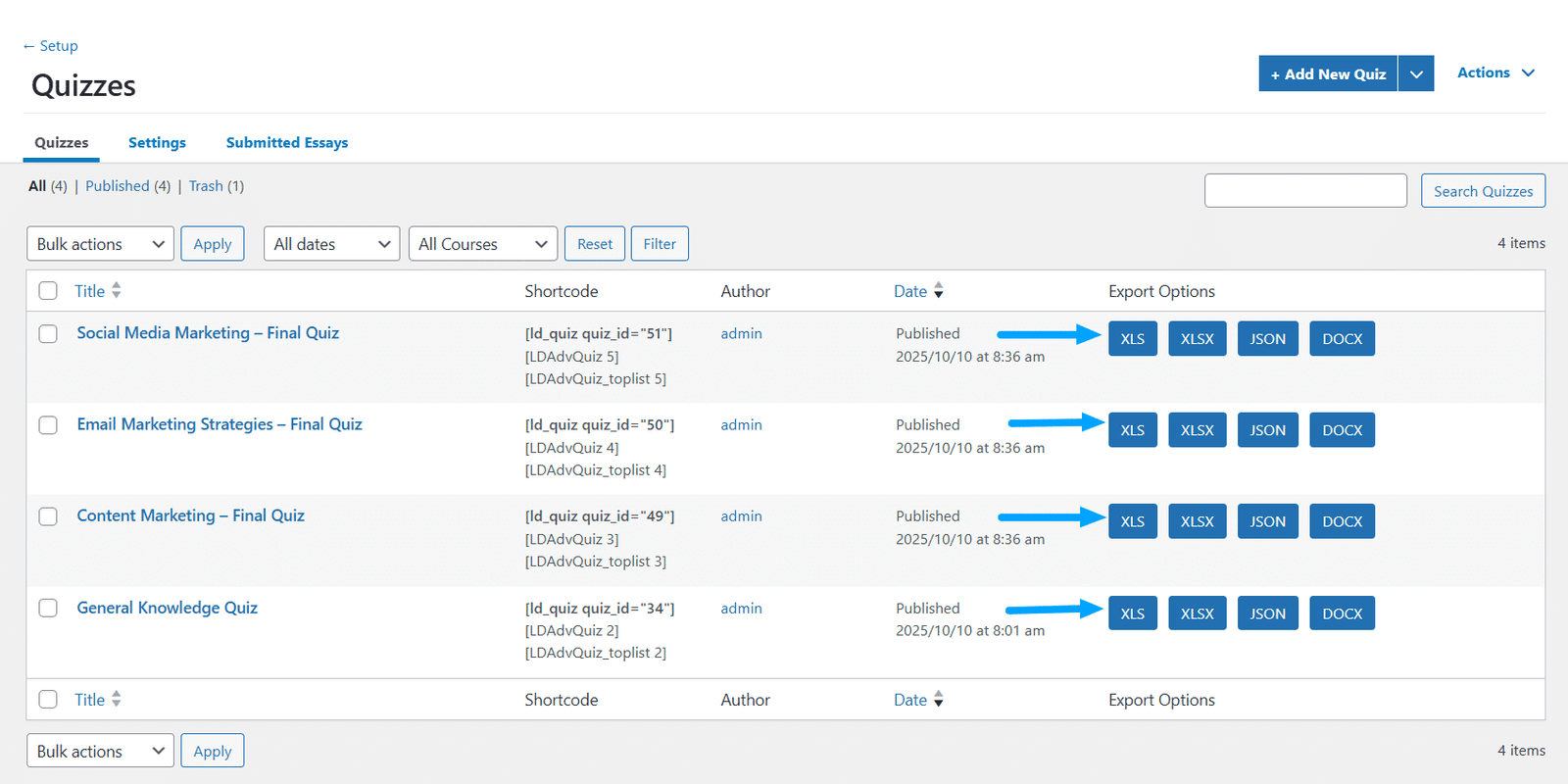
Flexible Quiz Formats Alongside DOCX
In addition to DOCX, the add-on supports:
- XLS / XLSX
- JSON
DOCX complements these formats by offering a simpler, document-based approach.
When to Use DOCX
Best Use Cases
- Importing a single course
- Creating or editing quizzes in a document format
- Reviewing content in a clean, readable structure
For Advanced or Bulk Workflows
- Use Excel or JSON for large-scale imports
- Use templates for structured bulk operations
A More Flexible LearnDash Workflow
With DOCX support across both add-ons:
- Courses can be imported and exported as structured documents
- Quizzes can be created, imported, and exported in DOCX format
- Content can be managed outside WordPress in a familiar environment
Simplify LearnDash Content Management With WooNinjas
With DOCX compatibility in LearnDash Course Import/Export and LearnDash Quiz Import/Export, WooNinjas expands how LMS content is handled. Create, import, export, and manage courses and quizzes using document files, and maintain a more flexible and efficient LearnDash workflow.
Need Ongoing WordPress Maintenance & Support?
We handle updates, performance monitoring, security hardening, and technical fixes so your WordPress and WooCommerce site stays stable and secure.
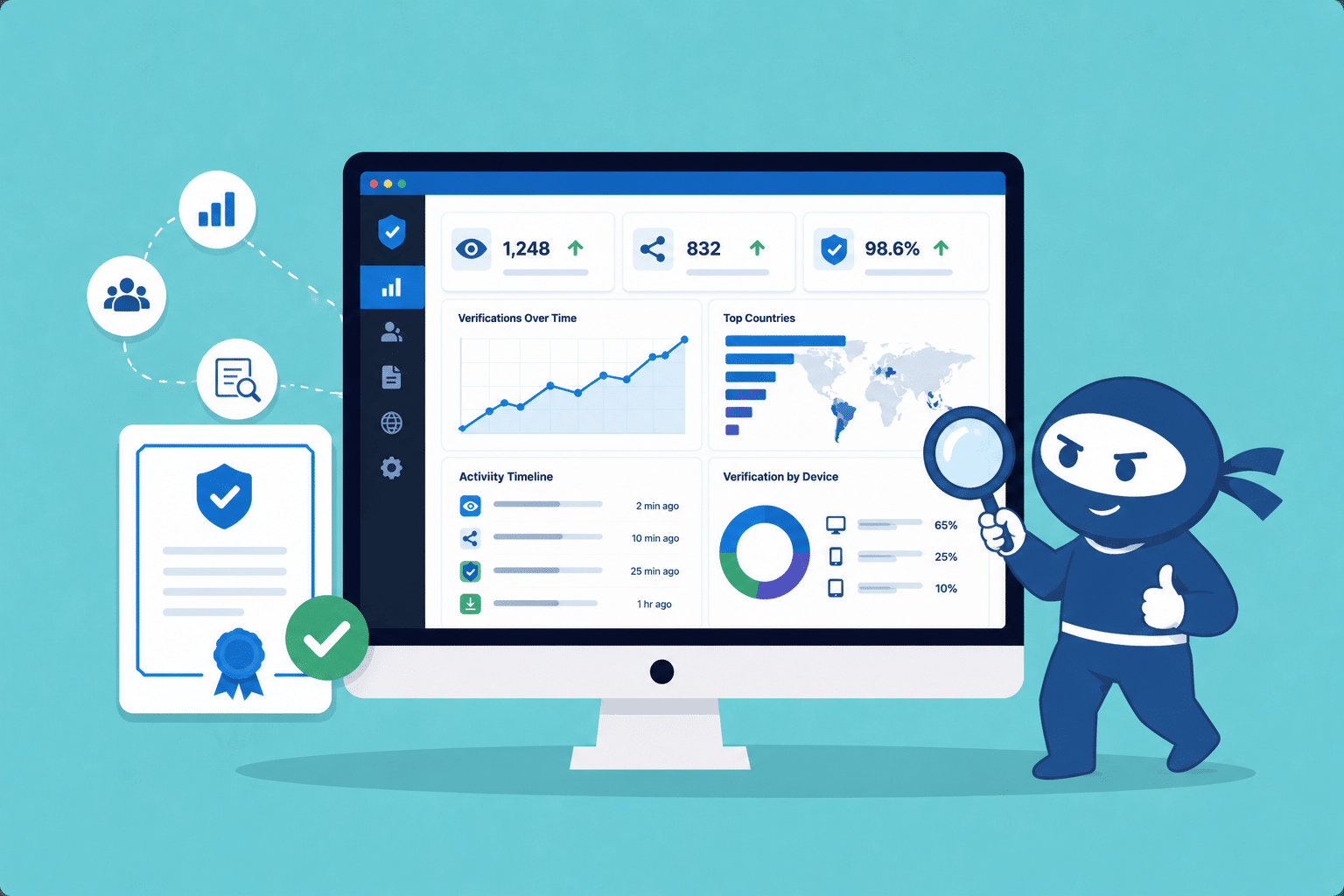
LearnDash Certificate Analytics: Track Verification & Sharing Activity
Track certificate verification, social shares, and engagement with new analytics features in LearnDash Certificate Verify & Share by WooNinjas.
Read More...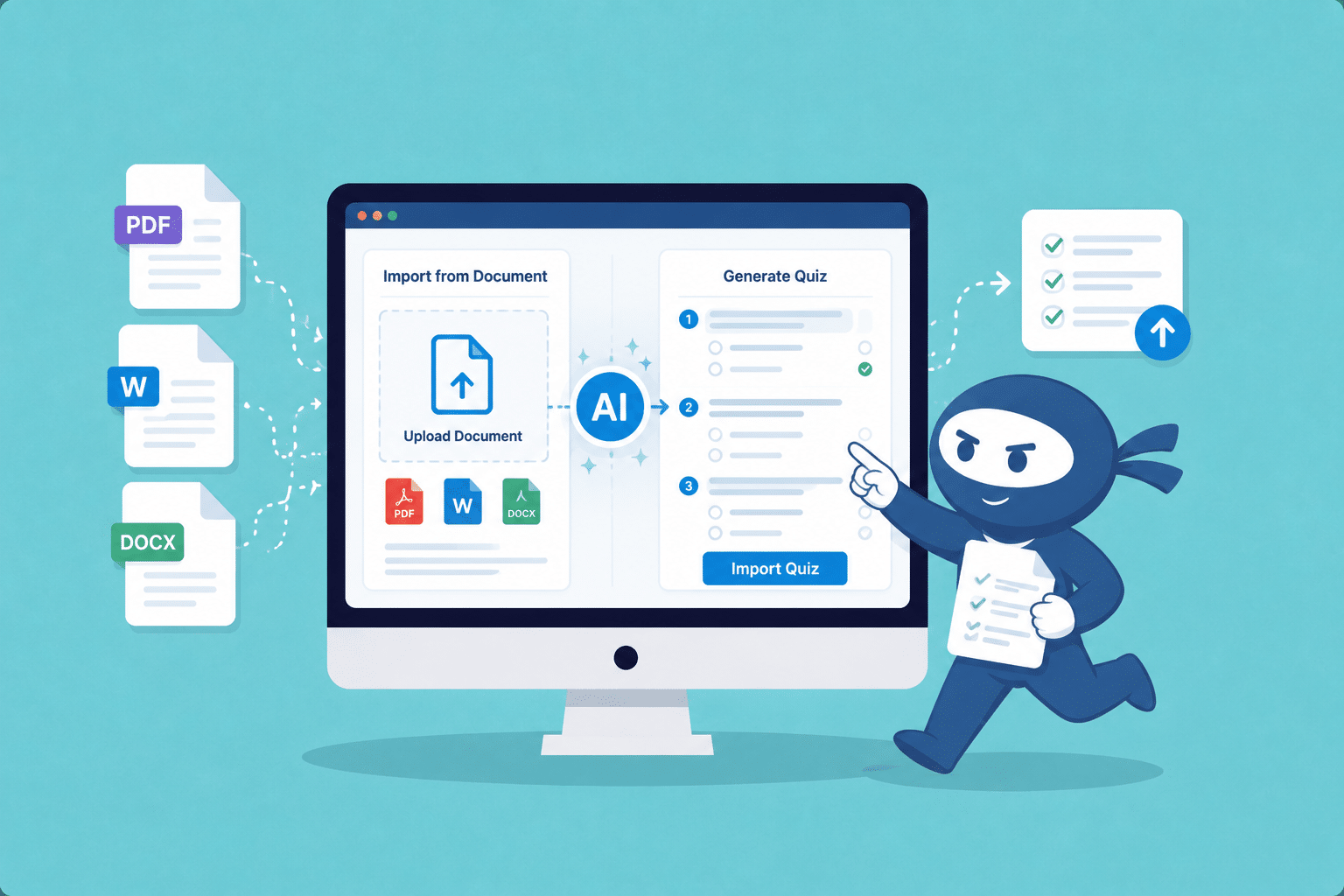
LearnDash AI Quiz Generator: Create Quizzes from Documents Instantly
Create LearnDash quizzes faster with AI Document Import. Generate quizzes from PDFs, DOCX, and other files using ChatGPT or Gemini.
Read More...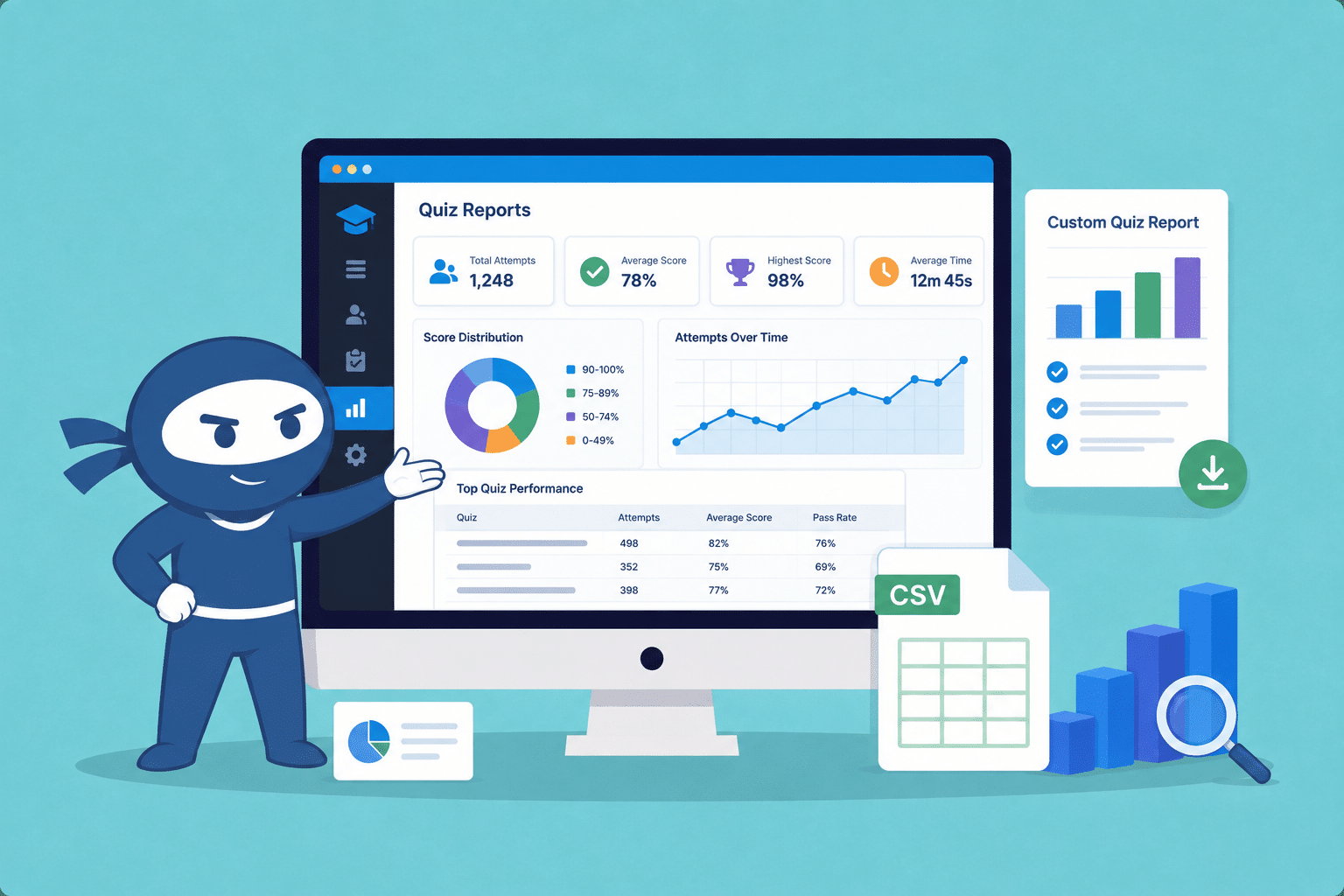
Introducing LearnDash Quiz Reports Pro: Generate Custom Quiz Reports with Advanced Data Insights
LearnDash Quiz Reports Pro makes quiz reporting easier with custom exports, advanced filters, detailed quiz data, and improved report accuracy.
Read More...
