Products and Orders Sync for WooCommerce

Years In Business
Sites Built
Plugins Developed
Repeat Clients
Add-On Requirements
 1.0.2
1.0.2
Current Version
 12 Aug 2026
Last Update
 6.8 Or Higher
WordPress Version
 10.0 Or Higher
WooCommerce Version
 7.4 Or Higher
PHP Version
Add-On Overview & Features
The Products and Orders Sync for WooCommerce add-on ensures data consistency across your multi-store network. From syncing entire product catalogs to transferring customer orders in real time or on schedule, it eliminates manual updates and errors. With flexible options and full control over product fields, you can streamline cross-site management and keep every store accurate and up to date.
Features Of Products and Orders Sync for WooCommerce
1 Multi-Store Synchronization
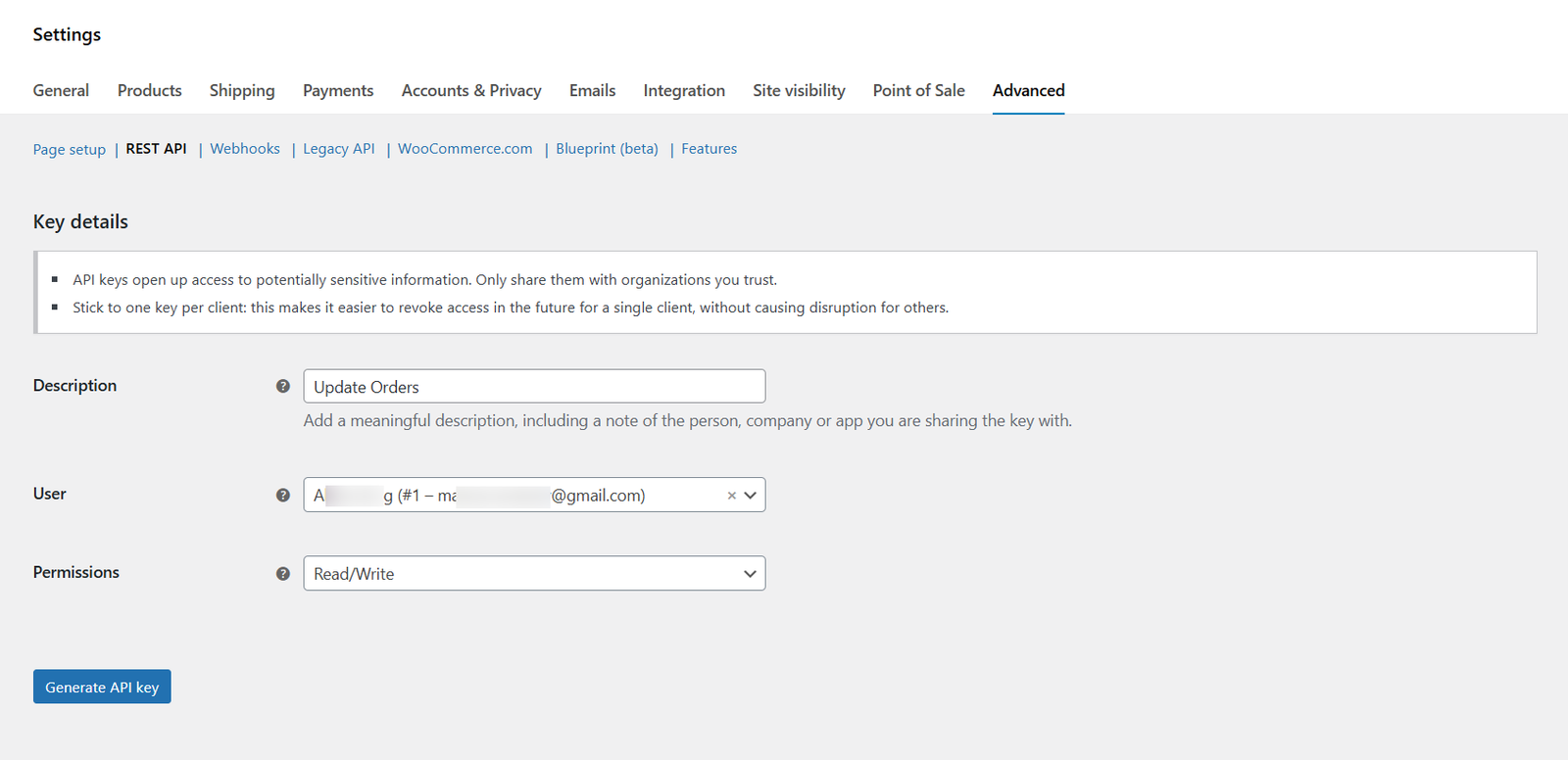
Easily connect multiple WooCommerce websites and ensure products and orders stay consistent across your network. The add-on uses the WooCommerce REST API to securely manage synchronization, reducing manual work and eliminating data mismatches.
2 Sync Orders Across Sites
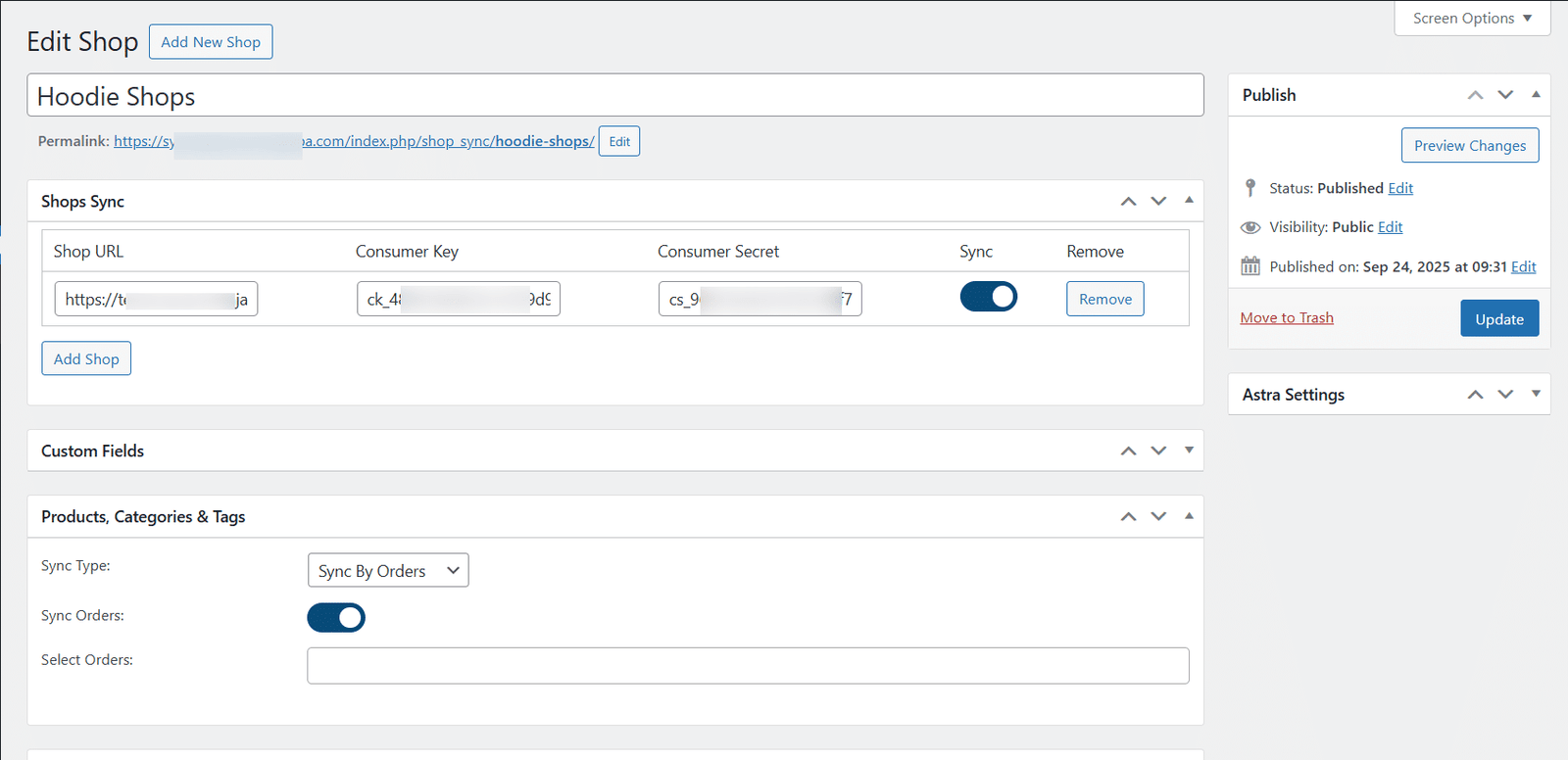
Turn on Sync By Orders to automatically send orders from your main site to your connected sites. You can choose to send all orders or just specific ones, so you stay in control.
3 Sync Products with Variations and Categories
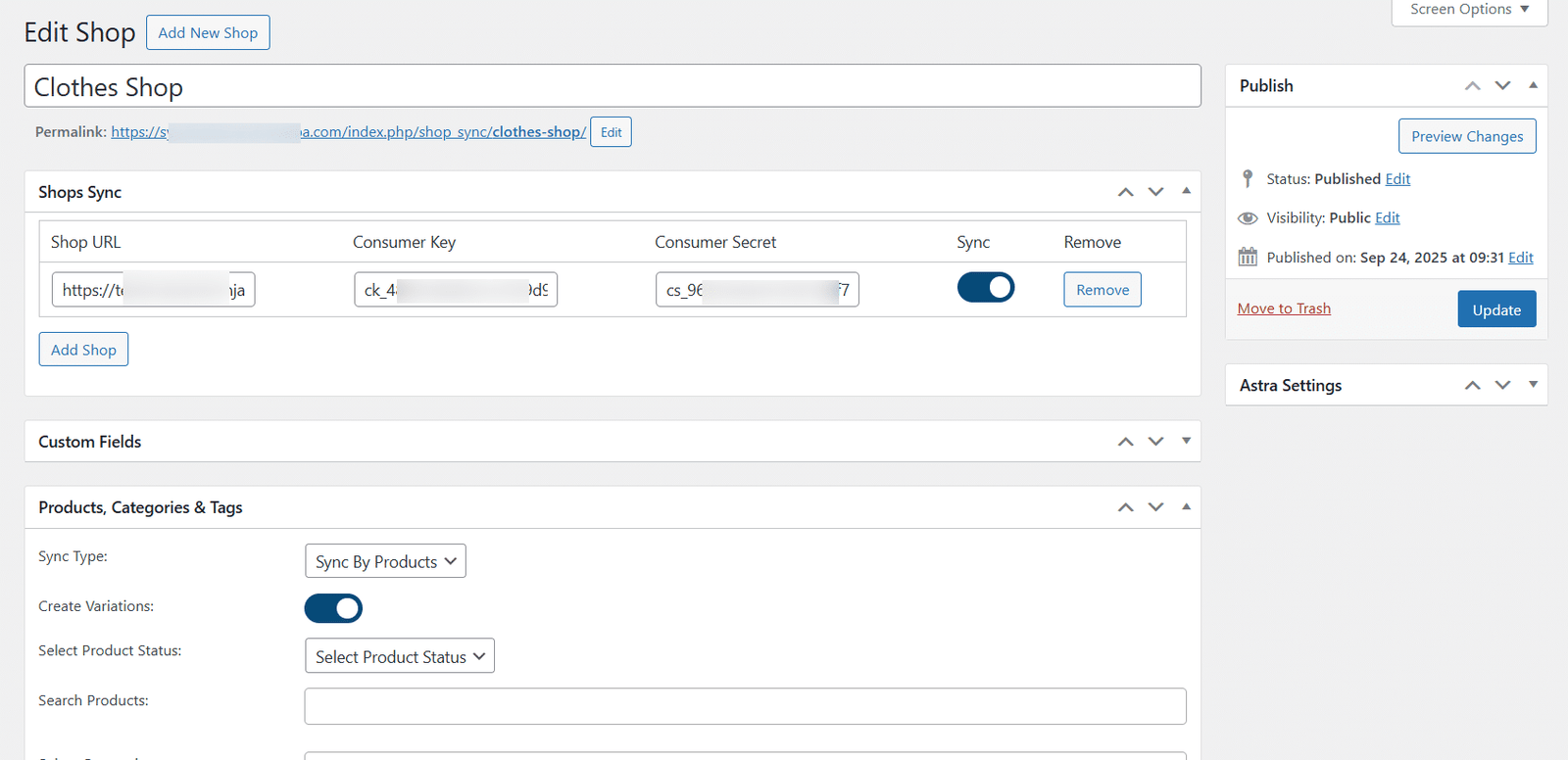
With Sync By Products, you can sync entire catalogs, individual products, or even specific categories. Newly created variations are also synced, ensuring your child sites always mirror the parent store’s inventory.
4 Automated or Manual Sync Options
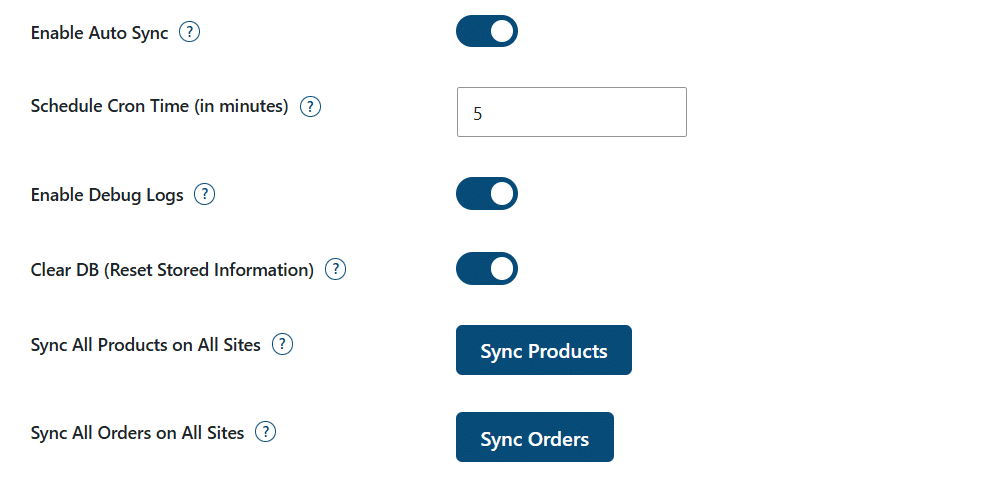
You can pick real-time syncing or set a schedule using cron jobs. Choose how often it runs in minutes, based on your server and the number of products. For full control, you can also run a one-time “Sync All Products” or “Sync All Orders” with just one click.
5 Full Control Over Product Fields
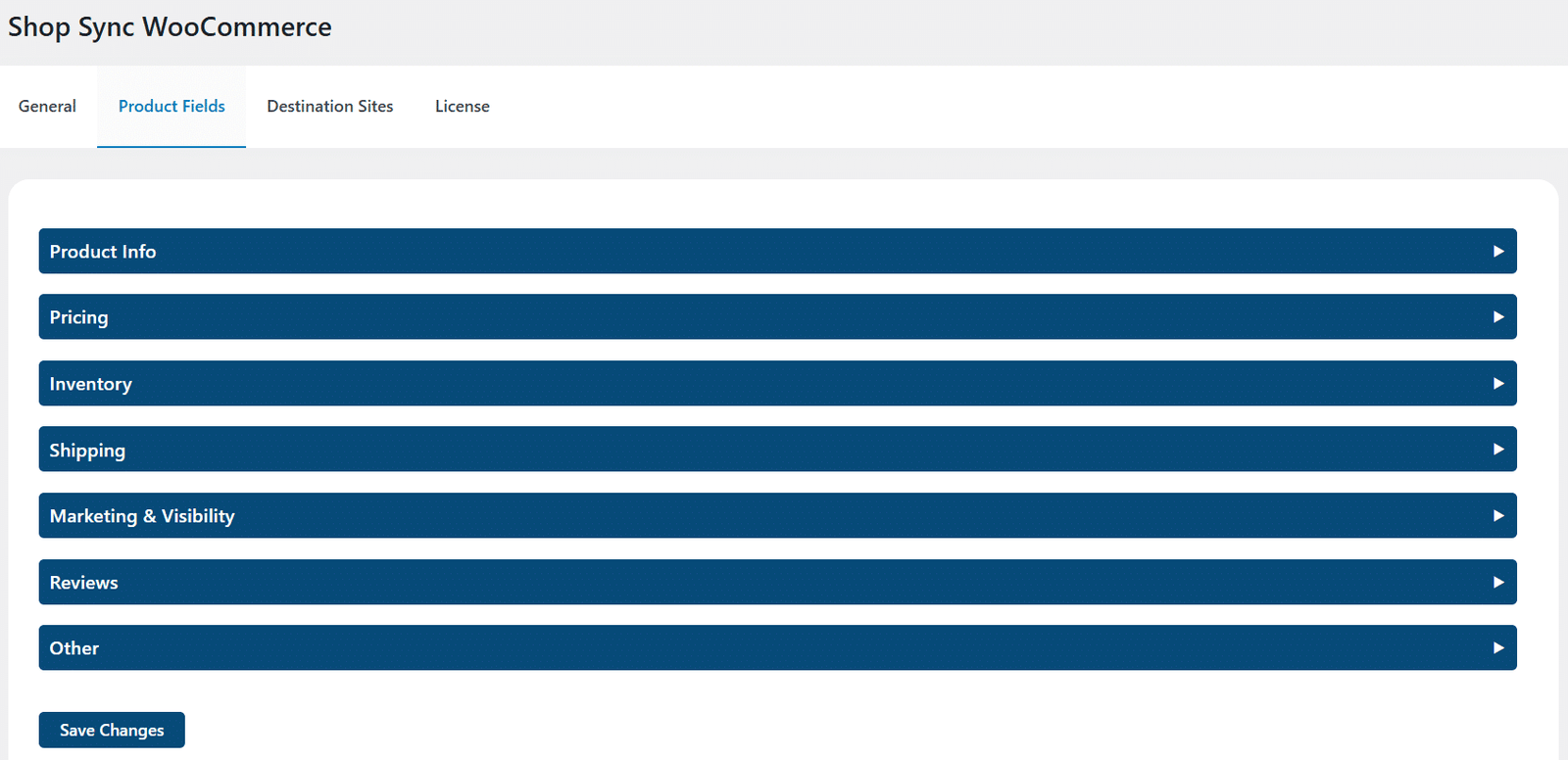
Select exactly which product fields should be updated on child sites, from descriptions, attributes, and categories to prices, stock status, shipping details, and even product reviews. This granular control ensures only the right data is synced.
6 Manage Destination Sites with Ease
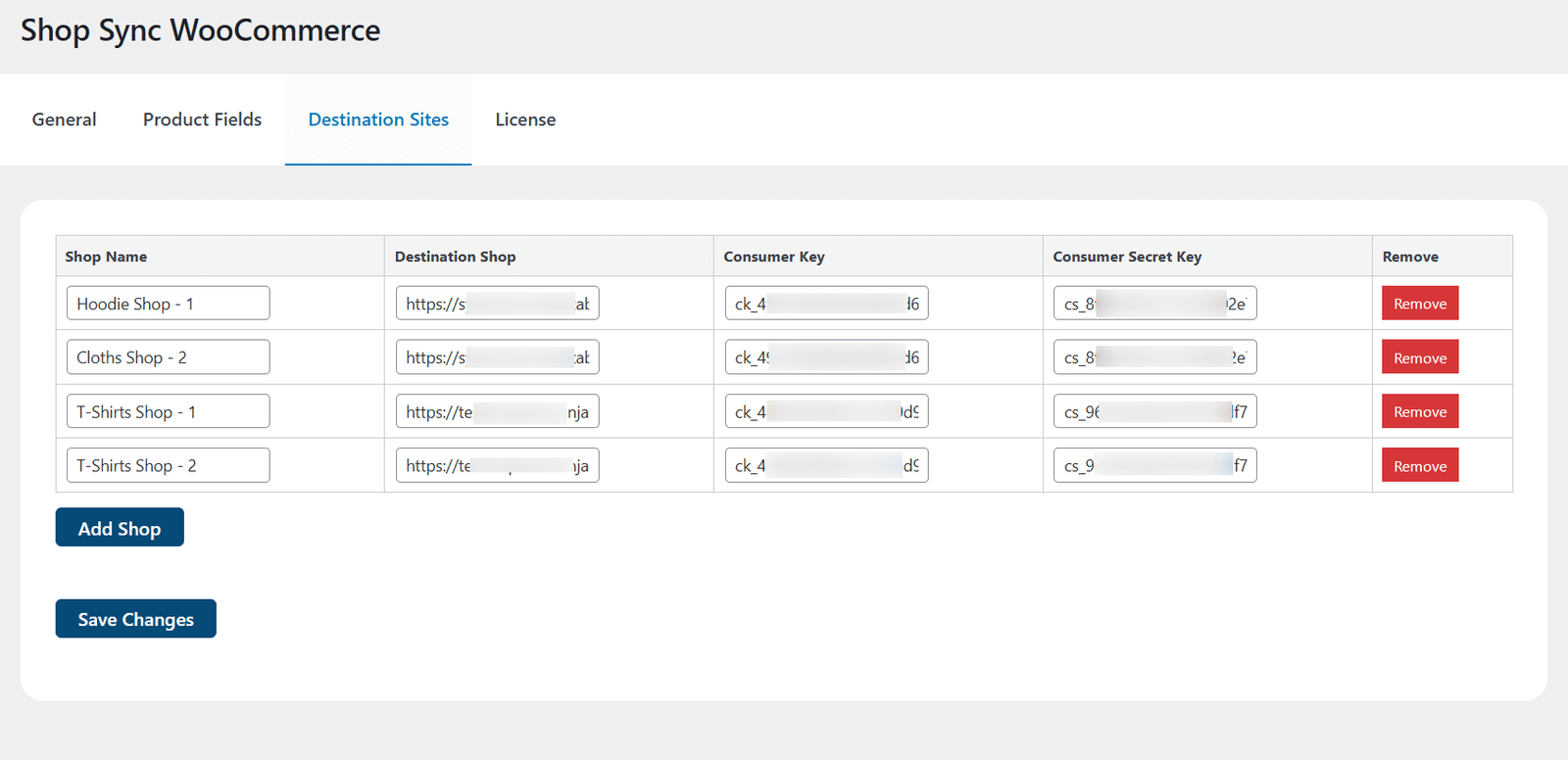
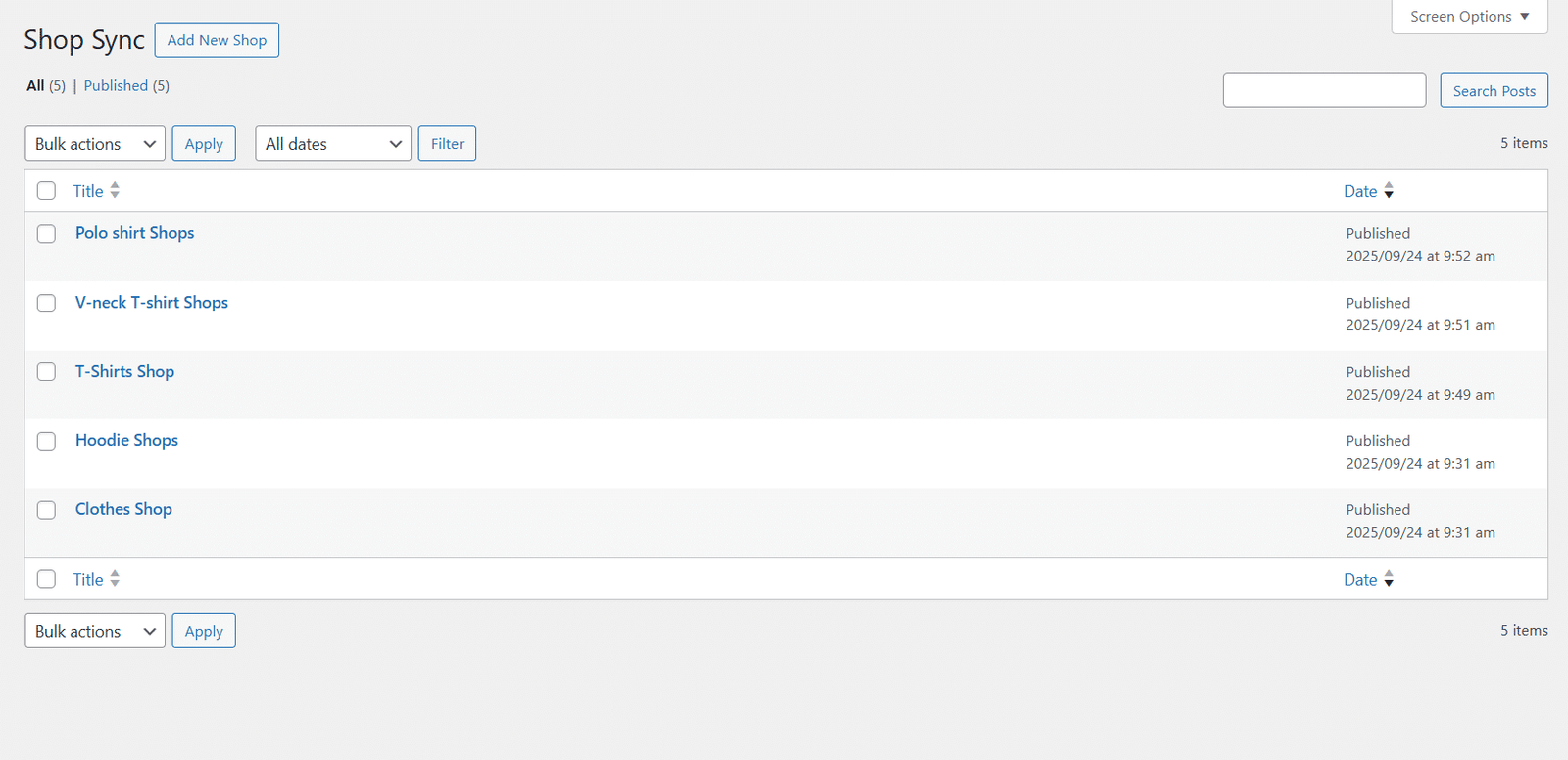
Add and manage many child sites right from your main dashboard. Each site has its own name and unique keys, so you can update products on one site without changing anything on the others.
Get The Plugin Now!
License for 1 site
1 year technical support & updates
Full documentation
Support forum
License for 3 sites
1 year technical support & updates
Full documentation
Support forum
License for sites
1 year technical support & updates
Full documentation
Support forum
Are You interested In Full Access Pass?
Get NowProducts and Orders Sync for WooCommerce Screenshots
What Our Happy
Customer Says

A terrific company with great plug-ins. I needed support for trying to figure out some functionality, and it went like all Support should go. I asked the question and I got a timely and thorough response. Keep up the good work everyone!

WooNinjas provided great customer service to me to solve an issue uploading quizzes into my website. They responded quickly and located and resolved the issue very well.

Great customer service, we had issues but the Wooninjas team didn’t give up and were very helpful in fixing my issue.

The plugins offered by the company are fantastic and their support team is the best, I have had the opportunity to use LearnDash Certificate Verify and Share and I am very satisfied with the results obtained. I highly recommend them.
Build Your Bundle & Save 20%
Pick any 3+ add-ons from the same category and get 20% off automatically at checkout. No coupons and extra steps required. Just choose the features you need and save instantly.
FAQ’s
We’re here to help.
Currently, the “Products and Orders Sync for WooCommerce” add-on only supports 2 WooCommerce product types, which are “Simple product” and “Variable product” respectively.
Currently, the “Products and Orders Sync for WooCommerce” add-on only supports the syncing of Default WooCommerce Product Data Fields like Product Title, Long Description, Short Description, Categories, Product Image, Product Gallery, and Product Type etc.
The “Sync All Products on All Sites” option is used to manually run the syncing functionality (one-time) for all your multi-store networks (created in the Shop Sync sub-menu) with the “Sync Type” – “Sync By Products” option selected in them.
It depends completely on the number of products, product types (simple or variable), the number of variations in each variable product is the key factor and the number of orders you want to sync between your parent site and child site(s), your bandwidth, and other server resources being utilized.
The “Products and Orders Sync for WooCommerce” add-on requires the WooCommerce plugin to be installed before activating it.
Still have questions?
Contact us and we will clear up your doubts!

